

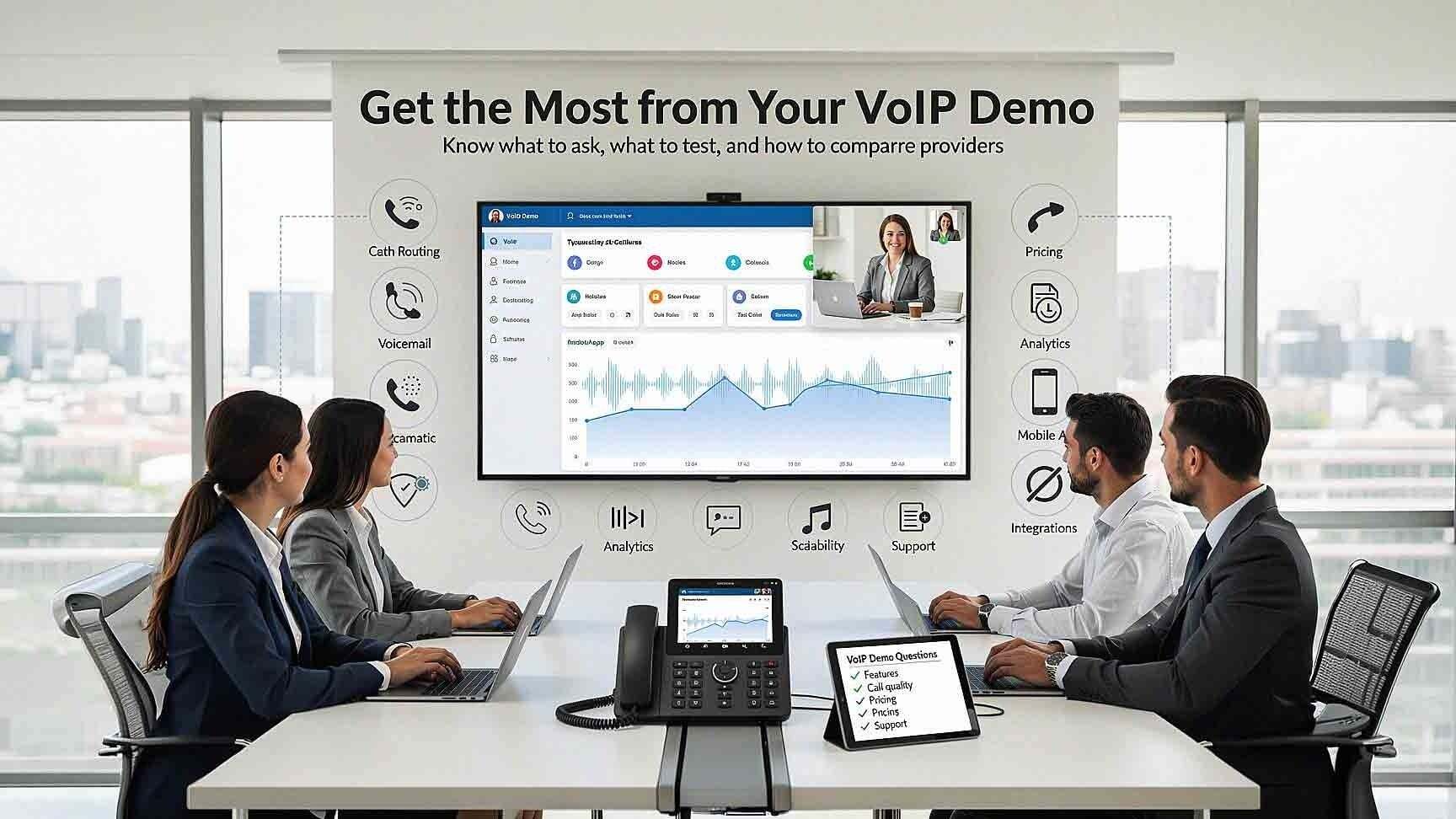
A VoIP demo is often polished. The interface looks clean. The features seem impressive. The sales presentation flows smoothly.
Then the phone system goes live, and reality sets in.
Routing is confusing. Reporting feels limited. Call quality varies. Pricing details were not fully understood.
The problem is rarely the demo itself. The problem is how the demo was approached.
Knowing how to get the most from your VoIP demo helps you evaluate real performance, scalability, and total cost before you ever sign a contract. This guide walks you through every section of a VoIP demo that actually matters — and the specific questions you need to ask in each one.
What a VoIP Demo Should Actually Show You
Before getting into tactics, it helps to understand what you are actually evaluating.
VoIP (Voice over Internet Protocol) transmits digital voice data over the internet rather than through the traditional public-switched telephone network (PSTN) used by legacy landlines. That distinction matters because everything from call quality to security to scalability works differently on a VoIP platform. A good demo should reflect those differences — not paper over them with marketing slides.
If a demo spends more time on branded screenshots than on live system interactions, that is your first warning sign.
Define Your Goals Before the Demo Starts
Walking into a VoIP demo without clear priorities leads to distraction. You end up nodding along to features that sound impressive but may have nothing to do with your actual workflow.
Before the demo, define:
- Current pain points — What is broken or frustrating about your existing phone setup?
- Required features — What must the system do on day one?
- Call volume patterns — How many calls per day? Peak hours? Department breakdowns?
- Remote and hybrid work needs — How many employees work off-site or from home?
- Integration requirements — Does the system need to connect with your CRM, helpdesk, or Microsoft 365?
- Budget expectations — What is your per-user range, and what counts as an unacceptable add-on fee?
If you do not define what success looks like before the demo begins, every feature will feel equally important. A structured goal list keeps the demo focused and gives you a consistent framework for comparing multiple vendors.

Ask to See Real Call Flows, Not Slides
Many demos lean heavily on slide presentations. That tells you what the system can theoretically do — not how it actually works.
Instead, request a live walkthrough of:
- Auto attendant setup and menu structure
- Call routing logic between departments or locations
- Voicemail configuration and message access
- User extension management
- Call forwarding and overflow rules
Better yet, ask the presenter to build or adjust a call flow in real time based on a scenario you describe. This reveals whether the system is intuitive or layered in unnecessary complexity. If the sales rep hesitates or says "we can show you that after implementation," take note.
Test Call Quality During the Demo
Call quality is foundational. Everything else is secondary if your team sounds like they are calling from a tunnel.
During the demo, request:
- A live call test using the actual platform
- Internal and external call examples
- A mobile app call demonstration
- A conference call sample with multiple participants
While listening, pay attention to:
- Latency — Is there a noticeable delay between speaking and being heard?
- Jitter — Does audio break up or stutter?
- Echo or distortion — Does the voice sound unnatural?
- Call drops — Does the connection hold for the full test?
According to TechRepublic, optimal business voice quality requires latency under 100–150 ms, jitter below 20–30 ms, and packet loss less than 1%. These are measurable benchmarks — not guesses. If the vendor cannot speak to these numbers or refuses to run a real call test, that is a red flag.
VoIP performance does depend on your network infrastructure, but the platform itself should demonstrate consistent clarity under normal conditions. Call quality should never be assumed.
Review Call Analytics and Reporting in Detail
Reporting often determines the long-term value of a phone system. For managers tracking team performance, client response times, or missed call patterns, weak analytics creates blind spots.
Ask to see:
- Real-time dashboards
- Missed call reports
- Call duration and volume tracking
- Department-level and individual agent analytics
- Export options (CSV, PDF, or API access)
If call analytics are tied to your KPIs, the demo should include actual report examples — not mockups. Ask what the data refresh rate is. Ask whether you can filter by date range, department, or individual user. Ask whether reports are accessible to managers without IT support.
Do not settle for vague descriptions. Request to see real reports generated from the live system.
Evaluate User Management and Scalability
Growth affects phone systems quickly. A system that handles your current team size needs to handle your team size in 18 months without a full re-implementation.
During the demo, ask:
- How do you add a new user? Walk through the actual process, not a summary.
- How do you remove or deactivate a user? What happens to their call history and voicemail?
- How are licenses assigned? Is it seat-based, usage-based, or something else?
- How quickly can users be provisioned? Hours? Days?
- How does pricing change as you scale? Are there tier thresholds that trigger a pricing shift?
Cloud-based phone systems should allow simple user adjustments without requiring a technician on-site. If adding a user during the demo requires multiple support tickets or admin approvals, it will feel worse after deployment.
Explore Security Features Directly
Security is often touched on briefly in demos and deserves far more attention than it usually gets.
Business phone systems are internet-connected assets. That means they are exposed to the same threat surface as your email platform, your CRM, and your network. Toll fraud, unauthorized access, and call interception are real risks for SMBs — not just large enterprises.
Ask to review:
- Multi-factor authentication (MFA) settings for admin and end-user accounts
- Admin role permissions — who can change routing, access recordings, or modify billing?
- International call restrictions — can you block outbound international dialing by default?
- Fraud detection alerts — does the system flag unusual call patterns in real time?
- Encryption configuration — is call data encrypted in transit and at rest?
If the vendor glosses over these questions or treats them as edge cases, that is worth factoring into your decision. Security clarity during the demo reflects security discipline in the product.
Test Mobile and Remote Functionality
Hybrid work is the baseline for most businesses in 2026. Your phone system needs to work as well on a mobile device or laptop as it does on a desk phone.
Ask to see:
- Live mobile app usage during the demo
- Call transfer between a desk phone and a mobile device
- Remote login and softphone setup
- Presence indicators (so your team knows who is available)
- Call handling when someone is away from their desk
A strong VoIP demo should show seamless transitions between devices without noticeable lag or quality degradation. If the mobile experience feels like an afterthought — limited features, clunky interface, or separate login — your remote employees will feel that every day.
Clarify Pricing Structure in Detail
Pricing discussions often feel rushed at the end of a demo. That is not an accident. Clarify everything before you leave the call.
Ask for specifics on:
- Per-user monthly cost at your current team size
- What is included in the base plan versus add-ons
- Add-on fees for features that were shown during the demo
- International call rates if your business makes any outbound international calls
- Contract length and what happens if you need to exit early
- Annual price increases — are there caps, or is pricing subject to change at renewal?
- Hardware costs — are desk phones included, leased, or purchased separately?
Ask for a pricing breakdown in writing before the demo ends. Low introductory pricing often increases after the first year. Understanding the total cost of ownership over a 24- or 36-month period prevents surprises and helps you make an honest comparison between vendors.
Ask About Support and Response Time
The platform matters. Support matters more.
A phone system outage is not a minor inconvenience. For businesses that depend on inbound calls for sales or service, every missed call has a direct cost.
During the demo, ask:
- Is support local, regional, or outsourced?
- What are the support hours? Is 24/7 support available?
- What is the average response time for a P1 (system-down) issue?
- Is there a dedicated account manager, or does support go to a general queue?
- What does the onboarding process look like after signing?
At AIS, our clients have a dedicated account manager and access to local support around the clock. That is part of why our average client relationship exceeds seven years. Support is not a secondary feature — it is part of the product.
Bring Your Own Scenarios to the Demo
One of the most effective things you can do in any VoIP demo is bring your own use cases.
Describe a real situation your team faces:
- "We have a spike in inbound calls every Monday morning. Show me how you would route those."
- "One of our receptionists is out sick. Show me how we redirect calls without calling IT."
- "A sales rep is traveling. Show me how they handle a call on their phone and transfer it to someone in the office."
Real scenarios reveal real gaps. A system that handles your specific workflow during the demo will likely handle it after go-live. A system that struggles or defers those scenarios to post-implementation will struggle there too.
FAQ: VoIP Demos and Business Phone Evaluation
What should I look for in a VoIP demo as a first-time buyer?
Focus on call quality, ease of use, user management, and pricing transparency. Ask for live demonstrations of features rather than slide-based overviews. Bring a short list of your current pain points and ask the presenter to show how the system addresses each one directly.
How long should a VoIP demo take?
A thorough VoIP demo typically runs 45 to 75 minutes when conducted properly. Shorter demos often skip important sections like security, analytics, and support. If a vendor offers only a 20-minute overview, request a follow-up focused on the areas you care most about.
Can I test call quality during a demo if I'm on a video call?
Yes, but ask the vendor to initiate a separate voice-only call through the platform itself — not through your video conferencing software. That gives you a true sample of VoIP call quality. Ask them to demonstrate both an internal extension-to-extension call and an outbound call to an external number.

What VoIP network requirements should I check before the demo?
For reliable business VoIP, TechRepublic recommends targeting latency under 100–150 ms, jitter below 20–30 ms, and packet loss under 1%. Before your demo, run a basic internet speed test and ask your vendor if they offer a pre-deployment network assessment.
How do I compare VoIP pricing between vendors fairly?
Request a written quote that includes per-user cost, all included features, add-on fees, hardware costs, contract length, and renewal terms. Compare the total cost over 24–36 months — not just the monthly base rate. Low introductory pricing sometimes increases significantly at renewal.
Is VoIP secure enough for a small or mid-sized business?
Yes, when configured correctly. Look for platforms that include multi-factor authentication, role-based admin permissions, call encryption, and fraud detection alerts. Ask the vendor to walk through their security settings during the demo rather than treating security as a post-sale conversation.
What questions should I ask about VoIP support before signing?
Ask whether support is local or outsourced, what the hours of availability are, what the average response time is for urgent issues, and whether you will have a dedicated account manager. The answers tell you a lot about how the vendor treats clients after the contract is signed — not just during the sales process.
The Demo Is Your Best Chance to Get It Right
A VoIP demo is not just a sales presentation. It is your opportunity to stress-test a system before your team depends on it every day.
Ask harder questions. Bring real scenarios. Demand live demonstrations. Request pricing in writing.
The vendors who welcome that approach are the vendors worth trusting.
If you want to see how AIS approaches VoIP demos — with no pressure, no rushed pricing, and full transparency — we would be glad to walk you through a platform like Intermedia or RingCentral on your terms.
Schedule a Free Consultation and find out what a business phone system that actually fits your team looks like.
Or reach out directly — Contact AIS Today — and let's start the conversation.
Topics:
