

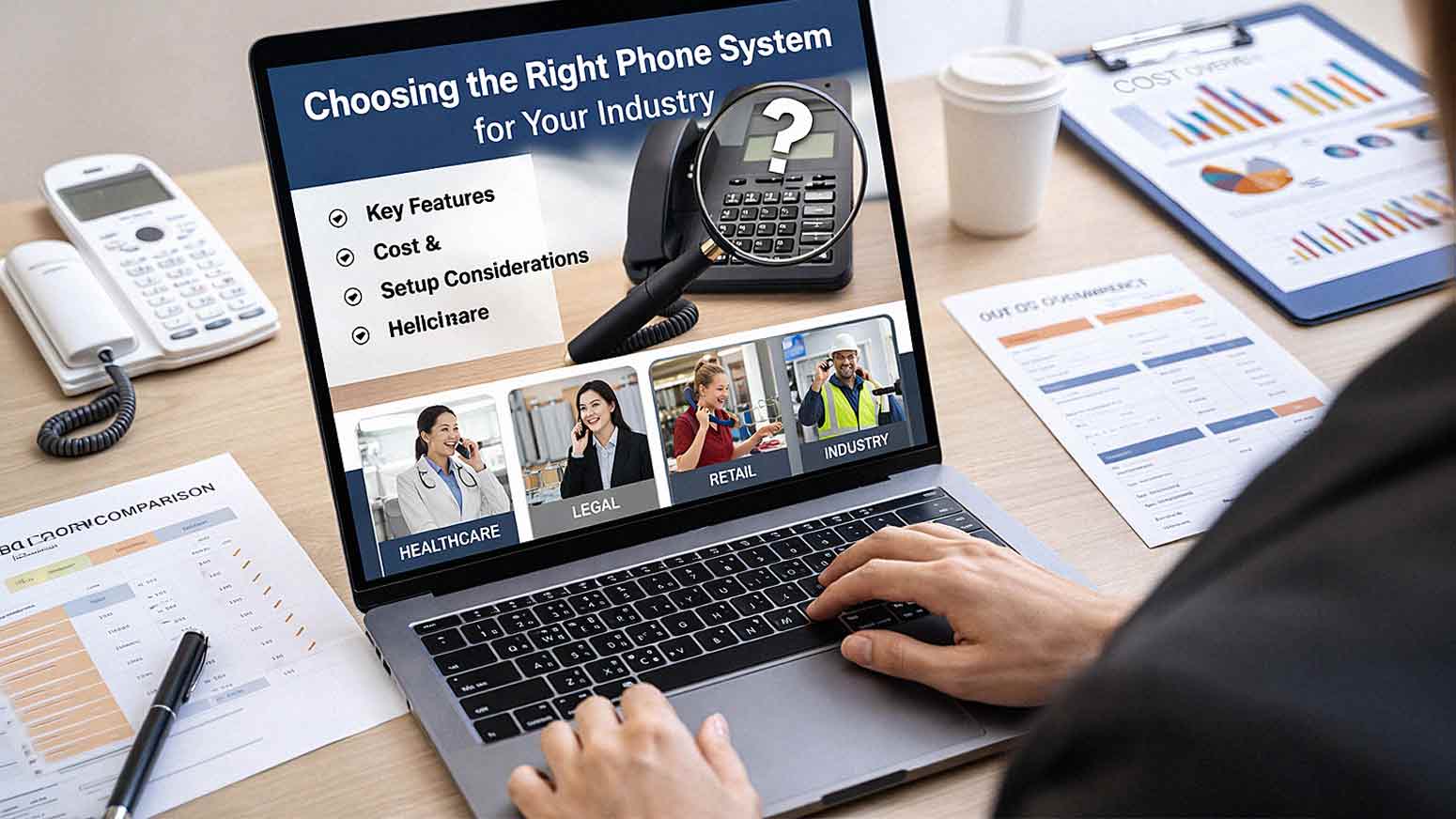
Not every business uses a phone system the same way.
A medical office handles patient calls, appointment reminders, and scheduling coordination. A law firm manages confidential client conversations and needs airtight call documentation. A retail business needs fast, high-volume call handling so customers aren't left on hold. A school district has to route calls across multiple departments while keeping emergency communication lines open.
If you choose a phone system without considering how your specific industry operates, you'll likely end up with missing features, poor call management, or a system that costs more than it should. Worse, you'll be constantly working around its limitations instead of letting it support your team.
This guide breaks down exactly what different industries need in a business phone system in 2026 — and what features to prioritize when you're making this decision.
What Every Business Phone System Should Provide
Before we get into industry-specific requirements, it's worth establishing a baseline. Regardless of what you do or who your customers are, every business phone system should include:
- Reliable call quality — dropped calls and choppy audio aren't just annoying; they cost you credibility
- Call routing and auto attendants — directs callers to the right person or department without requiring a dedicated receptionist
- Voicemail and messaging — including voicemail-to-email transcription so nothing falls through the cracks
- Mobile and remote access — your team shouldn't be tethered to a desk to take business calls
- Call reporting and analytics — so you can see call volume, response times, and team performance
These are the non-negotiables. From here, your industry shapes everything else.
Healthcare: Secure, Reliable, and Patient-Focused Communication
What Healthcare Organizations Need
Healthcare communication isn't just about answering phones quickly — it's about doing it securely. Patient information is protected under strict regulations, and your phone system needs to support that standard, not work against it.
Key priorities for healthcare businesses include:
- Secure call handling that protects patient information
- Appointment scheduling integration with your practice management software
- High call reliability — especially for urgent patient inquiries
- Call logging for documentation and compliance purposes
Recommended Features for Healthcare
- Encrypted VoIP communication
- Call recording with compliance controls
- Voicemail-to-email for fast follow-up
- Multi-location call routing for practices with more than one site
- Integration with electronic health record (EHR) systems
Healthcare environments leave no room for communication gaps. When a patient calls with a concern or needs to confirm an appointment, a missed call or poor audio quality has real consequences. Cloud-based VoIP systems have become the standard in this space because they offer both the security controls and the reliability that traditional landlines often can't match in 2026.

Legal: Confidentiality, Documentation, and Mobility
What Law Firms Need
Law firms handle some of the most sensitive conversations that exist in any business environment. Attorney-client privilege isn't just an ethical standard — it's a legal one. Your phone system has to reflect that.
Key priorities for legal professionals include:
- Confidential communication with access controls
- Detailed call tracking and logging for case management
- Reliable message delivery so nothing gets missed
- Remote access for attorneys working from home, court, or client sites
Recommended Features for Legal
- Call recording with access controls (only authorized users can retrieve recordings)
- Secure voicemail systems
- Mobile apps for remote attorneys
- Detailed call logs tied to client matters
- Integration with legal case management platforms
Clear documentation does more than keep you organized — it protects you. When a client disputes what was discussed, a well-documented call log is your best defense. The right phone system turns routine communication into an auditable record.
Retail: Speed, Volume, and Customer Experience
What Retail Businesses Need
In retail, the phone is often the first touchpoint a customer has with your business. If they're calling to check inventory, ask about a return, or inquire about store hours, they want a fast answer. Long hold times and confusing menus lose customers before a conversation even starts.
Key priorities for retail businesses include:
- Quick call answering — minimal hold times
- High call volume handling — especially during peak seasons
- Customer inquiry management for orders, inventory, and returns
- Simple, intuitive interfaces so staff can learn the system fast
Recommended Features for Retail
- Auto attendants for immediate call routing
- Call queues for high-volume periods like holidays and sales events
- Mobile integration so store managers can stay connected on the floor
- Simple user interfaces that reduce training time
Speed and accessibility are the priorities here. When your system slows your team down, it slows your customers down — and they'll notice.
Professional Services: Flexibility and Always-On Accessibility
What Professional Service Firms Need
Professional services firms — think consultants, financial advisors, marketing agencies, and architects — often operate across multiple locations or in hybrid work environments. Your team might be split between an office, client sites, and home. The phone system has to keep up.
Key priorities for professional services include:
- Remote and hybrid work support
- Mobile communication that mirrors desk phone functionality
- Client accessibility — clients should always be able to reach the right person
- Flexible call routing that adapts to your team's schedules
Recommended Features for Professional Services
- Cloud-based VoIP systems with mobile apps
- Call forwarding and custom routing rules
- Integration with CRM systems like Salesforce or HubSpot
- Video conferencing — Forbes notes that some UCaaS platforms like Vonage offer unlimited meetings for up to 100 participants, which is worth factoring in for client-facing firms
- Presence indicators so colleagues know who's available
Flexibility isn't optional here — it's your operating model. A system that locks your team to a desk defeats the purpose of a modern professional services business.
Manufacturing and Logistics: Reliability and Operational Coordination
What Manufacturing and Logistics Businesses Need
On the floor, in the warehouse, or across a distribution network — communication delays don't just create frustration, they affect production schedules and shipping timelines. Operational environments need phone systems built for reliability, not just convenience.
Key priorities include:
- Reliable internal communication between departments and shifts
- Coordination across multiple locations and facilities
- Minimal downtime — a system failure during a shift change is a serious operational problem
- Durability — equipment in these environments takes more physical wear
Recommended Features for Manufacturing and Logistics
- Paging and intercom features for floor communication
- Multi-site call routing
- Durable desk phones and cordless options for floor staff
- Redundant communication options to prevent outages
- Mobile integration for warehouse managers on the move
The goal in these environments isn't bells and whistles — it's uptime and coordination. A system that keeps every shift connected, from the front office to the shipping dock, pays for itself quickly.
Education: High Volume, Department Routing, and Safety
What Schools and Educational Institutions Need
School offices handle an enormous volume of calls — from parents checking on absences to facilities coordinating maintenance to administrators routing district-wide communications. And unlike most industries, schools also have emergency communication requirements that simply can't fail.
Key priorities for educational institutions include:
- High call volume handling across multiple departments
- Department-based routing so calls reach the right office
- Emergency communication features — fast, reliable broadcast capability
- Budget-conscious options — most schools work within tight budget constraints
Recommended Features for Education
- Automated call routing by department
- Broadcast and intercom messaging for school-wide announcements
- Emergency notification integration
- Scalable systems that can grow with district needs
- Simple administration so non-technical staff can manage the system
Safety communication is non-negotiable in educational settings. Any system you consider needs to demonstrate exactly how it handles emergency broadcasts before you sign a contract.
How to Evaluate Your Options: A Practical Checklist
Regardless of your industry, here's a quick checklist to use when evaluating any business phone system:
- [ ] Does it meet my industry's compliance and security requirements?
- [ ] Can it scale as my team grows?
- [ ] Does it integrate with the software tools I already use?
- [ ] Is mobile access included — not just available as a costly add-on?
- [ ] What does support look like if something breaks?
- [ ] What's the total cost of ownership, including hardware, licensing, and support?
- [ ] Can I get a demo or trial before committing?
These questions will surface issues early and prevent a costly mismatch between what you need and what you're paying for.
Frequently Asked Questions About Choosing a Business Phone System
1. What's the difference between VoIP and a traditional phone system?
VoIP (Voice over Internet Protocol) routes calls over your internet connection rather than a traditional phone line. Most business phone systems in 2026 are VoIP-based because they're more affordable, easier to scale, and offer features — like call recording, mobile apps, and CRM integration — that traditional landlines simply can't match.
2. Is a cloud-based phone system secure enough for healthcare or legal?
Yes, when configured correctly. Look for systems with end-to-end encryption, role-based access controls, and compliance certifications relevant to your industry (like HIPAA for healthcare). Not all VoIP systems are created equal on this front — ask vendors directly about their compliance capabilities before you commit.
3. How many employees do I need before it makes sense to upgrade my phone system?
There's no hard threshold. Even a team of five can benefit significantly from a well-configured VoIP system with auto-attendants, mobile access, and call routing. The real question is whether your current system is creating friction for your team or your customers.
4. Can I keep my existing phone numbers when switching systems?
In most cases, yes. Number porting allows you to transfer your existing business phone numbers to a new provider. The process typically takes a few business days. Confirm this with your provider before signing anything to avoid any communication gaps during the transition.
5. What's UCaaS, and do I need it?
UCaaS stands for Unified Communications as a Service. It combines voice, video, messaging, and collaboration tools into a single platform. If your team regularly holds video meetings, uses chat tools, and makes calls — all in the course of a normal workday — UCaaS consolidates those into one system and often reduces your overall software spend.

6. How much does a business phone system cost in 2026?
Pricing varies widely depending on the platform, number of users, and features included. Cloud-based VoIP systems typically range from $20 to $50 per user per month for mid-range plans. Enterprise UCaaS platforms can run higher. Hardware (desk phones, headsets) adds to upfront costs if you need it. Always ask for a full cost breakdown — not just the per-seat price.
7. What should I ask a phone system provider before signing a contract?
Ask about: uptime guarantees, support hours (24/7 or business-hours only?), contract length and exit terms, included features vs. paid add-ons, number porting, and integration with your current software. A provider who hesitates on any of these is worth approaching with caution.
The Bottom Line: Your Industry Shapes Your Communication Needs
A one-size-fits-all phone system rarely fits anyone particularly well. The features a medical practice needs for secure patient communication are different from what a logistics company needs for floor-to-office coordination — and both are different from what a law firm needs for documented client conversations.
The good news is that modern VoIP and UCaaS platforms are flexible enough to serve most of these requirements when configured properly. The key is knowing what your industry demands before you start comparing options — so you're evaluating systems on the criteria that actually matter to your business.
At AIS, we work with businesses across Las Vegas, Southern California, and surrounding regions to find and implement the right phone system for how they actually operate. We carry solutions from Intermedia and RingCentral, and our team takes the time to understand your industry before recommending anything.
If you're not sure whether your current system is serving your business the way it should, let's talk.
Schedule a Free Consultation — we'll help you figure out exactly what your team needs.
Contact AIS Today — reach our team directly and get answers without the runaround.
Topics:
