

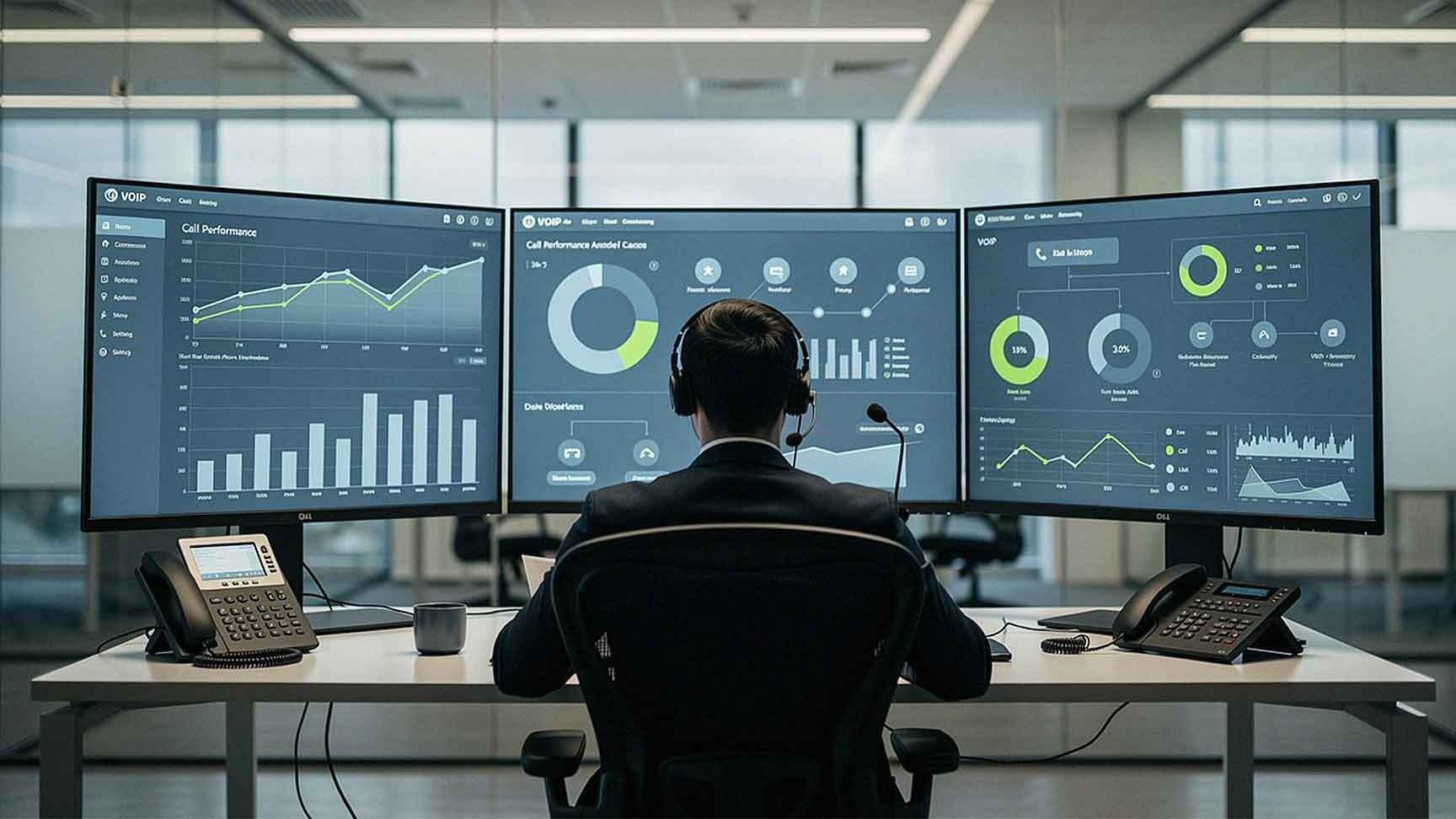
Your phone system is generating data every single day.
Inbound calls. Outbound calls. Missed calls. Call duration. Hold times. Transfers. Abandoned calls. Every interaction leaves a trail of information that tells a story about how your business communicates — and where it's falling short.
Most businesses never look at this data. They focus on whether calls are *working*, not on how calls are *performing*. That's a costly blind spot. It leaves efficiency gaps, missed revenue, and accountability problems sitting right under the surface.
Call analytics changes that. It turns raw phone data into actionable insight that helps you make smarter decisions about staffing, routing, training, and customer experience. When used properly, call analytics boosts workflows across sales, support, operations, and leadership — all without adding headcount or overhead.
Let's break down exactly how.
What Are Call Analytics?
Call analytics are the reporting and measurement tools built directly into modern VoIP and cloud phone systems. They track, record, and surface data around every call activity that passes through your phone environment.
According to Forbes, call analytics helps businesses "not just understand what is currently happening with their call center operations but what they can expect in the future." That forward-looking capability is what separates a reactive business from a proactive one.
Common Call Analytics Metrics Include:
- Call volume by time and date
- Missed call rates by department and user
- Average answer time
- Call duration
- Hold time
- Transfer frequency
- Call abandonment rate
- IVR (Interactive Voice Response) path data
- User and team performance metrics
Each of these data points tells you something specific about how communication flows through your organization — and where friction is showing up.
How Call Analytics Improves Response Time
Identifying Missed Call Patterns
Missed calls are often invisible problems. Unless a customer complains or follows up, you may never know a call was dropped. Call analytics makes the invisible visible.
With the right reporting, you can see:
- Peak hours when missed calls spike
- Which departments are consistently missing calls
- Individual users with high missed-call rates
- After-hours call trends that signal unmet demand
Once you have this data, you can make targeted adjustments — changing staffing schedules, rerouting calls to backup queues, or setting up auto attendant messages during high-traffic windows. Reducing missed calls directly improves both customer experience and revenue capture.
Measuring Average Answer Time
Slow answer times create friction and frustration. But without data, you're guessing at where the slowdown actually lives.
Tracking average answer time lets leadership:
- Identify which departments are lagging
- Reassign call routing to faster-available staff
- Redesign auto attendant flows to reduce unnecessary steps
- Adjust staffing levels during high-volume periods
Shaving even 30 seconds off average answer time can have a measurable impact on customer satisfaction scores and first-contact resolution rates.
Improving Sales Workflows With Call Analytics
Sales teams live on the phone. For many SMBs, outbound call activity is directly tied to pipeline velocity and close rates. Call analytics gives sales leadership real data to coach against — not just anecdotes.
Here's what analytics surfaces for sales workflows:
- Outbound call volume by rep and team
- Follow-up frequency after initial contact
- Call duration trends — are reps spending enough time in conversation?
- High-performer benchmarks — what does a top rep's call behavior actually look like?
When your sales KPIs include call activity targets, analytics provides measurable accountability. You can compare call data alongside CRM conversion rates to find real patterns. For example, reps who follow up within the first hour of a lead inquiry may close at significantly higher rates than those who wait. Call analytics gives you the evidence to act on that insight.
It also removes subjectivity from coaching conversations. Instead of "you need to make more calls," a manager can say "your outbound volume is 40% below team average on Thursdays — let's figure out why."
Enhancing Customer Service Operations
Customer service departments feel the impact of call analytics almost immediately. The data doesn't just highlight problems — it tells you exactly *where* in the call journey things are breaking down.
Key improvements include:
- Monitoring hold times to catch unacceptable wait thresholds before customers complain
- Tracking abandoned calls — if customers are hanging up before reaching an agent, something in the routing or staffing is broken
- Identifying transfer loops — calls that bounce between departments signal routing design failures or training gaps
- Measuring call resolution time — longer calls aren't always better; they may indicate agents struggling with certain issue types
TechRepublic notes that IVR analytics specifically "helps companies understand patterns and trends in customer behavior" and identifies "inefficient call flows and customer service bottlenecks." That's exactly the kind of granular insight that customer service managers need to make improvements that customers actually notice.
When you can see that 20% of your inbound calls are abandoned before the five-minute mark, that's a workflow problem with a data-backed fix.

Optimizing Staffing and Scheduling
One of the most practical workflow benefits of call analytics is workforce alignment. Phone volume doesn't stay constant — it ebbs and flows based on time of day, day of week, season, and even marketing campaign activity.
Without analytics, staffing decisions are educated guesses at best. With call data, you can make scheduling decisions based on actual volume patterns.
With historical call analytics, you can:
- Adjust shift schedules to match peak call windows
- Reduce overstaffing during consistently slow periods, cutting unnecessary payroll expense
- Add coverage ahead of predictable spikes — quarter-end, seasonal promotions, product launches
- Plan for marketing-driven volume by correlating call spikes with campaign go-live dates
This makes your team leaner and more responsive at the same time. That's a real operational win.
Reducing Internal Transfer Friction
Nothing frustrates a caller faster than being transferred three times before reaching the right person. And nothing frustrates an employee faster than spending half their day routing calls they shouldn't be handling.
Call analytics identifies exactly where transfer friction is occurring.
Analytics reveals:
- Which departments are initiating the most transfers
- How many transfers occur per individual call
- Where routing breakdowns repeat consistently
Excessive transfers often point to one of three root causes:
1. Poor auto attendant design — callers can't find the right option
2. Inadequate staff training — agents don't know where to route specific issue types
3. Incorrect call routing logic — the system is sending calls to the wrong queues
Fixing any one of these issues improves workflow clarity, shortens call handle time, and reduces caller frustration. Analytics tells you which of the three you're actually dealing with.
Supporting KPI Tracking With Call Data
Call analytics connects directly to the business KPIs that matter most to leadership. This is where analytics moves from an operational tool to a strategic one.
Relevant performance metrics include:
- Customer response time — are you meeting internal SLAs?
- First-call resolution rate — are issues getting solved without callbacks?
- Sales call volume — is the team executing on outbound targets?
- Conversion timing — how does speed-to-contact affect close rates?
- Call abandonment rate — are customers giving up before they reach you?
Aligning call analytics with these KPIs turns your phone system into a measurable performance tool — not just a utility. Leadership can hold teams accountable to real numbers, and teams can identify the specific behaviors that drive results.
What to Look for in a Call Analytics Platform
Not all VoIP and cloud phone systems offer the same depth of analytics. When evaluating platforms, look for:
- Real-time dashboards that give managers live visibility into call queues and agent availability
- Historical reporting with customizable date ranges
- User-level reporting so you can track individual performance without manual logging
- IVR path analytics to evaluate how customers are moving through your auto attendant
- CRM integration so call data enriches your existing sales and service records
- Alert and threshold settings so managers get notified when key metrics fall outside acceptable ranges
Solutions like RingCentral and Intermedia — both offered through AIS — include robust analytics built directly into the platform. You don't need a separate reporting tool. The data is already there; you just need to start using it.
Frequently Asked Questions About Call Analytics
1. Do I need a call center to benefit from call analytics?
No. Call analytics benefits any business that handles a meaningful volume of phone calls — whether that's 20 calls a day or 2,000. Even small teams with a handful of phone lines can use analytics to improve routing, staffing, and response time.
2. How hard is it to set up call analytics reporting?
With modern cloud phone platforms, setup is typically straightforward. Dashboards are built into the system. You define the metrics you want to track, set your reporting intervals, and the system does the rest. Your AIS account manager can help configure reporting to match your specific business goals.
3. Can call analytics help with remote or hybrid teams?
Absolutely. In fact, call analytics is especially valuable for distributed teams. Managers can monitor remote employee call activity, response times, and volume just as effectively as they can for on-site staff — without micromanaging.
4. How does IVR analytics differ from general call analytics?
IVR analytics specifically tracks how callers interact with your auto attendant menu — which options they select, where they drop off, how often they reach a dead end or opt out to a live agent. It's a subset of call analytics focused on the automated portion of the call journey. As TechRepublic notes, it's particularly useful for identifying bottlenecks in customer-facing call flows.
5. Can call analytics integrate with my CRM or helpdesk?
Yes, in most cases. Platforms like RingCentral integrate with Salesforce, HubSpot, Zendesk, and other major CRM and helpdesk tools. Call data can auto-log in your CRM records, giving sales and service teams context without manual entry.
6. Is call analytics included with VoIP phone systems, or is it a paid add-on?
This depends on the platform. Many cloud phone systems include a baseline level of analytics at no additional cost, with more advanced reporting available in higher-tier plans. AIS can walk you through what's included in each option and what makes sense for your team size and call volume.

7. How do I know if my business is ready to start using call analytics?
If your team handles more than a handful of calls per day and you have no systematic way of tracking response time, missed calls, or call volume patterns, you're already ready. The data is being generated whether or not you're looking at it. The question is whether you want to use it.
Start Getting More From Your Phone System
Your phone system is one of the most data-rich tools in your business — and most companies barely scratch the surface of what it can tell them.
Call analytics gives you visibility into the gaps, the inefficiencies, and the opportunities that are already present in your communication workflows. Whether you're trying to reduce missed calls, improve customer service response times, hold your sales team accountable, or simply staff smarter — the data is there. You just need the right platform and the right setup to access it.
AIS has helped businesses across Las Vegas, Southern California, and surrounding regions get more out of their phone systems for years. With solutions from RingCentral and Intermedia, and a team that's with you every step of the way, we make it straightforward.
Ready to see what your phone data is telling you?
👉 Schedule a Free Consultation — and let's take a look at what your current phone system is — and isn't — doing for your workflows.
👉 Contact AIS Today — our team is ready to help you find the right telecom solution for your business.
Topics:
