

Many businesses switch to VoIP expecting clear, reliable communication. When calls sound fine most of the time, performance rarely gets questioned. Then the problems start.
Voices cut out. Calls drop. Audio echoes. Customers complain. Employees repeat themselves. And suddenly, what felt like a modern communication upgrade starts feeling like a liability.
Without measuring VoIP quality metrics, troubleshooting becomes guesswork. Blame shifts between internet providers, phone vendors, and internal networks — and nothing gets resolved. Strong businesses measure performance proactively instead of reacting to complaints.
This article walks you through every major VoIP quality metric you should be tracking, what healthy benchmarks look like in 2026, and what to do when numbers fall out of range.
What Determines VoIP Call Quality?
VoIP relies entirely on network performance. Unlike traditional phone lines, voice data travels as packets across your network and internet connection. Call quality depends on:
- Network stability
- Bandwidth availability
- Latency levels
- Packet delivery consistency
- Device and codec configuration
If any of these variables degrade, audio quality suffers. The good news is that all of these variables are measurable. And what gets measured gets managed.
Metric 1: Latency
What Is Latency?
Latency measures the time it takes for voice data to travel from one endpoint to another. It's expressed in milliseconds (ms). High latency creates noticeable delays during conversations — you talk, the other person hears you a beat later, and both sides start talking over each other.
Acceptable Latency Levels in 2026
According to TechRepublic's 2026 VoIP performance guidance, the updated benchmarks for business voice scenarios are:
- Under 100–150 ms — ideal for natural, real-time conversation
- 150 to 300 ms — noticeable delay; acceptable in low-stakes situations, not recommended for customer-facing calls
- Over 300 ms — significantly disrupts conversation flow; investigate immediately
These thresholds have tightened slightly compared to older industry standards as business expectations for call clarity have increased and network infrastructure has improved.

What Causes High Latency?
- Network congestion during peak hours
- Insufficient upstream or downstream bandwidth
- Long or inefficient routing paths
- Outdated network hardware (routers, switches)
- Geographic distance between call endpoints
Monitoring latency regularly helps you identify whether an infrastructure upgrade or a routing change would resolve the problem.
Metric 2: Jitter
What Is Jitter?
Jitter measures the variation in packet arrival times. In a VoIP call, voice data is broken into small packets. Those packets need to arrive in the right order, at consistent intervals. When arrival timing varies too much, audio becomes distorted — that robotic, choppy sound your team complains about.
Acceptable Jitter Levels in 2026
Current guidance from TechRepublic places optimal business VoIP jitter thresholds at:
- Below 20–30 ms — optimal audio quality
- 30 to 50 ms — may cause minor distortion; worth investigating
- Above 50 ms — frequently produces choppy or fragmented audio; needs immediate attention
What Causes Jitter?
- Network congestion and competing traffic (especially video streaming)
- Lack of Quality of Service (QoS) configuration
- Unstable wireless connections
- Oversubscribed internet plans
One of the most effective fixes for jitter is QoS configuration, which tells your network to prioritize voice traffic above other data types. If you haven't configured QoS on your business network, you're likely experiencing jitter and attributing it to something else.
Metric 3: Packet Loss
What Is Packet Loss?
Packet loss occurs when voice data packets fail to reach their destination. Even small amounts of packet loss noticeably affect audio clarity — words go missing, sentences get clipped, and conversations start to feel exhausting.
Acceptable Packet Loss Levels
- 0% packet loss — ideal
- Up to 1% — generally tolerable for most business calls
- Above 1% — noticeably degrades call quality; consistently above 3% is a serious problem
Both TechRepublic and NIST research support the sub-1% threshold as the standard for high-quality VoIP performance. This hasn't changed much over time because human perception of audio gaps is fairly unforgiving — even small losses register.
Common Causes of Packet Loss
- Overloaded or congested networks
- Faulty Ethernet cables or connectors
- Weak or unstable Wi-Fi signals
- Misconfigured or underperforming routers
- ISP-level issues outside your control
Regular monitoring helps you isolate whether the problem is inside your network or upstream with your provider.
Metric 4: Mean Opinion Score (MOS)
What Is MOS?
The Mean Opinion Score is a standardized measure of perceived call quality, rated on a scale from 1 to 5:
- 5 — Excellent, broadcast-quality audio
- 4 — Good quality, minor imperfections not noticeable
- 3 — Fair quality, some impairments noticeable
- 2 or below — Poor quality, difficult to communicate effectively
MOS is powerful because it combines the effects of latency, jitter, and packet loss into a single human-perceived quality rating. Rather than watching three separate metrics, you get one number that reflects what callers actually experience.
The E-Model and MOS Accuracy
Research published by the National Institute of Standards and Technology (NIST) found that the E-model demonstrated the highest correlation with Mean Opinion Scores in VoIP systems. The E-model is particularly well-suited for real-time online monitoring because it's computationally simple and doesn't require access to the original audio signal. Most modern VoIP platforms and network monitoring tools use this approach under the hood.
Target MOS Score for Businesses
Most businesses should aim for a MOS score above 4.0. Scores that consistently fall between 3.5 and 4.0 indicate a problem worth investigating. Scores below 3.5 will likely generate regular complaints from employees and customers.
Metric 5: Bandwidth Utilization
Why Bandwidth Matters for VoIP
VoIP calls require dedicated bandwidth. The more concurrent calls your team makes, the more bandwidth your system consumes. Most VoIP codecs consume between 64 Kbps and 100 Kbps per active call, depending on compression settings.
If your business is running video conferencing, cloud applications, and file syncing on the same connection, VoIP traffic competes for resources — and audio quality takes the hit.
What to Watch For
- Consistent utilization above 80% — a warning sign that you're approaching capacity
- Sudden spikes during peak hours — can cause temporary quality degradation
- Asymmetric bandwidth problems — upload speed matters as much as download for VoIP
How to Fix Bandwidth Problems
- Upgrade your internet plan with your ISP
- Implement QoS rules to prioritize VoIP traffic
- Audit and eliminate unnecessary bandwidth consumers
- Consider SD-WAN solutions that intelligently route VoIP traffic
Metric 6: Call Setup Time
What Is Call Setup Time?
Call setup time measures how long it takes from when a call is initiated to when audio begins. Acceptable call setup time for a well-performing VoIP system is typically under 2 seconds.
Slow call setup times are often an early warning sign of server-side issues, network congestion, or SIP signaling problems. If your team regularly experiences delays before calls connect, this metric is worth adding to your monitoring dashboard.
Metric 7: R-Factor (Network Quality Indicator)
What Is the R-Factor?
The R-Factor is a network quality score derived from the E-model mentioned earlier. It runs on a scale of 0 to 100 and accounts for latency, jitter, packet loss, and other impairments. It translates directly into a predicted MOS score.
- R-Factor above 80 — good quality
- 70 to 80 — acceptable, minor issues
- Below 70 — poor quality, complaints likely
The R-Factor is useful because it gives your IT team or VoIP provider a single network-level metric to monitor in real time without requiring subjective testing.
How to Start Monitoring These Metrics
You don't need to manually track these numbers yourself. Modern VoIP platforms — including Intermedia and RingCentral, both offered through AIS — include built-in quality dashboards that surface these metrics automatically.
For businesses without dedicated IT staff, a Managed IT Services provider can configure network monitoring tools that alert you when any metric crosses a threshold. That means you know about problems before your customers do.
Key monitoring approaches include:
- Built-in VoIP platform dashboards — great for call-level MOS and jitter data
- Network performance monitoring tools — track latency, packet loss, and bandwidth utilization across your entire network
- ISP-level reporting — useful for identifying upstream problems you can't control internally
- Periodic VoIP speed tests — a simple way to baseline your network before and after configuration changes
When to Call Your VoIP Provider or IT Partner
You should escalate VoIP quality issues when:
- MOS scores consistently fall below 3.5
- Packet loss exceeds 1% regularly
- Latency is above 150 ms during normal business hours
- Jitter exceeds 30 ms on wired connections
- Customers are actively complaining about call quality
These aren't things to monitor once and forget. VoIP performance shifts based on network load, ISP conditions, and changes to your internal infrastructure. Building a quarterly review of these metrics into your IT routine is smart practice.
Frequently Asked Questions About VoIP Quality Metrics
What is the most important VoIP quality metric to monitor?
No single metric tells the full story, but MOS (Mean Opinion Score) is often the most useful starting point for business owners because it combines the effects of latency, jitter, and packet loss into a single number that reflects actual perceived call quality. If your MOS is consistently above 4.0, your system is likely performing well.
What causes poor VoIP call quality on a fast internet connection?
Fast download speeds don't guarantee good VoIP performance. The most common culprits on high-speed connections are jitter, insufficient upload bandwidth, and lack of QoS configuration. VoIP needs consistent, low-latency delivery — not just raw speed.
How much bandwidth does a VoIP call use?
Most VoIP codecs use between 64 Kbps and 100 Kbps per simultaneous call. For a team making 10 concurrent calls, you'd need roughly 1 Mbps dedicated to voice traffic. Always factor in overhead and competing traffic when planning bandwidth.
Can Wi-Fi handle VoIP calls reliably?
Wi-Fi can work for VoIP, but wired connections are strongly preferred for business use. Wi-Fi introduces variability in signal strength and competing wireless interference that directly increases jitter. If you're running a call center or customer service team on Wi-Fi, expect quality issues.
What is QoS and why does it matter for VoIP?
Quality of Service (QoS) is a router or network configuration that prioritizes certain types of traffic — like VoIP calls — over others. Without QoS, a large file download or video stream can degrade voice call quality on the same network. QoS essentially gives voice packets a faster lane.

How often should businesses measure VoIP performance?
At minimum, quarterly reviews are a good baseline. If your team is growing, you've recently changed your internet plan, or you're adding new office locations, you should run assessments more frequently. Many managed VoIP platforms provide continuous monitoring automatically.
What's the difference between latency and jitter?
Latency is the delay between sending and receiving audio — it affects conversation timing. Jitter is the inconsistency in that delay — it affects audio clarity. You can have low latency but high jitter, which still results in poor call quality. Both need to be monitored independently.
The Bottom Line on VoIP Quality Metrics
VoIP quality problems don't announce themselves with a warning label. They show up as frustrated customers, dropped calls, and employees who've quietly started preferring text over phone. By the time complaints reach management, the damage is often already done.
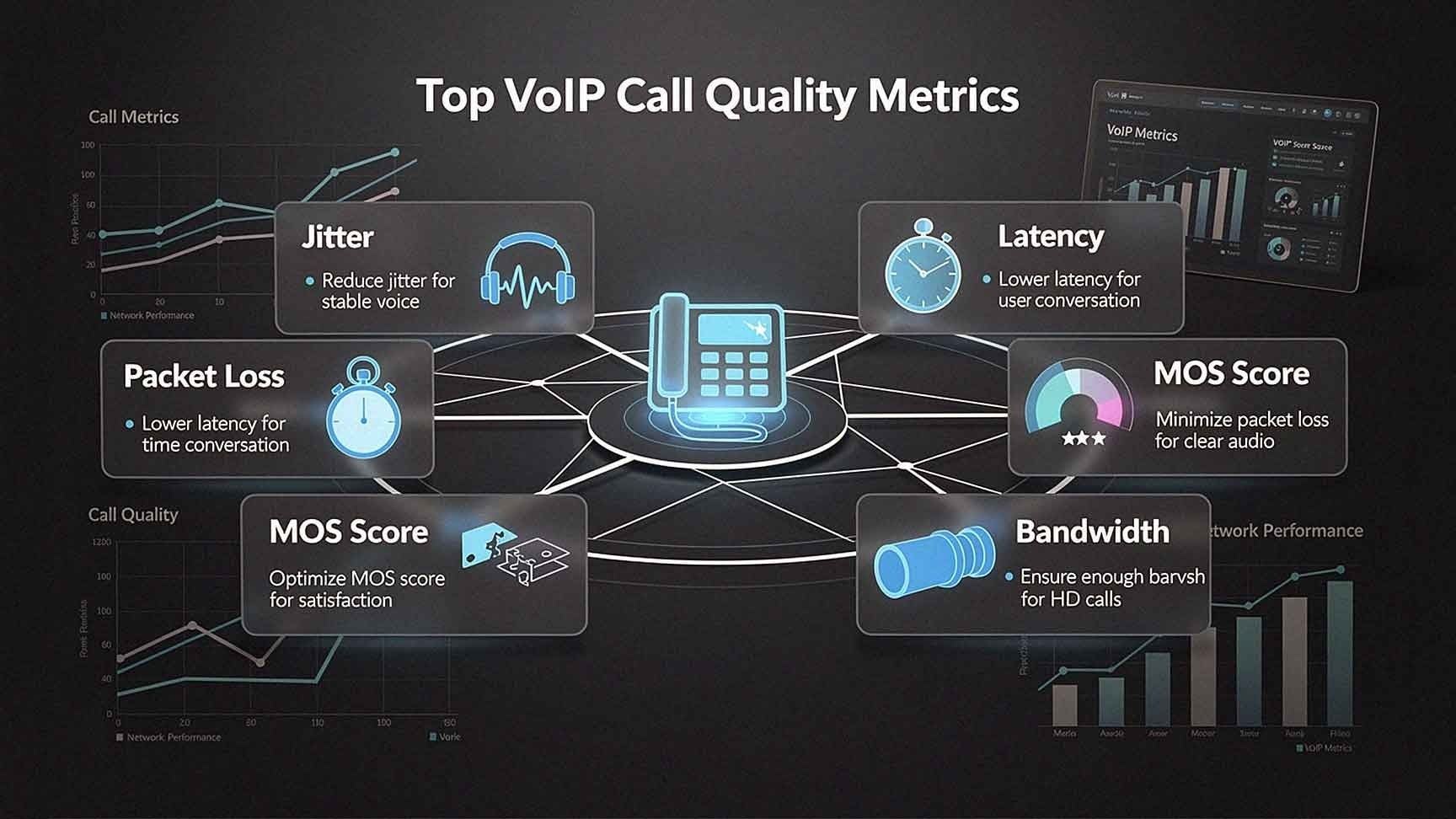
Measuring the right metrics — latency, jitter, packet loss, MOS, bandwidth utilization, call setup time, and R-Factor — gives your business the visibility to catch problems early, fix them faster, and maintain the kind of call quality your customers expect.
If you're not sure where your VoIP system stands today, the best first step is a network assessment with a provider who knows what to look for.
At AIS, we've helped businesses across Las Vegas, Southern California, and the surrounding region build telecom systems that perform — and stay performing. With a 96% NPS score and an average client relationship of over seven years, we're the team businesses call when they want communication infrastructure that actually works.
Ready to find out how your VoIP system measures up?
Topics:
