

How to Replace Toner on the Kyocera ECOSYS MA and PA Series Machines
November 11th, 2026
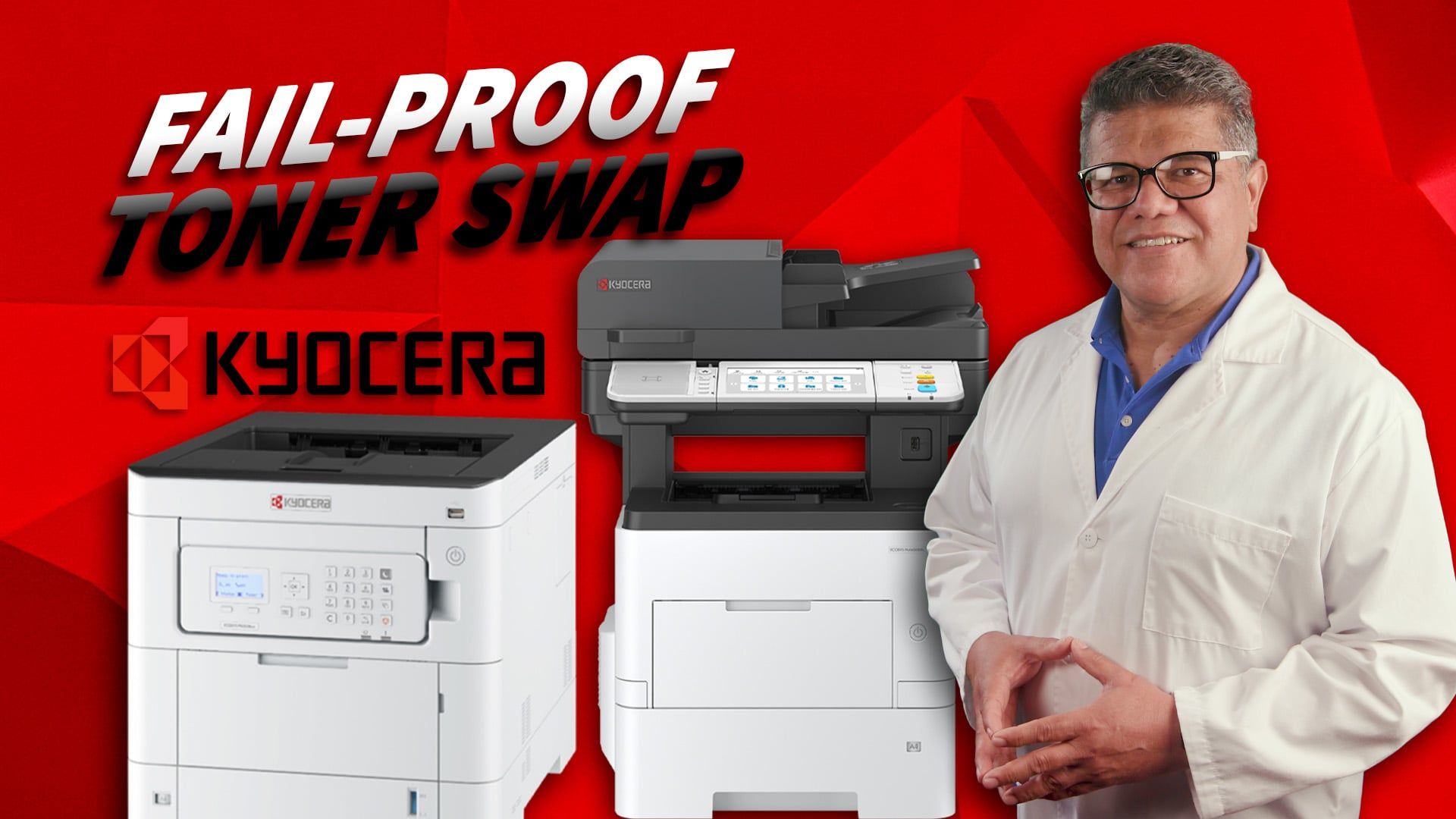
According to Copier Expert Dr. Copy, safely replacing the toner and waste bottles on Kyocera MA and PA series printers requires strictly following the specific unlocking and disposal steps for each model to prevent breaking vital machine parts or spilling toner.
- The Kyocera Color PA series requires opening the top lid to replace the toner and accessing the rear compartment to replace the waste bottle.
- The Kyocera Black and White MA series features a specific locking system for the toner under the top cover and a side-mounted waste box.
- All empty toner cartridges and full waste bottles should be immediately sealed in the plastic bags provided in the new toner boxes to prevent spills.
- Kyocera offers a completely free Eco Footprint Toner Recycling Program for genuine toner and waste containers.
How do you replace the toner on a Kyocera Color PA Series printer?
Wait for the display to indicate which toner needs replacing, then open the top lid to swap the cartridge.
- Open the top lid and grab the specific color cartridge that needs replacing.
- Place the empty toner cartridge inside the plastic bag provided in the new toner cartridge box.
- Shake the new toner cartridge very well.
- Insert the new cartridge into the machine.
- Close the top lid.
How do you replace the waste bottle on a Kyocera Color PA Series printer?
Access the compartment located directly behind the main toner area to remove and replace the waste bottle.
- Locate the waste bottle behind the main toner compartment.
- Press the blue tab to release and pull out the full waste bottle.
- Close the top of the full waste bottle so it does not spill, and place it inside the plastic bag from the new toner box.
- Insert the new waste bottle until you hear it click into place.
- Close the cover.
How do you replace the toner on a Kyocera Black and White MA Series printer?
Press the button to open the top cover and use the internal locking mechanism to swap the cartridge safely.
- Press the button to open the front top cover.
- Pull the internal locking system to the unlock position.
- Remove the empty toner cartridge and place it into the bag that comes with the new box.
- Shake the new toner cartridge very well.
- Slide the new cartridge inside the guide until it clicks.
- Lock the toner mechanism.
- Close the top door.
How do you replace the waste box on a Kyocera Black and White MA Series printer?
Open the side cover of the machine to access and swap the waste box.
- Open the side cover of the machine where the waste box is located.
- Release the tab on the waste bottle to remove it.
- Close the full waste bottle and dispose of it in the plastic bag from the new toner box.
- Insert the new waste box.
- Close the side lid.
How do you recycle Kyocera toner and waste containers?
Utilize Kyocera's free Eco Footprint Toner Recycling Program to safely dispose of empty components.
- Kyocera offers the Eco Footprint Toner Recycling Program.
- This is a completely free recycling service.
- The service is exclusively for genuine Kyocera toner containers and waste containers.
Cliff is a multi-talented individual with a profound passion for creativity and storytelling. As a photographer/videographer, he possesses a keen eye for detail, capturing the essence of moments, and creating high-quality images and videos. As an award-winning editor, his expertise lies in seamlessly weaving vivid stories and narratives that captivate audiences and bring ideas to life. When he isn’t honing his craft, he spends time with his family or watching B-movies.
