

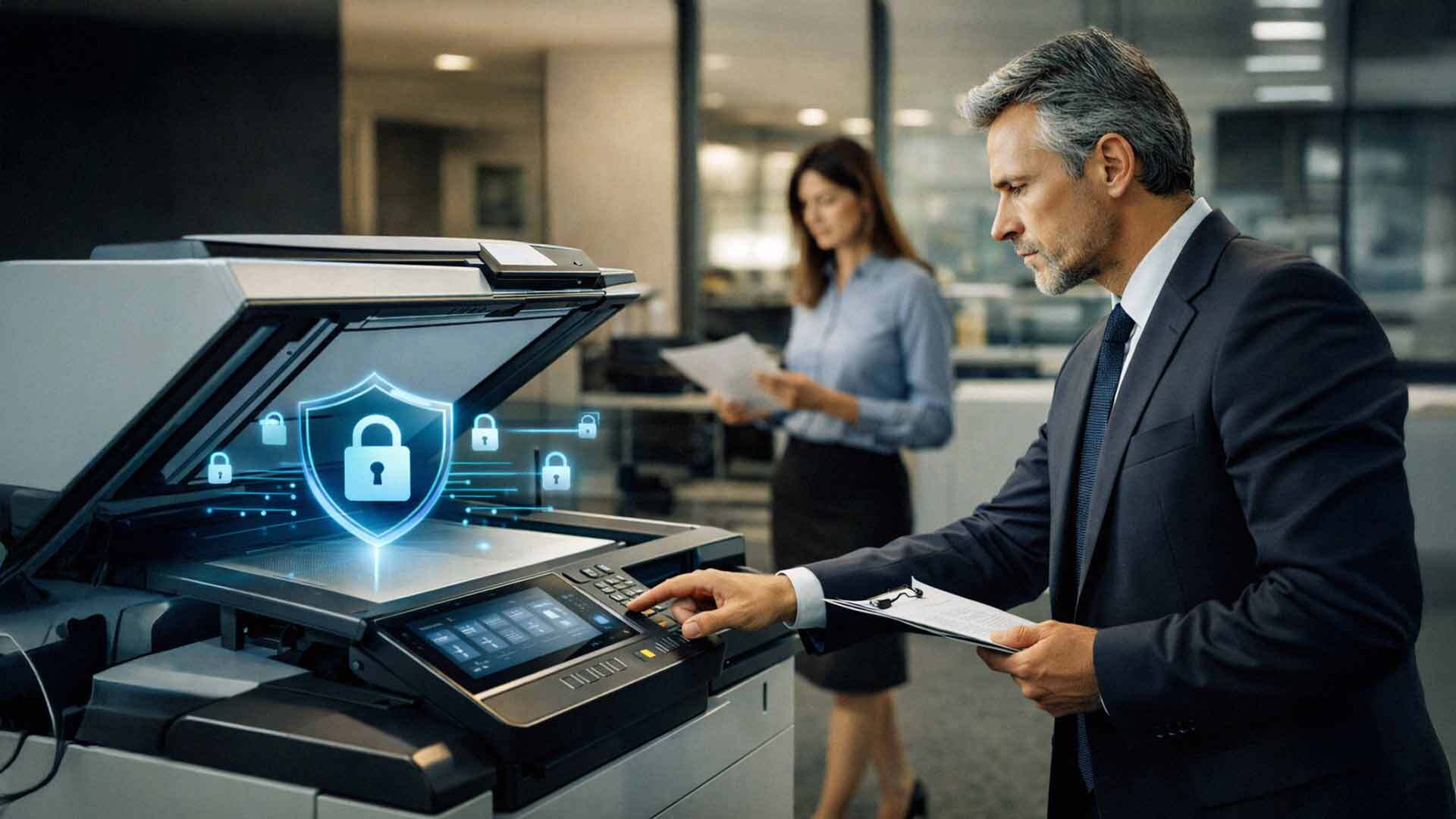
When businesses think about cybersecurity, they usually focus on laptops, servers, and email systems. Office copiers rarely come to mind. They sit quietly in hallways, hum through print jobs, and seem harmless enough.
But here's the truth: modern office copiers are not simple machines. They are fully network-connected computers with internal hard drives, memory, operating systems, and user access controls. They process sensitive information every single day — financial records, employee data, customer files, medical documents, legal contracts, and more.
And when copier security is overlooked, these devices become one of the easiest targets in your entire office.
The numbers back this up. According to a Quocirca analysis, 59% of organizations have reported a print-related data loss in the past year. And cyber threats targeting printers and IoT devices have increased more than 200%, according to the SonicWall Cyber Threat Report. These aren't edge cases. This is a widespread, growing problem — and most SMBs aren't paying enough attention to it.
This article breaks down exactly how copier security risks put your business data at risk, what warning signs to look for, and what steps you can take right now to close the gaps.
—————————————————————————
How Modern Office Copiers Actually Handle Your Data
It helps to understand what's really happening inside your multifunction copier every time someone hits "print" or "scan."
Today's multifunction devices (MFDs) do far more than print. They scan, copy, email, fax, store, and route documents across your network. Most modern copiers:
- Store images of scanned and printed documents on internal hard drives
- Connect directly to your business network, just like a laptop or server
- Integrate with email, cloud platforms, and document management systems
- Support user authentication — though many businesses never configure it
- Allow remote management through web-based admin portals
Because of these capabilities, your copier is handling the same class of sensitive data as your computers. The difference? Most businesses apply rigorous security policies to computers and almost none to their copiers.
That gap is exactly where risk lives.

The Biggest Copier Security Risks Businesses Face in 2026
Most copier security risks don't come from sophisticated, targeted attacks. They come from misconfiguration, outdated settings, and simple lack of oversight. Here's what you need to watch out for.
Unencrypted Hard Drives
Many copiers store document images on internal hard drives. If those drives are not encrypted, anyone with physical access to the device can potentially retrieve stored data — including old print jobs, scan previews, and cached files.
This risk becomes especially serious when:
- Copiers are moved to a different office or location
- Devices are returned at the end of a lease agreement
- Equipment is sold or recycled without proper data removal
Without encryption or secure data wiping, sensitive information can quietly walk out the door on a hard drive no one thought to wipe.
Unauthorized Network Access
Your copier connects to your network like any other device. If it isn't secured properly, it can become an entry point for attackers — one that most IT teams aren't actively watching.
Common vulnerabilities include:
- Default admin passwords left unchanged after installation
- Open network ports that expose the device to outside traffic
- Outdated firmware with known, unpatched security flaws
- Weak or missing authentication settings
An unsecured copier can give attackers access to internal systems without triggering a single alert. Because no one is monitoring copier traffic the way they monitor server traffic, these intrusions often go undetected for extended periods.
Uncontrolled User Access
Many businesses allow anyone to walk up to a copier and print or scan without any form of authentication. No PIN. No badge swipe. No login. That creates real accountability problems.
Sensitive documents can be:
- Printed and left unattended in the output tray for anyone to grab
- Scanned to the wrong email address due to a simple user error
- Accessed by unauthorized employees or even visitors
Without user authentication, there is no audit trail. You have no way of knowing who printed what, when, or where it went.
Email and Scan-to-Cloud Exposure
Copiers routinely send scanned documents via email or directly to cloud storage platforms. If these features aren't secured, data can be exposed in ways that are surprisingly difficult to reverse.
Key risks include:
- Documents sent outside the organization accidentally — a wrong keystroke, a saved email address that's outdated
- Compromised email credentials tied to the copier's outbound email account
- Insecure cloud integrations without proper access controls or encryption in transit
Once data leaves the copier and lands in an inbox or cloud folder, controlling it becomes much harder.
Outdated Firmware and Software
Like any connected device, copiers need regular updates. Firmware updates frequently address security vulnerabilities — but unlike computers, copiers rarely have automatic update policies in place.
When copier firmware goes unpatched:
- Known exploits remain open and usable by attackers
- Devices are easier to compromise because vulnerabilities are publicly documented
- Compliance requirements may be violated, especially in regulated industries
Most businesses update their computers and servers on a scheduled cycle. Their copiers? Often ignored for years at a time.
Lack of Audit Logs and Monitoring
Without logging and monitoring enabled, you have no real visibility into how your copier is actually being used. That creates significant blind spots.
- No record of who accessed or printed which documents
- No way to trace a data exposure event back to its source
- No evidence to present during audits or legal investigations
For regulated industries, missing audit trails aren't just an inconvenience — they're a compliance violation waiting to happen.
Why Copier Security Matters for Compliance
If your business operates in healthcare, legal, financial services, or education, copier security isn't optional. It's a regulatory requirement.
Common compliance frameworks require:
- Access controls that limit who can use devices and what functions they can perform
- Data encryption at rest and in transit
- Audit logging that tracks document activity
- Secure data disposal when devices are decommissioned
HIPAA, for example, treats multifunction printers as covered devices that must meet the same security standards as your EHR system. PCI-DSS expects any device that touches payment-related data to be secured and monitored. An unsecured copier can put your entire compliance posture at risk — even if every other system in your office is properly locked down.
How to Reduce Copier Security Risks in Your Business
The good news is that most of these risks are entirely preventable. Here's where to start.
Enable Hard Drive Encryption and Secure Erase
Most modern copiers from manufacturers like Xerox, Kyocera, and HP include hard drive encryption and secure erase features — but they often need to be actively enabled during setup. Before any device leaves your premises, confirm that a secure overwrite has been performed on the internal drive.
Change Default Admin Credentials Immediately
The moment a new copier is installed, change every default username and password. This single step closes one of the most common and easily exploited vulnerabilities on any networked device.
Apply Firmware Updates on a Regular Schedule
Treat your copiers the same way you treat your computers. Establish a regular firmware update cycle — quarterly at minimum — and assign someone the responsibility of verifying that updates have been applied.
Implement User Authentication
Configure your copier to require a PIN, proximity card, or network login before users can print, scan, or copy. This creates accountability, reduces the risk of sensitive documents being left in output trays, and gives you a usable audit trail.
Restrict Network Access
Work with your IT team or managed services provider to:
- Place copiers on a segmented network or VLAN
- Close unnecessary open ports
- Restrict which IP addresses can communicate with the device
- Enable logging through your network monitoring tools
Enable Audit Logging
Turn on activity logging so every print, scan, copy, and configuration change is recorded. Store those logs somewhere accessible for review during internal audits or compliance assessments.
Work With a Trusted Copier Partner
One of the most effective things you can do is work with a copier provider who takes security seriously from day one — not as an afterthought. When your provider configures your device with security built in, audits your fleet periodically, and helps you stay current with firmware, the burden on your internal team drops significantly.
Frequently Asked Questions About Copier Security Risks
Do office copiers really store data on a hard drive?
Yes. Most modern multifunction copiers store images of documents that have been printed, scanned, or copied on an internal hard drive. That data can persist on the drive until it is actively encrypted or overwritten — which means it remains recoverable until you take steps to erase it.
What happens to the data on a copier when the lease ends?
If you return a leased copier without requesting a hard drive wipe or secure data removal, that data stays on the device and goes with it — potentially to a reseller, another business, or a recycling facility. Always confirm your vendor's data disposal process before returning leased equipment.
Can my copier be hacked through the network?
Yes, and it happens more than most businesses realize. Copiers with default passwords, unpatched firmware, or open network ports can be exploited by attackers who gain access to internal systems through the device. Because copier traffic is rarely monitored, these breaches often go undetected for extended periods.
Is copier security required for HIPAA compliance?
Yes. HIPAA's Security Rule treats any device that stores, transmits, or processes protected health information (PHI) as a covered device — and that includes multifunction printers and copiers. Covered entities must implement access controls, encryption, and audit logging on these devices.
How often should copier firmware be updated?
At minimum, check for firmware updates quarterly. Many manufacturers release security patches on a rolling basis. Your copier provider or managed IT team should be tracking these releases and applying them on a consistent schedule.
What is the best way to secure scan-to-email on a copier?
Use a dedicated, monitored outbound email account with a strong, unique password. Enable TLS encryption for outbound email. Restrict the list of destination addresses where possible. Audit outbound scan logs regularly to catch any unexpected destinations.
Should I use a PIN or badge login on my copier?
For most SMBs handling any sensitive data — financial, legal, medical, or personal — yes, absolutely. PIN and proximity card authentication prevents unauthorized access, keeps documents from sitting uncollected in the output tray, and gives you a document-level audit trail that is genuinely useful during compliance reviews.

Your Copier Deserves the Same Security Attention as Your Other Systems
Your office copier isn't just a convenience device — it's a network-connected computer that processes some of your most sensitive business data every day. Leaving it unsecured while carefully protecting your servers and laptops is like locking your front door and leaving the back door wide open.
The risks are real. Print-related data loss affects more than half of organizations. Attacks on printer and IoT devices have surged over 200%. And the most common vulnerabilities — default passwords, unpatched firmware, no user authentication — are completely preventable with the right partner and the right habits.
At AIS, we help SMBs in Las Vegas, Southern California, and surrounding regions configure, manage, and secure their copier and printer fleets from day one. Whether you're evaluating a new device, approaching a lease return, or just not sure what's currently enabled on your existing machines, we're here to help you get it right.
Ready to take copier security seriously?
Schedule a Free Consultation — our team will walk through your current setup and identify any gaps worth closing.
Or if you'd prefer to reach out directly, Contact AIS Today. We're always happy to help.
Topics:
