

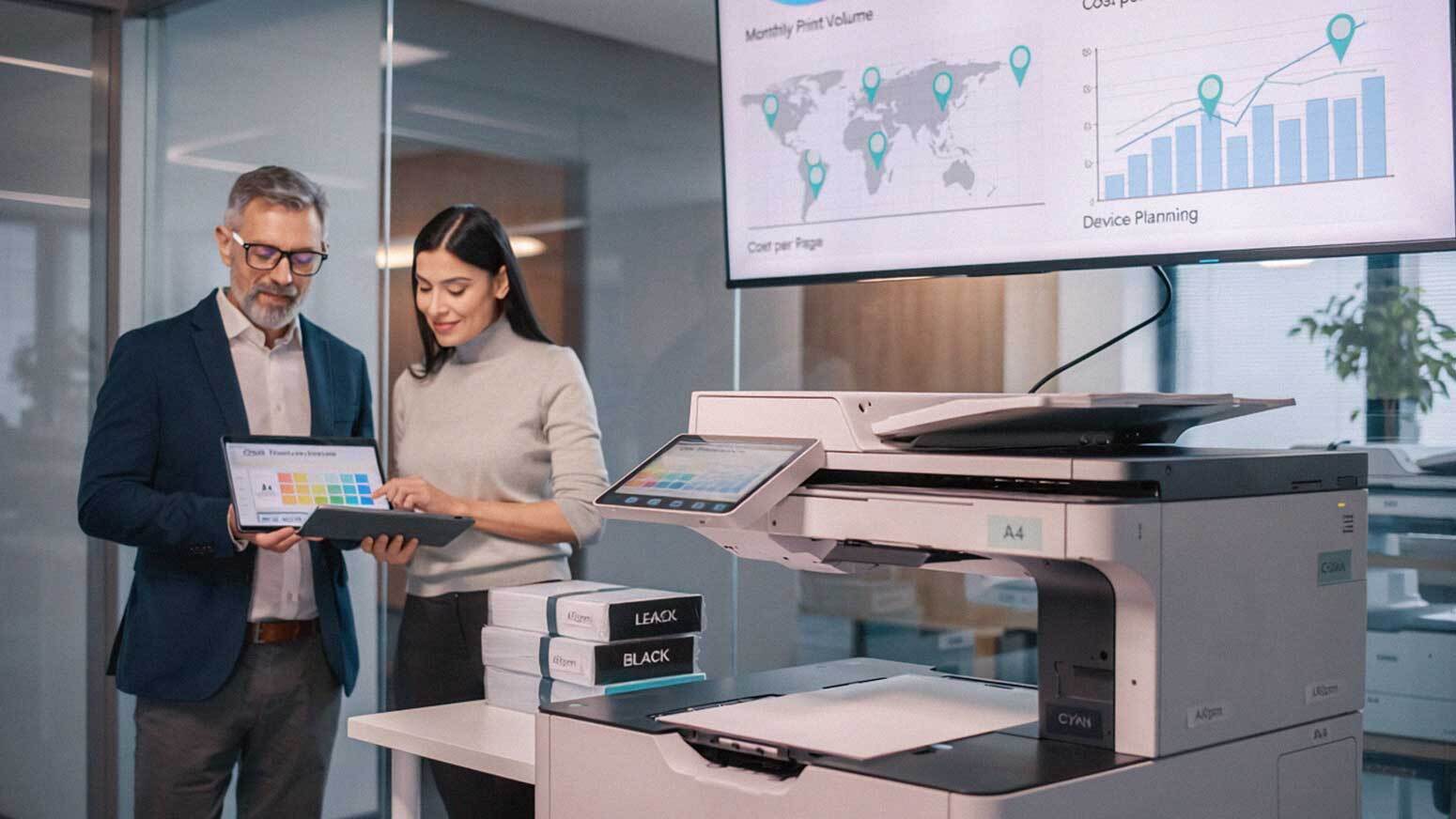
Most businesses don't build their print environment. They accumulate it.
A new hire starts, so someone orders a desktop printer. A department triples in size, so a bigger copier gets installed. Something breaks, so the fastest fix gets applied. Repeat that cycle over several years and you end up with a cluttered, expensive, and completely unmanageable print environment.
Sound familiar?
You're not alone. This reactive approach is one of the most common—and costly—mistakes growing businesses make. And in 2026, as workplaces shift toward hybrid models, digital workflows, and tighter operational budgets, carrying that kind of print baggage is harder to justify than ever.
A scalable print strategy changes the equation. Instead of letting growth dictate your print environment, you design your print environment to support growth. This guide walks you through exactly how to do that.
Why a Scalable Print Strategy Matters More Than Ever in 2026
Print isn't going away—but it is changing. According to Forbes, the average print run has decreased from 3,000 units to fewer than 30, reflecting a dramatic shift toward on-demand, targeted printing rather than mass production. That trend carries real implications for how businesses should structure their print environments.
Less volume doesn't mean less complexity. In fact, it often means more complexity, because print needs vary more widely across departments, locations, and use cases than they did five years ago.
Meanwhile, TechRepublic research shows that businesses implementing managed print services—rather than patching together a reactive environment—can significantly reduce paper consumption, standardize equipment, and cut maintenance and support costs. Print operations that once functioned as a pure cost drain can actually become a source of measurable operational value.
That's the goal of a scalable print strategy: predictable costs, efficient workflows, and a setup that can handle whatever comes next.

What a Scalable Print Strategy Actually Means
Before jumping into the steps, it's worth clarifying what "scalable" actually means in this context.
A scalable print strategy is one that:
- Matches your devices to your actual and projected print volume
- Keeps costs predictable as your business grows
- Supports new locations, departments, or workflows without starting over
- Adjusts to changes in how your team works—including remote and hybrid arrangements
It's not about buying the most expensive equipment or locking into rigid contracts. It's about designing something intentional that grows with you, rather than something you're always scrambling to fix.
Step 1: Understand Your Current Print Environment
You can't plan for where you're going if you don't know where you are. This is the step most businesses skip—and it's the one that matters most.
Start by auditing your current setup:
- How many devices do you have, and where are they located?
- What's your total monthly print volume?
- How much of that is color versus black-and-white?
- Which devices are underused or overloaded?
- What are you currently spending per page?
This baseline gives you the data you need to make smart decisions instead of educated guesses. A print environment audit doesn't have to be painful—many managed print providers, including AIS, can walk you through this process quickly and at no cost.
Step 2: Right-Size Your Device Fleet
Not every department prints the same way. An accounting team might rely on high-volume printing daily. A marketing team might print a handful of documents per week. Treating those two groups the same way wastes money and creates frustration.
Right-sizing means:
- Placing high-volume multifunction devices in centralized, high-traffic areas
- Reserving smaller or lower-cost devices for genuinely low-usage departments
- Eliminating redundant equipment that's consuming supplies without adding value
One of the biggest wins most businesses find in this step is identifying how many desktop printers they actually have—and how much those individual units are costing them in supplies, maintenance, and IT time.
Step 3: Plan for Where Your Business Is Going
Your print strategy should reflect your three-year plan, not just your current headcount. Ask yourself:
- Are you planning to hire significantly over the next 12-24 months?
- Will you be opening new locations or satellite offices?
- Are you moving toward more digital workflows or document management systems?
- Is your team increasingly working in a hybrid or remote environment?
Answering these questions upfront prevents the scramble of last-minute equipment purchases that never quite fit the need. A scalable strategy anticipates expansion and builds in the flexibility to accommodate it without disruption.
Step 4: Standardize Your Equipment
Using five different device brands with five different supply chains and five different service protocols is a recipe for operational headaches. Standardization is one of the most underrated steps in building a scalable print environment.
When your devices are consistent, you benefit from:
- Simplified maintenance and service
- Consolidated supply ordering (fewer SKUs, better pricing)
- A more intuitive user experience across your team
- Easier support and troubleshooting
Standardization doesn't mean every device is identical. It means you're making intentional choices about brands and models—ideally with a vendor who can support the full fleet. AIS works with leading manufacturers including Xerox, Kyocera, and HP to help businesses build standardized, right-sized fleets.
Step 5: Implement Print Management Tools
You can't manage what you can't measure. Print management software closes that gap by giving you real-time visibility into how your devices are being used.
These tools let you:
- Monitor usage by device, department, or individual user
- Track your cost per print across the fleet
- Set and enforce printing policies (like defaulting to duplex or black-and-white)
- Identify waste and catch unusual usage patterns early
In 2026, print management platforms have become more capable and more accessible than ever. Many integrate directly with cloud platforms, HR systems, and document management tools—making them a practical part of a broader operational stack rather than a standalone IT project.
Step 6: Track and Control Your Cost Per Print
Cost per print (CPP) is one of the most important metrics in your print environment—and one of the most commonly ignored.
Tracking CPP helps you:
- Identify which devices are costing you more than they should
- Compare vendor contracts with real data
- Monitor color printing usage (which typically costs 5-10x more per page than black-and-white)
- Forecast future print costs as your volume changes
A scalable strategy keeps CPP consistent and predictable, even as your business grows. If your CPP is creeping up over time, that's a signal that something in your environment needs adjustment—before it becomes a significant budget problem.
Step 7: Move Away from Desktop Printers
Desktop printers feel convenient. They're also one of the biggest hidden costs in most office environments.
Desktop units typically have:
- Higher cost per page than shared multifunction devices
- Limited monitoring and reporting capability
- Frequent supply replenishment needs that fall through the cracks
- Higher per-device maintenance costs relative to output
Replacing clusters of desktop printers with well-placed shared devices reduces total device count, consolidates your supply chain, and gives you better visibility into actual usage. It's one of the fastest ways to cut print costs without cutting print capability.
Step 8: Optimize Your Print Workflows
Printing doesn't happen in a vacuum. It's tied to how your team creates, shares, manages, and stores documents. Improving those workflows often reduces printing organically—without mandates or restrictions.
Workflow improvements to consider:
- Digital document sharing via cloud platforms
- Electronic signatures to eliminate print-sign-scan cycles
- Automated document routing for approvals and processing
- Integration with document management or cloud storage systems
The goal isn't to eliminate printing—it's to ensure that what gets printed actually needs to be printed. Reducing unnecessary print volume is one of the cleanest ways to lower costs while supporting sustainability goals.
Step 9: Build Flexibility Into Your Agreements
Your print strategy is only as scalable as the contracts supporting it. Rigid service agreements that lock you into a fixed device count or volume tier will limit your ability to adjust as your business changes.
Look for service arrangements that offer:
- The ability to add or remove devices without penalty
- Volume plans that adjust up or down based on actual usage
- Support for remote or hybrid work situations
- Clear terms around upgrades when technology changes
This is where working with an experienced local provider makes a real difference. AIS builds service agreements designed to grow with clients—not trap them. It's part of why the average AIS client relationship lasts more than seven years.
Step 10: Partner With a Provider Who Treats Print as a Strategy
There's a difference between a vendor who sells you equipment and a partner who helps you build a strategy. The right partner will:
- Conduct a thorough assessment of your current environment
- Recommend solutions based on your actual needs—not their inventory push
- Provide ongoing support, monitoring, and optimization
- Be reachable when something goes wrong (not just at contract renewal time)
AIS provides 24/7 local support with dedicated account managers across Las Vegas, Southern California, and surrounding regions. With a 96% NPS score and the #1 ranking in North America for client satisfaction, the results speak for themselves.
Schedule a Free Consultation →—
Frequently Asked Questions About Building a Scalable Print Strategy
How do I know if my current print environment is inefficient?
Common signs include rising supply costs, frequent service calls, multiple devices that serve the same function, no visibility into who's printing what, and a cost per print that seems high but you've never actually measured. If your print environment has grown reactively over the years, there's almost certainly room to improve.
What's the difference between managed print services and just leasing a copier?
Leasing a copier means you're acquiring a device. Managed print services means a provider actively monitors, manages, and optimizes your entire print environment—including supplies, maintenance, usage reporting, and strategic recommendations. The two aren't mutually exclusive, but managed print services provides ongoing value that a simple lease doesn't.
How much can I realistically save by building a proper print strategy?
Savings vary by business size and current setup, but organizations that move from reactive to strategic print management frequently see reductions of 20-30% in total print costs. The largest gains typically come from eliminating redundant devices, reducing desktop printer usage, and implementing print policies through management software.
Should I be moving away from printing entirely?
Not necessarily. The right balance depends on your industry, your workflows, and your clients' expectations. Many businesses benefit from reducing print volume while maintaining the capability for situations where physical documents are genuinely needed. The goal is intentional printing, not zero printing.
How long does it take to build and implement a scalable print strategy?
The assessment phase typically takes a few weeks. Implementation depends on the scope of changes—consolidating devices, deploying management software, and updating agreements. Most businesses see meaningful changes within 30-90 days of starting the process.

What should I look for in a print service provider?
Look for a provider with local support, clear service agreements, experience with businesses your size, and references or measurable satisfaction metrics. Ask specifically how they handle service requests, how they bill for supplies, and how flexible their agreements are if your needs change.
Is print management software difficult to use?
Modern print management platforms are significantly more user-friendly than they were even a few years ago. Most integrate with existing systems and provide intuitive dashboards that don't require dedicated IT staff to interpret. Your provider should handle setup and training as part of the implementation process.
Ready to Build a Print Strategy That Actually Works?
A reactive print environment costs you more than you realize—in money, time, and operational headaches. A scalable print strategy changes that. It gives you control, predictability, and the ability to grow without your print environment becoming a liability.
AIS works with businesses across Las Vegas, Southern California, and surrounding areas to design and manage print environments that scale. Whether you're starting from scratch or looking to clean up years of reactive decisions, we're here to help.
Topics:
