

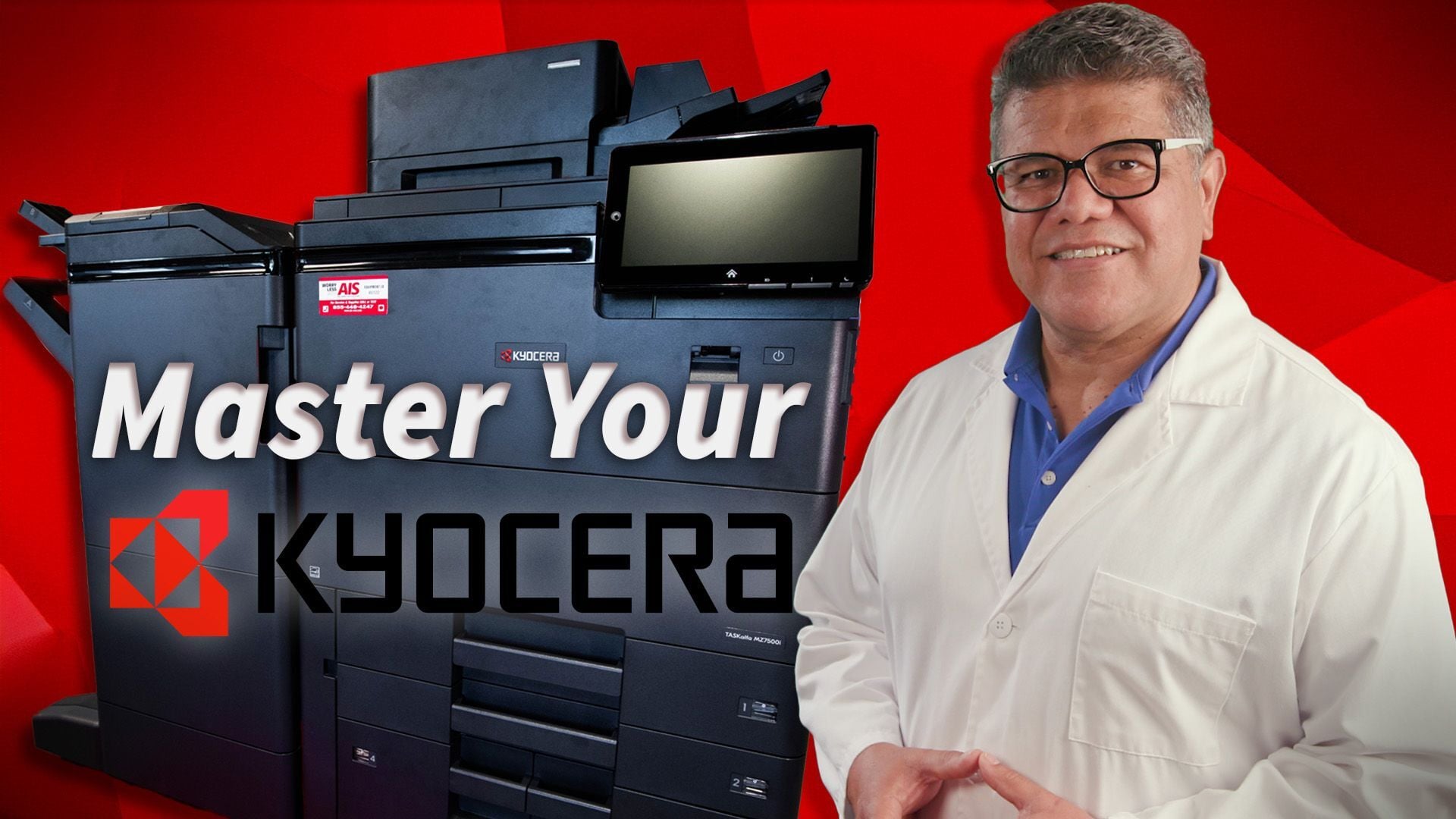
Nothing disrupts office productivity faster than a new copier that your team is hesitant to use. When you upgrade your office equipment, navigating unfamiliar document feeders, control panels, and toner protocols can temporarily stall your daily workflow. This comprehensive training guide empowers your workforce to operate your new Kyocera TASKalfa multifunction printer (MFP) safely, clear internal jams, and keep your office running efficiently without unnecessary downtime.
How do you turn the main power off and use sleep mode?
The machine enters sleep mode automatically during inactivity, but it can be manually shut down using the physical main power switch.
- To turn off the machine completely, press the main power button.
- Confirm the shutdown prompt on the control panel screen.
How do you load documents into the feeder?
Documents are fed through the top tray by adjusting the side guides until the machine recognizes the paper stack.
- Load the document into the top feeder.
- Slide the guides inward until they are touching the exact edge of the paper.
- Wait for the indicator light to turn on before proceeding with copying or scanning.
How do you clear paper jams in the document feeder?
Jams in the document feeder are cleared by opening the top cover and feeding the paper completely through the natural path rather than pulling it backward.
- Open the top cover of the document feeder.
- Do not pull the jammed paper backward.
- Turn the blue handle to follow the paper path and feed the document out of the feeder safely.
- Reset the original document and retry; contact service if the issue persists.
How do you make single-sided to two-sided copies?
Duplex copying is managed directly from the primary copy mode interface on the touchscreen.
- Load originals into the document feeder.
- Select "Copy Mode" on the control panel.
- Choose the "1-sided to 2-sided" duplex option.
- Select the total number of copies needed and press Start.
How do you navigate the main control panel?
The primary home screen provides instant access to the machine's core digital and physical output features.
- The front page contains quick-access buttons for Copy, Send/Scan, and USB Drive.
How do you select finishing options like stapling and hole punching?
Finishing and output options are housed under the Staple and More sub-menus within the Copy mode.
- Open Copy mode and select "Staple".
- Press "More" to choose the specific type of staple format required.
- Three-hole punch settings and specific paper tray selections are also configured through this identical menu path.
How do you add a one-touch key to the control panel?
Custom soft keys for frequent workflows, such as ID Card Copy, can be pinned to the desktop via the System Menu.
- Press the three dots and select "System Menu".
- Select "Function Settings" and scroll down to "Home".
- Select "Customize Desktop," press "Add," and choose the desired function (e.g., ID Card Copy).
- Press OK, close the menu, and return to the home screen.
How do you delete a soft key from the control panel?
Soft keys are removed by editing the extended home menu settings on the control panel.
- Press the three dots to open the "System Menu".
- Navigate to "Function Settings" and scroll to "Home".
- Press "Customize Extended," select the key targeted for deletion, and press "Delete".
- Press OK, close out, and return to the home screen.
How do you find the device's IP address and network info?
Network data is housed in the device information center on the control panel.
- Press "Device Information" on the touch screen.
- If the machine is successfully connected to the network, the screen will display the current IP address.
How do you access the bridge unit to clear jams?
The bridge unit transports paper from the copier to the finisher and is located directly behind the front door panel.
- Open the front door of the machine.
- Press the A4 handle to unlatch the bridge unit.
- Pull the unit out to access and remove any jammed paper, then push it firmly back into place.
How do you replace the toner cartridge?
The active toner cartridge sits behind the front door and requires physical agitation before installation.
- The front door covering the toner will pop out automatically when the cartridge is completely empty.
- Pull out the empty toner bottle; on some models, this bottle can be reused as a waste toner receptacle.
- Shake and tap the new toner bottle before reinserting it into the slot.
How do you replace the waste toner box?
The waste toner receptacle has a dedicated door and must be replaced immediately when full to prevent hardware damage.
- Open the waste toner door and push the blue handle upward to release the box.
- Pull out the full waste box and slide the new one into place.
- Never insert a full waste box back into the machine, as this will damage the internal units.
How do you correctly load paper into the main trays?
Proper paper loading requires fanning the stack and adhering strictly to the tray's physical limits to prevent static and misfeeds.
- Pull the paper tray completely open.
- Fan all sides of the paper stack prior to loading to eliminate static buildup.
- Open the guides and load the paper, ensuring the top of the stack does not rise above the red fill line.
- Adjust the guides so they make flush contact with the edges of the paper.
How do you use the bypass unit for labels and specialty paper?
Specialty media requires the use of the side bypass unit and manual configuration of media types on the control panel.
- Open the bypass unit on the side of the machine and load the labels or specialty paper face down.
- Secure the edge guides tightly against the paper to prevent the printed image from shifting.
- On the control panel, press Change, select "MP Tray Settings," and change the media type from Plain to Labels (or appropriate type).
- Ensure the computer print driver settings match the exact paper type selected on the control panel before printing.
How do you replace staples and use the manual stapler in the finishing unit?
The finisher unit requires manual emptying of hole-punch waste, click-in staple cartridge replacements, and supports on-demand document binding.
- Hole Punch Waste: Remove the lower cartridge, dump out the paper punches, and reinstall.
- Staples: Eject the staple unit, remove the empty clear cartridge, insert a new one until it clicks, and place it back into the stapler.
- Manual Stapling: Open the top cover, select the desired staple setting, and wait for the green light to stop blinking. Align the documents, slide them between the two gray guides, and press the manual staple button.
How do you locate and remove standard paper jams?
The machine's control panel visually guides users to internal jams via red indicators, which correspond to specific marked components inside the machine.
- Observe the control panel to locate the red dots indicating exact jam locations.
- Open all designated doors and slowly remove visible jammed paper.
- Exercise extreme caution around the fuser unit, as it operates at high temperatures.
- Inside the finisher, look for guides marked with blue stickers and turn the corresponding knobs to release trapped paper.
- If the jam cannot be located, contact service and provide your equipment ID number.
Video Chapter Timestamps
-
00:00:00 - How do you eliminate office copier downtime?
- 00:01:04 - How do you shut down a Kyocera TASKalfa copier?
-
00:01:24 - How do you load documents and clear jams in the feeder?
-
00:02:18 - How do you make two-sided copies from single-sided originals?
-
00:02:58 - How do you navigate the main control panel?
-
00:03:14 - How do you select finishing options like stapling and hole punching?
-
00:03:46 - How do you add or delete custom one-touch keys on the home screen?
-
00:05:08 - How do you find the copier's IP address and network info?
-
00:05:24 - Where is the bridge unit, and how do you clear jams inside it?
-
00:06:01 - How do you replace the toner cartridge and waste toner box?
-
00:07:31 - How do you load the main paper trays to prevent jams?
-
00:08:23 - How do you print using the bypass unit?
-
00:10:01 - How do you refill staples and empty the hole punch waste box?
- 00:10:52 - How do you use the Manual Staple Function?
-
00:11:29 - How do you safely remove internal paper jams?
Cliff is a multi-talented individual with a profound passion for creativity and storytelling. As a photographer/videographer, he possesses a keen eye for detail, capturing the essence of moments, and creating high-quality images and videos. As an award-winning editor, his expertise lies in seamlessly weaving vivid stories and narratives that captivate audiences and bring ideas to life. When he isn’t honing his craft, he spends time with his family or watching B-movies.
