

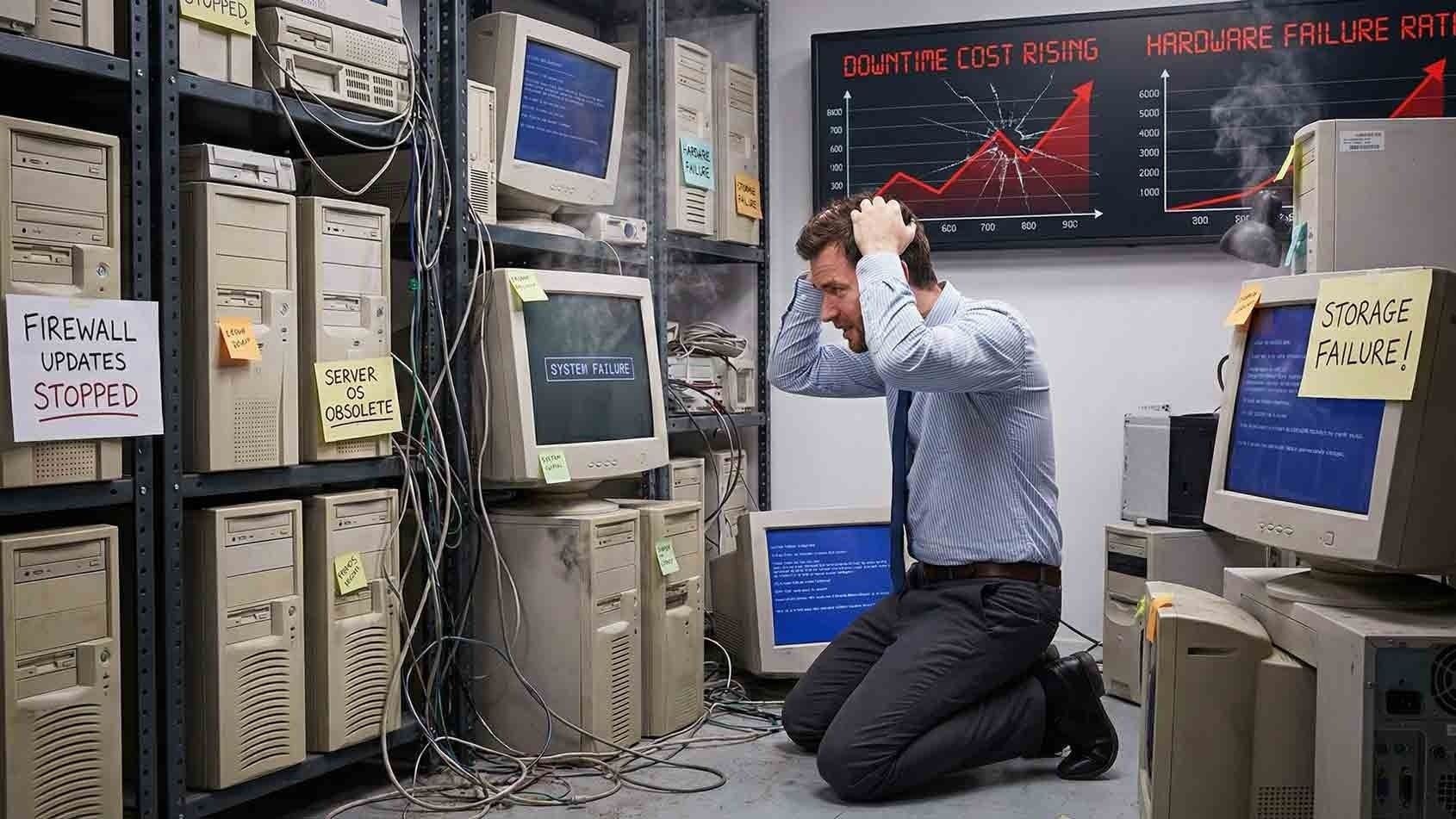
Most businesses already know their IT infrastructure is aging. The servers are out of warranty. The firewall has been in place for years longer than originally planned. The network switches? Nobody quite remembers when those went in.
And yet—replacement keeps getting pushed to next year.
The reasoning makes sense on the surface. The equipment still works. Replacing it feels expensive. Other budget priorities always seem more urgent. So the decision gets deferred, and the infrastructure keeps running.
Here's the problem: aging IT infrastructure does not get cheaper the longer you wait. The visible cost of replacement stays roughly flat. The hidden costs, however, grow quietly in the background—and they often exceed what replacement would have cost in the first place.
This article breaks down exactly what gets more expensive when infrastructure upgrades are delayed, so you can make a smarter, earlier decision before the costs become unavoidable.
What Counts as Aging IT Infrastructure?
Before getting into costs, it's worth clarifying what we mean by "aging" infrastructure. This isn't just equipment that looks old. It's any core technology that has passed its expected lifecycle or moved outside its vendor support window.
That typically includes:
- Firewalls that no longer receive full security patches or firmware updates
- Servers running older operating systems no longer under active vendor support
- Network switches and wireless access points past their warranty period
- Storage devices with high failure rates or limited remaining capacity
- Backup hardware that can't meet your current recovery time objectives
Once equipment moves into this category, risk and cost both start climbing—whether you notice it or not.
Downtime Becomes More Frequent and Far More Costly
Hardware Failure Rates Increase Sharply
All hardware degrades over time. Fans fail. Drives wear out. Power supplies weaken. As infrastructure ages, failure rates increase—and they don't increase gradually. They tend to accelerate.

Each failure causes downtime. Even short outages disrupt operations, delay work, and frustrate employees. The older the infrastructure, the harder it becomes to predict when the next failure will occur—or how bad it will be when it does.
Emergency outages cost more than planned maintenance. Every single time.
The Numbers Behind Unplanned Downtime
According to CIO.com, unplanned downtime is costing the world's largest companies $400 billion a year, or roughly 9% of their profits. For small and mid-sized businesses, the proportional impact can be even more severe, since there's less redundancy and fewer resources to absorb the hit.
When downtime stretches from minutes to hours—because older systems take longer to restart, rebuild, or restore from backup—those costs multiply through:
- Lost employee productivity across every affected department
- Missed deadlines and delayed deliverables
- Frustrated customers who move on when you can't respond
- Compounding operational disruption that lingers well after systems come back online
The longer recovery times alone often justify the cost of replacement.
Support and Maintenance Costs Rise Quietly
Vendor Support Shrinks While Prices Go Up
As infrastructure ages past its support window, your options narrow. Replacement parts become harder to source. Official support contracts grow more expensive—or disappear entirely. Businesses often end up paying premium rates for limited coverage, or relying on third-party repair services that carry no guarantees and may not stock compatible components.
You're paying more to maintain equipment that's becoming less reliable. That's not a trade-off that improves over time.
Internal IT Time Gets Wasted on Outdated Equipment
Older infrastructure demands more attention. IT teams—whether internal or outsourced—spend a disproportionate amount of time troubleshooting issues that newer systems simply wouldn't have. That time has a real dollar value.
Every hour spent keeping outdated equipment running is an hour not spent on:
- Strengthening your security posture
- Supporting business growth initiatives
- Improving systems that actually move the business forward
The cost of wasted IT labor compounds quietly, month after month, and rarely shows up as a line item anyone is tracking.
Security Risk Compounds With Every Month You Wait
Unpatched Vulnerabilities Accumulate
Aging infrastructure often runs outdated firmware or operating systems that vendors no longer actively patch. Security updates slow down, then stop. Attackers know this—and they actively target known vulnerabilities in older, unsupported systems.
According to Forbes, 70% of data breaches occur in organizations that run their IT using legacy systems. That's not a small or marginal risk. It's the majority of breaches
Delaying replacement increases your exposure even when everything appears stable on the surface.
Modern Security Tools Stop Working Properly
This is a problem that often gets overlooked. Modern security tools—endpoint detection, zero-trust network access, advanced monitoring platforms—are built to run on updated hardware and software. Older infrastructure may not support newer encryption standards, authentication protocols, or monitoring integrations.
This creates security gaps that attackers can exploit and that compliance auditors will flag. You're not just at risk from the old equipment itself. You're also degrading the effectiveness of your newer security investments because they can't integrate properly.
The National Institute of Standards and Technology (NIST) is clear: unsupported systems significantly increase cybersecurity risk and reduce organizational resilience.
Compliance and Audit Costs Increase
Regulated industries face additional financial pressure when infrastructure ages. Whether you're dealing with HIPAA, PCI-DSS, SOC 2, or state-level data privacy requirements, auditors are looking for specific things:
- Systems running on supported, actively patched software
- Documented lifecycle planning and upgrade schedules
- Evidence of current security controls and monitoring
- Reliable backup and recovery capabilities with defined recovery time objectives
When aging infrastructure can't meet those requirements, you face remediation costs, audit findings, and in some cases fines or penalties. Compliance costs tied to legacy systems are rarely predictable—and almost never cheap.
Business Agility Takes a Hit
Older Infrastructure Limits What Your Business Can Do
This cost is harder to quantify, but it's real. When your infrastructure is aging, new initiatives get complicated. Deploying cloud-based applications, supporting a hybrid workforce, integrating modern business tools—all of it becomes slower and more expensive when the underlying infrastructure wasn't built for it.
You end up spending more on workarounds than you would have spent on a straightforward upgrade. And meanwhile, competitors who invested in current infrastructure are moving faster.
Scalability Becomes Expensive
Growing your business should be relatively straightforward. Aging infrastructure makes it harder. Adding capacity, onboarding new users, expanding to new locations—these all require the underlying infrastructure to support modern demands. When it can't, you either pay to work around limitations or delay growth until the infrastructure catches up.
Neither option is free.
When Does the Math Tip Toward Replacement?
There's no universal answer, but there are clear signals that the cost of delay has already exceeded—or is about to exceed—the cost of replacement:
- Repair costs in the past 12 months are approaching or exceeding 30-40% of replacement cost
- Downtime incidents are increasing in frequency or duration
- Security audits or insurance assessments have flagged your infrastructure
- Vendor support has ended or is ending within 12 months
- IT staff spends significant time on recurring issues with the same equipment
If two or more of these apply to your environment, the financial case for replacement is likely already there—it's just not showing up as a single line item anyone has tallied.
Frequently Asked Questions About Aging IT Infrastructure
How do I know if my infrastructure is considered "end of life"?
Check the manufacturer's website or your current support contracts. Most vendors publish end-of-support and end-of-life dates for their hardware and software. If you're not sure, a managed IT provider can audit your environment and identify what's approaching or past those thresholds.

Is replacing aging infrastructure a one-time cost or an ongoing expense?
It depends on how you approach it. Traditional capital purchases are one-time costs, but they require you to repeat the cycle every 5-7 years. Managed IT services models often spread infrastructure costs over time through monthly agreements, which makes budgeting more predictable and keeps your environment current without large one-time outlays.
What's the biggest hidden cost most businesses don't account for?
Security risk is consistently underestimated. Most businesses focus on hardware failure and downtime, which are visible and disruptive. But the cost of a data breach—including forensics, notification, regulatory response, and reputational damage—routinely exceeds the cost of years of planned infrastructure upgrades.
How often should IT infrastructure be replaced or reviewed?
As a general guideline, servers and firewalls should be reviewed every 5-7 years. Network equipment and wireless access points typically have similar lifecycles. That said, vendor support windows and your organization's specific security requirements should drive the timeline more than age alone.
Can I just extend support contracts instead of replacing equipment?
In some cases, extended support is available—but it comes at a premium and typically covers less than standard support. It's sometimes a useful bridge while you plan a replacement, but it's rarely a long-term strategy. Extended support doesn't address hardware failure rates, performance degradation, or compatibility limitations.
What's the first step if I think my infrastructure is aging?
Start with an infrastructure audit. A qualified managed IT provider can assess your current environment, identify what's at risk, and give you a prioritized roadmap. This doesn't have to be an immediate full replacement—it's about understanding what's most urgent and planning accordingly.
Does cyber insurance cover losses from legacy infrastructure failures?
Increasingly, no—or not fully. Many insurers now ask specifically about end-of-life systems during the underwriting process. Running unsupported infrastructure can result in coverage exclusions or higher premiums. Some businesses have discovered their claims were denied because legacy systems were a contributing factor. This is a rapidly evolving area worth discussing with your insurance provider.
The Bottom Line
Delaying infrastructure replacement is not a neutral decision. Every month aging equipment stays in place, the costs accumulate—in higher maintenance, greater security exposure, slower recovery from incidents, growing compliance risk, and lost business agility.
The visible cost of replacement feels large because it shows up as a single number. The hidden costs of delay feel manageable because they show up as separate line items spread across time. But add them up, and the math usually favors acting sooner rather than later.
If you're not sure where your infrastructure stands, that's the right place to start.
Schedule a Free Consultation with AIS and get a clear picture of what your current infrastructure is actually costing you—and what a smarter path forward looks like.
Contact AIS Today — serving businesses in Las Vegas, Southern California, and surrounding regions with Managed IT Services, 24/7 local support, and a 96% client satisfaction rating.
Topics:
