

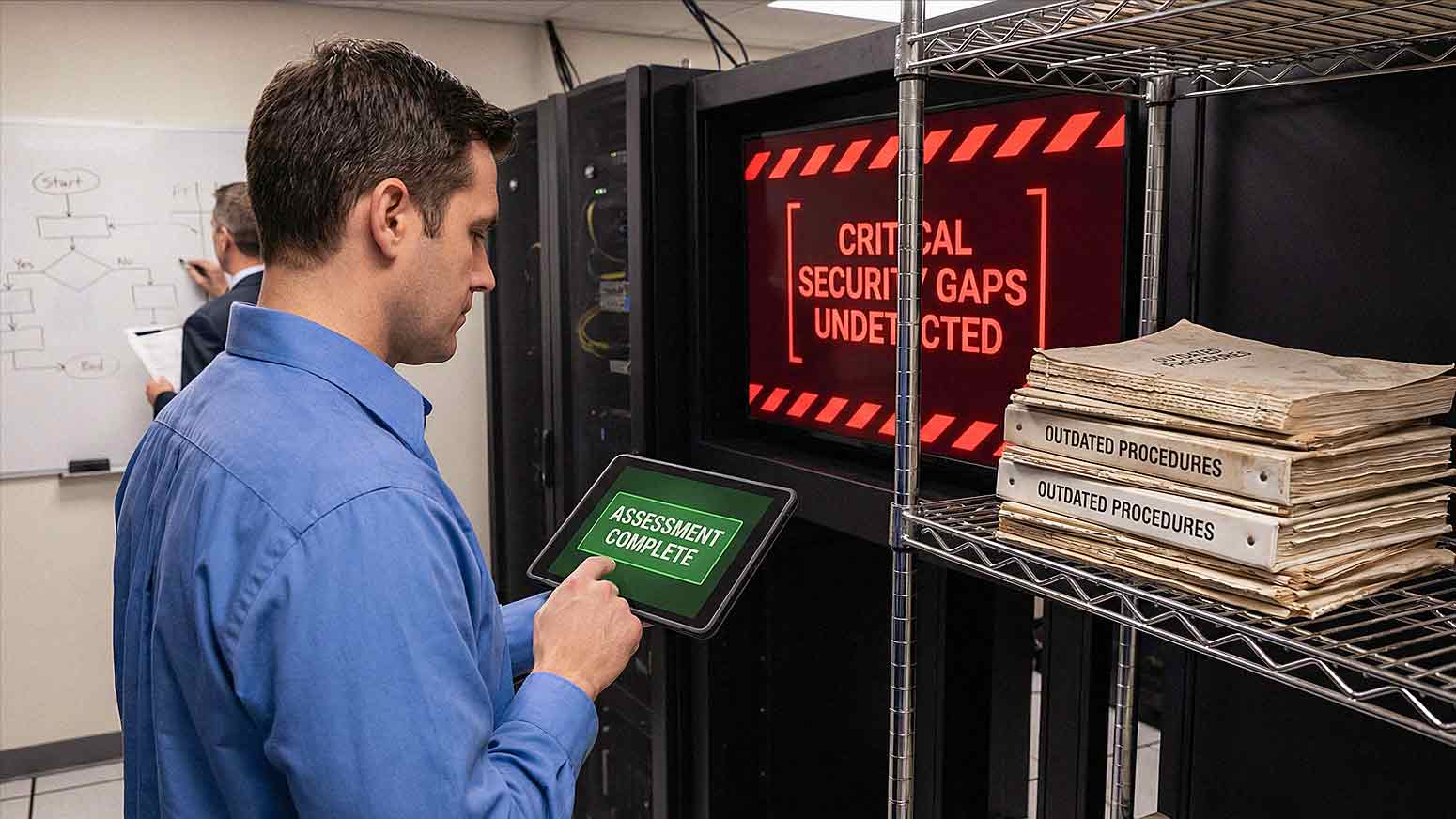
Many businesses complete an IT assessment and walk away feeling confident. The report looks thorough. Systems were reviewed. Recommendations were made. Pages of findings are sitting in a folder somewhere.
Then something goes wrong.
A security breach. A system failure. A ransomware attack that shuts down operations for days. And the question that follows is always the same: *If the assessment was complete, why was the risk missed?*
The uncomfortable truth is that most IT assessments focus on what is easy to measure — not what is critical to long-term security and stability. Surface-level checks give you a sense of coverage without actually delivering it. And in 2026, as Gartner's Hype Cycle for Managed IT Services highlights, the complexity of IT environments is accelerating faster than most assessment frameworks can keep up with. AI adoption, cloud sprawl, automation, and hybrid workforces have made the gap between a surface-level assessment and a genuinely useful one larger than ever.
Understanding where assessments fall short helps you ask better questions, demand better answers, and identify real vulnerabilities before they become expensive problems.
What an IT Assessment Is Supposed to Do
A proper IT assessment should evaluate your *entire* technology environment — not just the parts that are easy to check. That means looking at:
- Infrastructure performance — servers, storage, and compute capacity
- Cybersecurity controls — policies, tools, configurations, and monitoring
- Backup and recovery systems — what is backed up, how often, and whether it can actually be restored
- Network configuration — segmentation, traffic management, and access points
- User access management — who has access to what, and why
- Vendor and system dependencies — third-party tools, integrations, and service agreements
The goal is to identify risks *before* they cause disruption. Not all assessments are built to do that. Many are structured around what is available to measure quickly, not what actually matters to your operations.
Why Many IT Assessments Stay at the Surface Level
Some assessments focus entirely on basic checks:
- Device inventory
- Software versions
- Antivirus status
- Basic network health
These items matter. But they do not tell you whether your business would survive a ransomware attack, a hardware failure, or a compromised employee account. Surface-level assessments often miss the deeper risks tied to configuration quality, user behavior, and system integration — and those are exactly the risks that cause the most damage.
Here are the seven most common gaps we see in IT assessments, and why each one matters.

Risk 1: Incomplete Cybersecurity Evaluation
Many assessments confirm whether security tools *exist.* Very few evaluate how well those tools are *configured.*
There is a significant difference between having endpoint protection installed and having it configured correctly. Common gaps include:
- Misconfigured endpoint protection that leaves devices partially exposed
- Weak or missing email security policies
- Incomplete multi-factor authentication (MFA) coverage — often limited to just one or two applications
- No continuous monitoring or alerting for unusual activity
According to the National Institute of Standards and Technology (NIST), effective cybersecurity requires layered controls and ongoing management. Having tools in place is not enough. How those tools are tuned, updated, and monitored determines whether they actually protect you.
In 2026, threat actors are actively exploiting misconfigured tools. Simply confirming that software is installed tells you almost nothing about your actual risk exposure.
Risk 2: Ignoring User Behavior and Access Control
Technology risk is not only about systems. It is also about people.
Many assessments skip this area entirely, or treat it as a checkbox rather than a genuine risk category. What gets missed:
- Excessive user permissions — employees with admin access they do not need
- Shared accounts — multiple people using the same login credentials
- Weak password practices — reused passwords, no rotation policies, no enforcement
- Lack of security awareness training — employees who cannot recognize a phishing attempt
Human error remains one of the leading causes of security incidents year after year. If your IT assessment does not evaluate how your people interact with your systems, it is leaving one of the largest risk factors completely unaddressed.
Risk 3: Backup Systems That Are Never Tested
Most businesses have backup systems. Far fewer actually know whether those backups work.
Assessments frequently confirm that backups exist. They rarely verify:
- Whether data can actually be restored
- How long the recovery process takes
- Whether *all* critical systems are included, or just some of them
A backup that cannot be restored is not a backup. It is a false sense of security. Recovery time matters enormously in a real-world incident — if restoring your systems takes 72 hours but your business cannot function for more than 12, that gap will cost you far more than you realize.
Testing your backup and recovery systems should be a scheduled, documented process — not an assumption.
Risk 4: No Real-World Scenario Testing
Most IT assessments are theoretical. They review configurations and documentation but do not simulate what actually happens when things go wrong.
For example:
- What happens during a ransomware attack? How does the incident response process kick in? Who is notified? What gets isolated?
- How quickly can systems be restored? Is the recovery time objective (RTO) actually achievable with current infrastructure?
- Do employees know how to respond? Can your team recognize and report a threat in time to limit damage?
Without scenario-based testing — tabletop exercises, simulated attacks, or failover drills — an assessment only tells you what *should* happen. It does not tell you what *will* happen.
Risk 5: Overlooking Network Complexity
Modern business networks are not simple. They include:
- Cloud applications across multiple providers
- Remote and hybrid users connecting from various locations and devices
- Personal devices used for work (BYOD)
- Third-party integrations and API connections
Basic assessments may never look at:
- Network segmentation — whether critical systems are isolated from general traffic
- Traffic prioritization — whether bandwidth is allocated to support essential operations
- Remote access security — whether VPNs, zero-trust frameworks, or secure access tools are in place
As Gartner notes, IT complexity is accelerating in 2025 and 2026 driven by AI adoption and cloud expansion. An assessment designed for simpler network environments will miss meaningful risks in the environments most businesses are actually running today.
Risk 6: Outdated Documentation and Visibility
Many organizations do not have accurate, current documentation of their own IT environment. Assessments that rely on what an organization *thinks* it has — rather than what actually exists — are built on shaky ground.
Common documentation gaps:
- Network diagrams that have not been updated in years
- Asset inventories that do not reflect recent hardware or software additions
- Missing or incomplete records of system configurations
When assessors work from incomplete information, they miss risks by default. Accurate documentation is not just an administrative task. It is foundational to understanding your real exposure.
Risk 7: Failing to Align IT Risk With Business Impact
Some assessments are purely technical. They identify vulnerabilities but never connect those vulnerabilities to what they would actually cost the business.
The questions that matter:
- Which systems generate revenue? If this application goes down, what does that cost per hour?
- Which applications are critical to daily operations? What is the downstream impact of losing access to them?
- What does downtime actually cost? Lost sales, idle employees, recovery expenses, and reputational damage all add up quickly.
IT risk should always be evaluated in the context of business impact. Without that framing, a findings report is just a technical document — not a decision-making tool.
What a More Thorough Assessment Looks Like
An IT assessment that actually surfaces critical risks should go beyond inventory checks. It should include:
- Configuration-level cybersecurity review — not just confirming tools exist, but verifying they are set up correctly
- User access audit — mapping who has access to what, and flagging excessive permissions
- Backup validation — testing recovery, not just confirming backups run
- Scenario planning — at minimum a tabletop exercise that walks through a realistic incident
- Network depth analysis — segmentation, remote access controls, third-party exposure
- Documentation review and gap analysis — identifying where records are missing or inaccurate
- Business impact mapping — tying technical risks to operational and financial consequences
This is the standard a well-structured Managed IT Services provider should hold itself to when conducting an initial assessment — and when performing ongoing reviews.
Frequently Asked Questions About IT Assessments
How often should a business get an IT assessment?
Most businesses should conduct a formal IT assessment at least once a year. However, if your environment changes significantly — new software, a major growth event, a merger, or an office relocation — you should revisit your assessment outside of that annual cycle.
What is the difference between an IT assessment and a cybersecurity audit?
An IT assessment evaluates your overall technology environment, including infrastructure, performance, and operations. A cybersecurity audit focuses specifically on your security controls, policies, and exposure to threats. Ideally, a thorough IT assessment includes a cybersecurity component rather than treating the two as separate exercises.
How long does a proper IT assessment take?
This depends on the size and complexity of your environment. For most small to mid-sized businesses, a quality assessment takes between one and three weeks to complete properly — including data gathering, analysis, and reporting. Assessments that are completed in a single day are almost always surface-level reviews.
Can we do an IT assessment ourselves?
Your internal team can handle certain inventory and documentation reviews. However, a meaningful assessment — one that identifies configuration gaps, tests backup recovery, and evaluates real-world risk — typically requires outside expertise. An internal team is often too close to the environment to evaluate it objectively.

What should an IT assessment report include?
A solid report should cover identified risks, the severity of each risk, recommendations for remediation, and — critically — the potential business impact of each finding. A report that only lists technical vulnerabilities without prioritizing them or connecting them to business outcomes is difficult to act on.
What is the biggest red flag in an IT assessment?
If the assessment does not include any testing — no backup recovery validation, no scenario exercises, no configuration verification — that is a significant red flag. Review-only assessments often miss the risks that matter most.
How does Managed IT Services relate to ongoing risk assessment?
A quality Managed IT Services provider does not just assess your environment once and move on. They monitor continuously, review risk on a regular cadence, and adjust recommendations as your business and your threat environment evolve. Ongoing management is what separates a one-time assessment from sustained protection.
The Bottom Line
Completing an IT assessment should give you genuine confidence, not just a stack of paperwork. If your assessment did not test your backups, evaluate user access, examine configuration quality, or connect technical findings to business impact, it left significant risks on the table.
The goal is not a report that *looks* thorough. The goal is a real understanding of where your business is exposed — and a clear path to addressing it.
If you are not sure whether your last IT assessment covered what it should have, that is exactly the kind of question worth asking before the next problem surfaces.
Schedule a Free Consultation with AIS and let our team walk through what a thorough assessment actually looks like for businesses like yours.
Or, if you are ready to talk through your current environment, contact AIS today. Our team supports businesses across Las Vegas, Southern California, and surrounding regions with Managed IT Services built around your real operational needs — not just what is easy to check.
Topics:
