

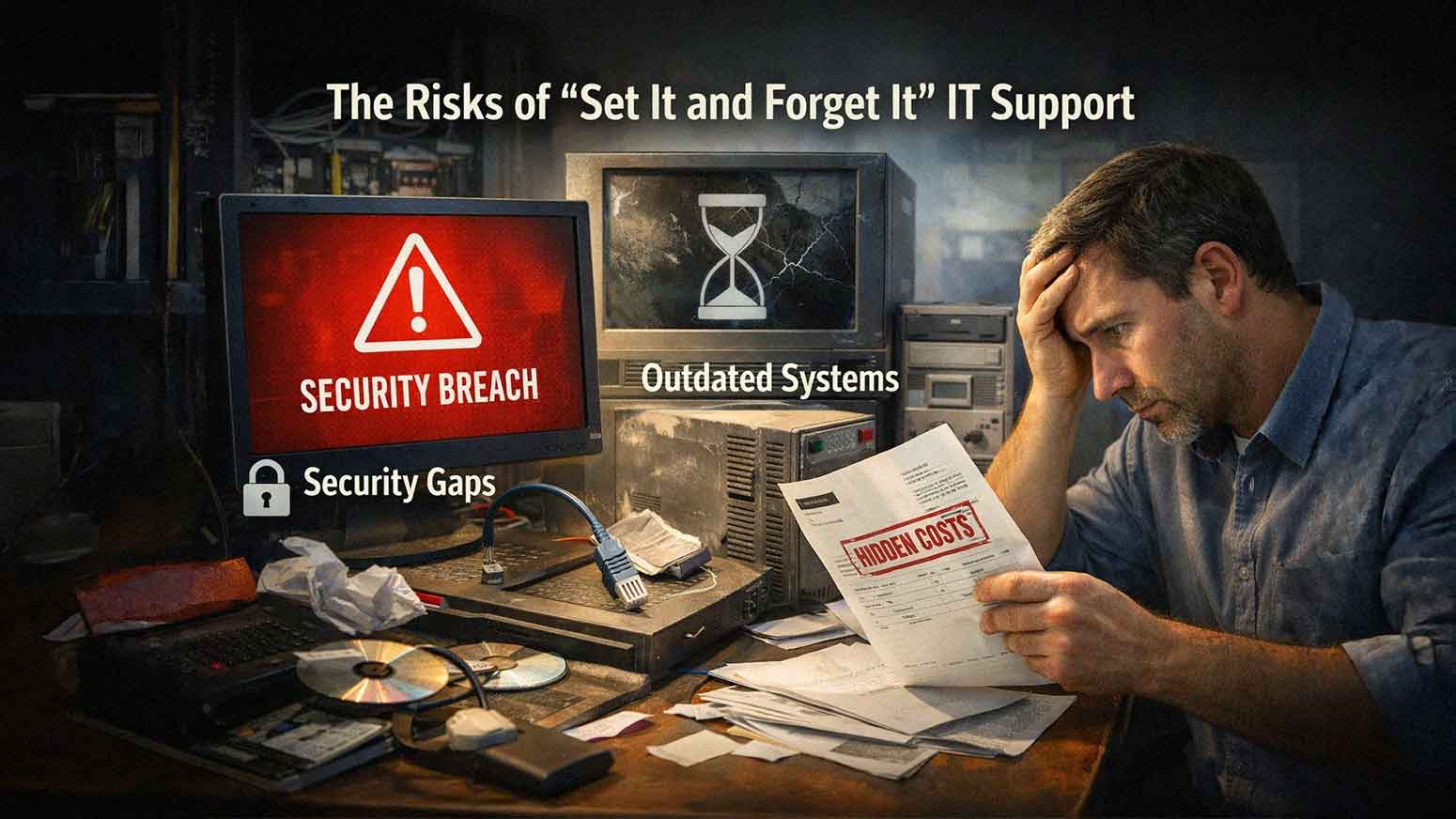
For many businesses, the goal of IT is simple. Set everything up once. Make sure it works. Then move on. No constant changes. No ongoing attention. No added cost.
This mindset is completely understandable. Technology feels like something that should hum along in the background without much involvement. Like a thermostat. Like a coffee maker.
The problem? IT is nothing like a thermostat.
Systems change. Threats evolve. Your business grows. And "set it and forget it" IT support creates real, measurable risk — because it assumes nothing will change when, in reality, everything does.
If you're running a small or mid-sized business in Las Vegas, Southern California, or anywhere in between, this article is for you. We're going to walk through exactly what this approach looks like, why it quietly causes problems, and what a better alternative actually delivers.
What "Set It and Forget It" IT Support Actually Looks Like
This approach has a few telltale signs. Businesses running in this mode typically have:
- Minimal or no ongoing monitoring
- Infrequent or inconsistent system updates
- Reactive support — only called when something breaks
- Limited security oversight
- No long-term IT planning or roadmap
At first, everything seems fine. Systems are running. Employees can log in. Nobody's complaining. So why change anything?
Because what you can't see is what will hurt you.
Small issues don't announce themselves. They build quietly — a missed patch here, a failing drive there, a backup that stopped working three months ago — until something breaks at the worst possible time.

Why Your Technology Environment Is Always Changing
Your IT environment is not fixed. Even if you never touch it, the world around it keeps moving. In 2026, that pace has only accelerated.
Here's what changes without you doing anything:
- Software releases new updates — some of which patch critical security flaws
- Cybercriminals develop new attack methods — targeting known vulnerabilities in outdated systems
- Employees join, leave, or change devices — creating access control gaps
- Data usage increases — putting pressure on storage and bandwidth
- Your business grows or shifts — requiring new tools, integrations, or infrastructure
Without active management, your systems fall further and further behind the current baseline of performance and security. That gap is where risk lives.
Risk 1: Outdated Systems and Software
Software and operating systems require regular updates — not occasionally, but consistently. When updates are skipped or delayed, three things happen:
- Security vulnerabilities remain unpatched, giving attackers a known entry point
- Applications become incompatible with each other or with newer tools you're trying to adopt
- Performance degrades as systems struggle to keep up with current demands
Outdated systems remain one of the most common entry points for cyberattacks. This isn't speculation — it's the pattern seen across thousands of business breaches every year. Regular updates are not optional maintenance. They're your first line of defense.
Risk 2: Growing Cybersecurity Exposure
Cyber threats don't stay the same. A security posture that was solid two years ago may have significant gaps today.
"Set it and forget it" IT often leads to:
- Missing security patches across endpoints, servers, and applications
- Outdated antivirus definitions that don't recognize newer threat variants
- Weak or unchecked access controls — especially as employees come and go
- No active monitoring to catch unusual activity before damage is done
Static systems become easy targets. Attackers actively scan for businesses running outdated software because they know those environments are predictable and undefended.
Deloitte's 2025 enterprise services research highlights that organizations often fall short in managed services programs when they lack clear internal alignment on expected outcomes — in other words, when there's no proactive plan guiding decisions. The same principle applies to IT security. Without a plan, you're reacting. And in cybersecurity, reacting is almost always too late.
Risk 3: No Visibility Into System Performance
Without monitoring, you're flying blind. Problems don't always announce themselves with a full system crash. They creep in gradually:
- Slow network performance that employees chalk up to "just how it is"
- Failing hardware that starts throwing errors weeks before it dies completely
- Increasing error rates in applications that nobody reports because it seems minor
- Storage nearing capacity with no alert to flag it
Each of these is manageable when caught early. When they're ignored — or invisible — they lead to:
- System crashes during critical business hours
- Unplanned downtime with no quick fix in sight
- Data loss that no backup can recover because the backup was also broken
Visibility is what separates a minor IT inconvenience from a full business disruption.
Risk 4: Reactive Support Instead of Proactive Management
Here's the core problem with reactive IT: you're always paying the most expensive price possible.
When IT support only shows up after something breaks, you get:
- More downtime — because the issue has already escalated by the time anyone looks at it
- Slower resolution — because diagnosis starts from zero with no historical monitoring data
- Increased business disruption — because the fix is urgent, not planned
Proactive IT management flips this. Issues are identified and resolved before they affect operations. Hardware gets replaced before it fails. Security gaps get closed before they're exploited.
Prevention isn't just safer. It's significantly less expensive. Emergency IT repair costs, unplanned downtime, and security incident recovery all carry price tags that routine managed IT services don't come close to matching.
Risk 5: Backup Systems That Are Never Verified
Many businesses set up a backup solution once and assume it's working. This is one of the most dangerous assumptions in IT.
Without regular testing:
- Backup failures go undetected — sometimes for months
- Recovery processes remain untested — so nobody knows how long restoration actually takes
- Critical data may be missing from backup sets due to configuration errors
A backup system you haven't tested isn't a safety net. It's a false sense of security.
True managed IT services include scheduled backup verification — not just checking that the backup *ran*, but confirming that data can actually be *restored*. That's the only test that matters.
Risk 6: Misalignment With Business Growth
Your technology needs in 2026 are not the same as they were when you first set everything up. As your business grows, your IT has to grow with it.
Examples of growth-driven changes that "set it and forget it" IT ignores:
- More employees requiring additional licenses, devices, and access management
- Increased data storage needs as operations scale
- New applications that need to integrate with existing systems
- Expanded locations that require consistent connectivity and security across sites
When IT doesn't keep up with growth, you get overloaded systems, performance bottlenecks, frustrated employees, and increasing support requests. None of that is inevitable — but all of it is predictable when there's no IT roadmap guiding decisions.
Risk 7: Hidden Costs That Add Up Over Time
Avoiding proactive IT management might seem like a way to save money. In practice, it usually costs more.
Here's what reactive IT actually costs businesses:
- Emergency repair labor — which is always billed at a premium
- Downtime-related revenue loss — even a few hours offline can cost thousands depending on your industry
- Security incident recovery — breach remediation, notification requirements, and potential regulatory penalties
- Premature hardware failure — because equipment runs without maintenance until it breaks
Proactive managed IT creates cost predictability. You know what you're spending each month. You're not bracing for the next surprise bill.
A Real-World Example: The Slow Network That Became a Full Outage
Here's how this plays out in practice.
A business notices occasional slow network performance. Employees mention it, but nobody escalates it. There's no monitoring in place, so nothing flags it as a growing problem.
Over the next several months:
- Network hardware continues to degrade
- Traffic increases as the business grows
- Bottlenecks worsen without anyone identifying the root cause
Then one Tuesday morning, the network fails. Employees can't access systems. Customer-facing operations stop. The business is effectively offline for the better part of a day.
What started as a $500 hardware replacement becomes a $15,000 problem when you factor in emergency service calls, lost productivity, and missed revenue.
This scenario is not rare. It's one of the most common ways "set it and forget it" IT eventually makes itself known.
What Proactive Managed IT Services Actually Deliver
The alternative to reactive IT isn't complicated. It's consistent, structured attention to the systems your business depends on.
A managed IT services provider handles:
- 24/7 monitoring of your network, devices, and servers
- Regular patching and updates so systems stay current and secure
- Verified backup management so you know recovery will work when you need it
- Security oversight that adapts as threats evolve
- Strategic IT planning that aligns your technology with where your business is heading
At AIS, we've built our managed IT services around exactly this model. Our clients in Las Vegas, Southern California, and surrounding regions maintain an average relationship with us of over seven years — not because they're locked in, but because proactive IT management actually works.
We hold a 96% Net Promoter Score, ranked #1 in North America for client satisfaction, and provide 24/7 local support with dedicated account managers who know your environment.
That's not a sales pitch. It's the result of doing IT the right way, consistently, over time.
Frequently Asked Questions About Proactive IT Management
How do I know if my current IT support is reactive or proactive?
A quick way to tell: does your IT provider contact you about potential issues, or do you always contact them? If you're only hearing from them when something breaks, you're in a reactive model. Proactive IT providers monitor your systems continuously and reach out before problems escalate.
Is proactive IT management only for large companies?
Not at all. Small and mid-sized businesses are often the most vulnerable to IT disruptions because they have fewer resources to absorb unexpected downtime or recovery costs. Proactive managed IT services are specifically designed to give SMBs enterprise-level protection at a predictable monthly cost.
How often should IT systems actually be updated?
It depends on the system, but security patches for operating systems and critical applications should be applied as soon as they're released — often within days of a vendor's update. Other updates (firmware, drivers, non-critical applications) are typically managed on a scheduled cycle. A managed IT provider handles all of this automatically.
What's the cost difference between reactive and proactive IT support?
Reactive IT often appears cheaper upfront because you're only paying when something breaks. But emergency labor, unplanned downtime, and security incident recovery costs add up quickly and unpredictably. Proactive managed IT services offer a flat monthly fee, which makes budgeting easier and typically results in lower total IT spend over time.

My business hasn't had a major IT issue in years. Why change anything?
This is one of the most common — and risky — assumptions in IT. The absence of visible problems doesn't mean your systems are secure or healthy. Without monitoring, you simply don't have the data to know. Issues can build for months before they surface in a way that's impossible to ignore.
What should I look for in a managed IT services provider
Look for a provider with 24/7 monitoring and support, a clear onboarding process, local technicians who understand your region's infrastructure, transparent pricing, and verifiable customer satisfaction metrics. Ask specifically how they handle backup verification, security patching, and long-term IT planning.
How quickly can AIS get a business set up with proactive IT management?
Every engagement starts with a thorough assessment of your current environment. From there, we develop a transition plan that minimizes disruption. Most businesses are fully onboarded within a few weeks, with monitoring and management active from day one.
The Bottom Line
"Set it and forget it" IT support isn't a neutral choice. It's a decision to accept growing risk, increasing costs, and eventual disruption — on an unknown timeline.
Your technology is not static. Your threats are not static. Your business is not static.
Proactive managed IT services exist precisely because technology requires ongoing attention to stay secure, perform well, and support the work you're actually trying to do.
If you're not sure whether your current IT support is keeping up, that uncertainty is worth exploring.
Topics:
