

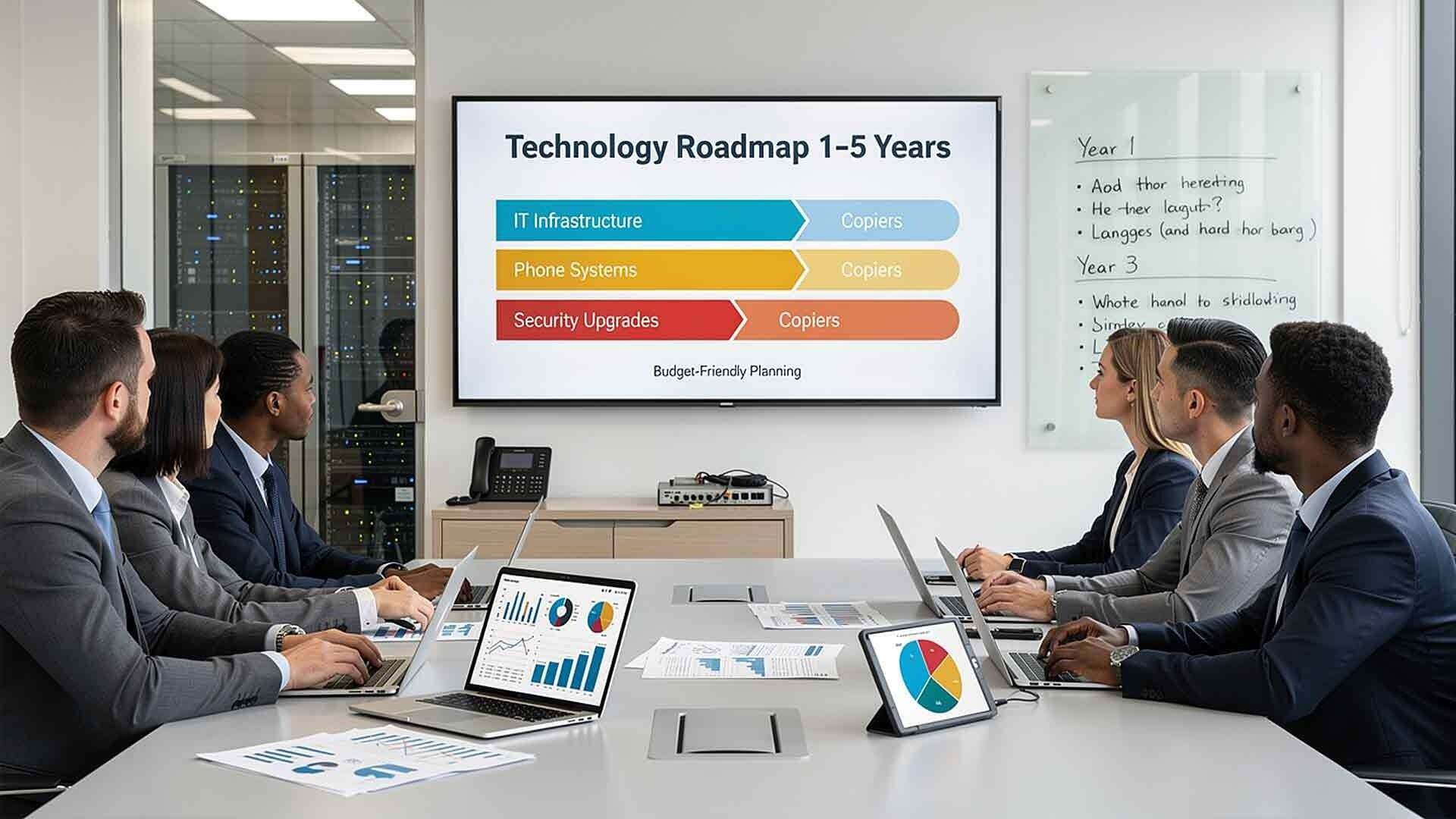
Many businesses build annual budgets without looking beyond the next twelve months. Technology upgrades are often reactive. A server fails. A copier lease ends. A phone system starts dropping calls. Then everyone scrambles.
This approach creates financial spikes, operational stress, and rushed vendor decisions that rarely end well. There's a better way.
Forecasting your office technology needs 1–5 years out creates stability. It spreads investments over time. It reduces emergency purchases. And it aligns technology with your growth plans — instead of chasing them.
With worldwide IT spending projected to reach $6.31 trillion in 2026, a 13.5% increase from 2025 according to Gartner, technology costs are not getting smaller. Businesses that plan proactively are in a much stronger position than those reacting quarter to quarter. Long-term forecasting turns technology from a surprise expense into something you can actually manage and build around.
What Counts as "Office Technology"
When forecasting, you need to think about your entire technology ecosystem — not just the devices sitting on desks. This includes:
- IT infrastructure such as servers, firewalls, switches, and wireless systems
- Workstations and laptops
- Phone systems and VoIP platforms
- Copier and managed print environments
- Security systems, including cameras and access control
- Cloud software subscriptions
- AI and business application tools
- Backup and disaster recovery systems
Each of these areas has its own lifecycle and its own set of growth triggers. Miss one category, and your forecast has a hole in it.
Step 1: Document What You Have Today
Before you can forecast forward, you need to understand your current baseline. You can't plan replacements if you don't know what you have or how old it is.
Create a simple inventory that captures:
- Device type and model
- Age of each device or system
- Warranty status
- Vendor support expiration dates
- Current monthly or annual costs
- Known performance issues or user complaints
This baseline is the foundation of your forecast. If you don't know how old your firewall is or when your copier lease expires, you're forecasting on guesswork. That's how surprise expenses happen.
If building this inventory from scratch feels overwhelming, a managed IT provider can help you complete a full technology audit — often at no cost as part of an initial assessment.
Step 2: Align Technology Planning with Business Growth
Technology forecasting only works when it's connected to your business strategy. A forecast built in isolation from your leadership team will always miss something.
Sit down with decision-makers and ask:
- Are we planning to hire in the next one to three years?
- Are we opening new locations or expanding into new markets?
- Are we adding remote or hybrid workers?
- Are we entering regulated industries that require compliance upgrades?
- Are we launching new services that need supporting tools?
Growth drives technology demand. Hiring ten new employees, for example, affects hardware purchases, software licenses, network capacity, phone system scalability, and security access control — all at once. Planning for that headcount increase two years in advance is very different from reacting to it in month three of rapid hiring.
Forecasting without this growth input leads to consistent underinvestment, followed by costly catch-up spending.

Step 3: Know Your Technology Lifecycles
Different systems have different replacement timelines. Understanding these cycles is what turns your inventory from a static list into a forward-looking forecast.
Typical replacement cycles:
- Servers: Every 4–6 years
- Firewalls: Every 3–5 years
- Network switches: Every 5–7 years
- Workstations and laptops: Every 3–5 years
- Copiers and multifunction printers: Every 3–5 years
- Security cameras: Every 5–7 years
- VoIP and phone systems: Every 5–7 years (or sooner if features lag behind needs)
- Cloud software subscriptions: Review annually for license changes and version upgrades
Forecasting 1–5 years out means mapping these cycles against your current inventory. When you see three major replacements stacking up in the same year, you still have time to spread them out — or budget appropriately for that concentration of spending.
The National Institute of Standards and Technology (NIST) has long supported lifecycle management as a primary strategy for reducing security exposure and operational disruption. Unsupported systems — especially firewalls and servers — are among the most common entry points for security incidents.
Step 4: Forecast IT Infrastructure Needs
Infrastructure is the foundation that everything else runs on. It deserves the most careful attention in your forecast.
Focus on:
- Server replacements — If your server is approaching four years old, plan for replacement within the next one to two years, not when it fails.
- Firewall upgrades — Firewalls reaching end-of-support lose security patches, which creates real exposure.
- Network capacity — Growing teams and more cloud-connected applications increase bandwidth demand.
- Cloud migration — If you're still running certain workloads on-premise, evaluate whether a shift to cloud infrastructure makes more financial and operational sense.
- Backup and disaster recovery — Test your recovery plan today. Then schedule its review and upgrade in your forecast.
Spacing these infrastructure upgrades over multiple years prevents budget stacking — where three or four major expenses converge in a single fiscal year.
Step 5: Forecast Phone System Needs
Business phone systems have changed significantly in the past few years. Many legacy systems simply can't support the way teams work today — across locations, devices, and time zones.
When forecasting phone and communications needs, consider:
- Remote and hybrid work requirements
- Mobile integration
- Call volume growth
- Multi-location routing and ring groups
- Contract and agreement renewal dates
- Reporting and analytics capabilities
If your current system lacks visibility into call data or can't scale without expensive hardware additions, plan for replacement before growth forces urgency. VoIP and cloud-based phone systems like Intermedia or RingCentral are far easier to deploy when planned deliberately than when rushed under pressure.
Step 6: Forecast Copier and Print Needs
Copier forecasting is often more straightforward than other categories because it naturally aligns with lease terms. But auto-renewals and last-minute decisions remain a common source of avoidable cost.
Review:
- Lease expiration dates — Know them at least 12–18 months in advance
- Current print volume trends — Rising volume may signal the need for higher-capacity devices
- Overage charges — Chronic overages often indicate a mismatch between device capacity and actual usage
- Device reliability — Frequent service calls are a leading indicator that replacement is overdue
- Security configuration — Older print devices often lack the security features that current compliance requirements demand
If print volume is declining, fleet consolidation may reduce costs. If it's rising, you may need to upgrade before your lease ends. Either way, forecasting gives you the leverage to make that decision on your terms.
Step 7: Forecast Security and Access Control Needs
Physical security needs change as facilities grow, shrink, or shift. Security camera systems, access control platforms, and visitor management tools all have lifecycles — and they're increasingly integrated with IT infrastructure.
Plan for:
- Camera system expansion as you add locations or renovate facilities
- Access control upgrades when you add employees, change vendors, or face compliance reviews
- Integration between physical security and IT security platforms
- Software-managed systems (like Verkada) that receive continuous updates versus legacy hardware-only systems that don't
Security upgrades tend to get deprioritized until something goes wrong. A proactive forecast keeps them on the budget before an incident forces the conversation.
Step 8: Account for AI and Business Applications
This is the category that most legacy forecasts miss entirely — and it's now one of the fastest-moving areas of technology investment.
According to McKinsey, AI investments are consuming up to one-third of companies' change budgets, reshaping both operational costs and efficiency expectations. Whether you're evaluating AI-assisted workflows, automation tools, or intelligent document management, these investments need to be part of your forecast now.
Ask yourself:
- Are there repetitive workflows in your business that could be automated?
- Are you tracking time spent on tasks that AI tools could handle in minutes?
- Do your current software subscriptions include AI capabilities you're not using?
You don't need to have all the answers today. But if AI tools aren't somewhere in your 3–5 year technology forecast, you may find yourself reacting to them the same way businesses used to react to cloud computing — later than you should.

Step 9: Build a Simple, Rolling Forecast Document
Once you've worked through each category, compile everything into a single planning document. Keep it simple.
Recommended columns:
- Technology category
- Current system or device
- Age or lease expiration
- Estimated replacement year
- Estimated cost range
- Priority level (critical, planned, optional)
Review this document annually — ideally during budget planning season. Add new systems. Update timelines. Flag anything that's moved from "planned" to "urgent."
A rolling forecast isn't a static document. It's a living tool. The businesses that treat it that way consistently make better technology decisions with fewer surprises.
Frequently Asked Questions About Office Technology Forecasting
How far out should I really try to forecast?
A practical sweet spot is three years of detailed planning and two years of directional planning. Years one through three should have specific budget estimates and replacement timelines. Years four and five should capture known lease renewals, anticipated growth milestones, and general investment areas — with the understanding that specifics will sharpen as you get closer.
What if I don't know the age of some of my equipment?
Start with what you can find — invoices, lease agreements, serial number lookups, or vendor records. For anything you genuinely can't trace, a managed IT provider can perform a technology audit to document what's in your environment, often as part of an initial assessment. Don't let incomplete information stop you from starting the forecast.
How do I handle technology that's still working but aging?
Age plus risk is the right lens. A workstation that's five years old but working fine for a light administrative user is a different risk than a five-year-old server running mission-critical applications. Factor in what the system does, what happens if it fails, and the cost of unplanned downtime — not just whether it's still powered on.
Should AI tools be part of my technology forecast now?
Yes. Even if you're not ready to implement AI tools today, they should appear in your 3–5 year forecast as a budget placeholder. McKinsey's research shows AI is reshaping how organizations allocate technology spend. Building awareness and budget flexibility now prevents you from being caught flat-footed when adoption becomes a competitive necessity rather than an option.
What's the biggest mistake businesses make when forecasting technology?
Forecasting technology costs without connecting to the business growth plan. A technology forecast built in isolation from leadership almost always underestimates demand. The second biggest mistake is failing to revisit the forecast annually — letting it become a one-time document instead of a living planning tool.
How do I prioritize when I have more needs than budget?
Use a tiered approach. Tier 1 covers anything that's a security risk or could cause operational downtime — these go first. Tier 2 covers systems approaching end-of-life within the next 12 months. Tier 3 covers efficiency upgrades that are beneficial but not urgent. This framework helps you have honest budget conversations with leadership instead of presenting a flat list of requests.
Can a managed IT provider help me build a technology forecast?
Absolutely. A good managed IT provider should be doing this with you — not waiting for you to call with a problem. At AIS, our account managers conduct regular technology reviews with clients specifically to keep forecasts current and aligned with business plans. It's part of how we maintain long-term relationships rather than just reacting to service tickets.
Your Next Step
Technology forecasting isn't complicated, but it does require intention. Most businesses that struggle with surprise IT expenses aren't bad at budgeting — they just haven't built the habit of looking ahead.
Start with your inventory. Connect it to your growth plans. Map your lifecycles. And review it every year.
If you want help building a technology forecast for your business — or want a second set of eyes on what you already have — AIS is here for it. We work with SMBs across Las Vegas, Southern California, and surrounding regions, and we've been doing it long enough to know that the best technology decisions are always made in advance.
Schedule a Free Consultation — We'll help you see what's coming before it becomes an emergency.
Contact AIS Today — Talk to a local technology advisor who knows your market.
Topics:
