

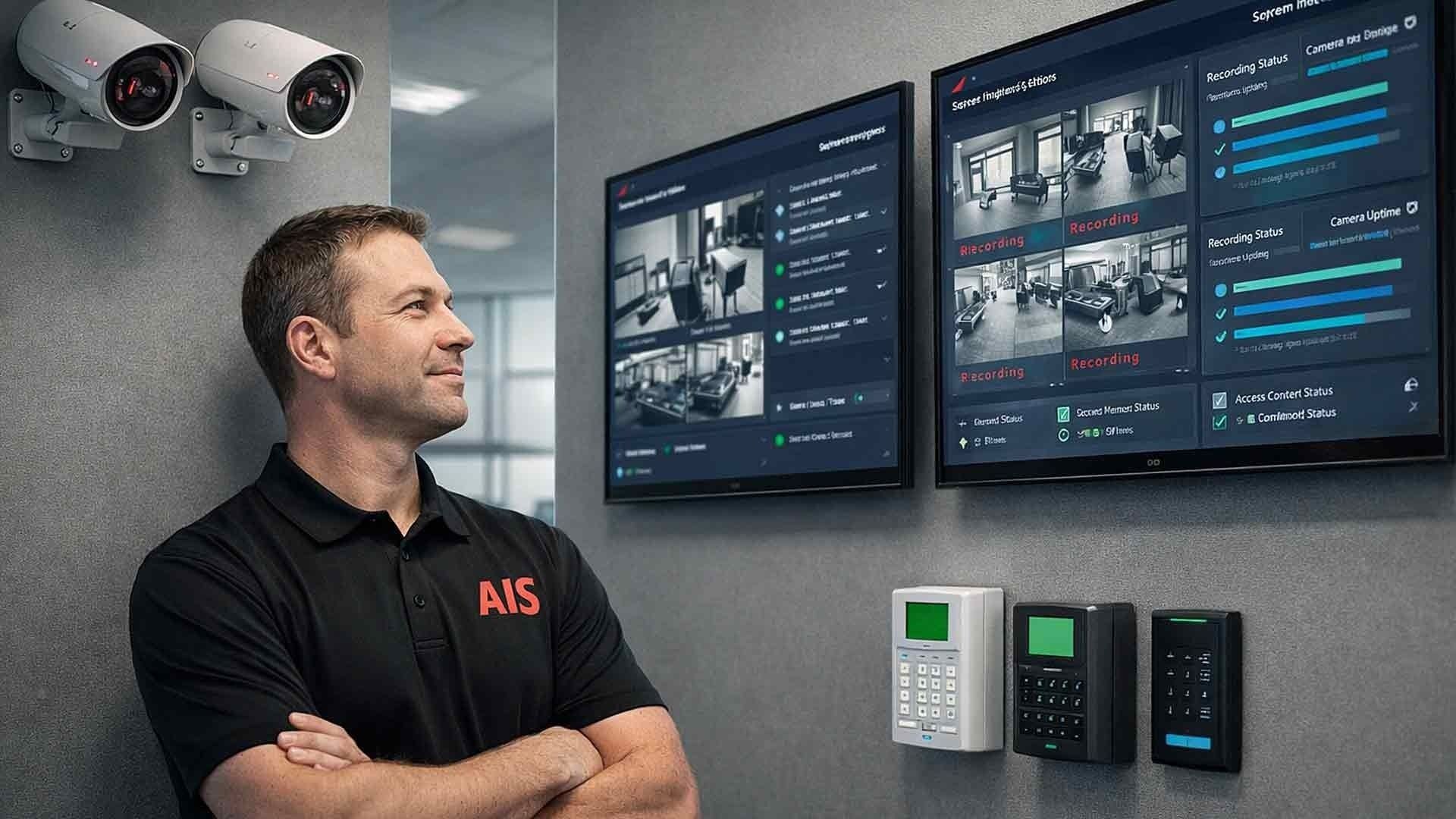
Most businesses invest real money in security systems. Cameras go up. Access control gets configured. The alarm panel is tested during installation. Then the whole system fades into the background — and that's exactly when problems start.
If nothing appears broken, maintenance gets pushed to the bottom of the priority list. That's understandable. But it's also how businesses end up discovering, after an incident, that their cameras were out of focus, their hard drive was full, or their access control credentials hadn't been updated since the last round of layoffs.
Security systems rarely fail all at once. They degrade quietly, gradually, and often invisibly. Understanding how often your business security system needs maintenance — and what that maintenance actually involves — is one of the most practical things you can do to protect your people, your property, and your business.
What Counts as a Business Security System?
Before we talk about maintenance schedules, it helps to understand what we're actually talking about. A modern business security system typically includes multiple components working together:
- Video surveillance cameras (indoor, outdoor, PTZ, fisheye)
- Network video recorders (NVRs) or cloud-based video storage
- Intrusion alarm systems
- Access control systems (card readers, key fobs, mobile credentials)
- Intercom and entry management systems
- Motion detectors and sensors
- Professional monitoring services
Each of these components has different maintenance needs and different failure patterns. A one-size-fits-all maintenance schedule doesn't exist — but a structured, layered approach does.
The General Rule: Ongoing Monitoring Plus Scheduled Maintenance
Business security systems require two distinct layers of attention:
1. Continuous system monitoring — catching active failures in real time
2. Scheduled physical inspections and preventive maintenance — stopping future failures before they happen
Relying on one without the other creates blind spots. Monitoring alone won't tell you that a camera lens is dirty or that a door reader's contacts are corroding. Scheduled maintenance alone won't catch a storage drive that failed on a Tuesday afternoon.
Both layers are non-negotiable for any business that takes security seriously.

Video Surveillance Maintenance: What to Check and When
Monthly System Health Checks
At a minimum, your surveillance system should get a health review every month. This doesn't require a technician on-site — much of it can be done remotely with the right software. Monthly checks should confirm:
- All cameras are online and recording
- Storage capacity is sufficient and not approaching its limit
- Remote access and live view are functioning correctly
- Motion detection and alert configurations are still active
- No error flags or offline device warnings in the dashboard
Without a monthly review, a camera outage can go undetected for weeks. You might not find out until you need the footage.
Quarterly Physical Inspections
Every three months, someone should physically inspect your surveillance infrastructure. Quarterly checks should include:
- Cleaning camera lenses — dust, grime, spider webs, and moisture film degrade image quality fast
- Checking mounting hardware and stability — especially for outdoor cameras exposed to wind and vibration
- Verifying field of view — cameras can shift over time; make sure you're still covering the intended zones
- Inspecting visible wiring and conduit for wear, damage, or tampering
- Testing playback quality on recorded footage, not just live feeds
Environmental factors like desert heat (especially relevant for businesses in Las Vegas and Southern California), UV exposure, and seasonal temperature swings accelerate hardware wear faster than most people expect.
Annual Storage and Firmware Review
Once a year, step back and evaluate the system at a higher level:
- Review storage retention policies — are you keeping footage long enough to meet your operational or compliance needs?
- Test data recovery and playback procedures — not just whether footage exists, but whether you can actually retrieve it quickly under pressure
- Update firmware and software on cameras, NVRs, and management platforms
- Evaluate hardware age and replacement planning
Hard drives in network video recorders typically have a lifespan of three to five years under continuous recording conditions. Proactive replacement before failure prevents data loss at the worst possible time. Cloud-based systems like Verkada eliminate much of this risk by removing local storage dependency entirely.
Intrusion Alarm System Maintenance: Quarterly and Annual
Quarterly Sensor Testing
Alarm systems depend on motion detectors, door contacts, glass break sensors, and smoke/CO detectors working correctly every single time. These components require regular testing — not just an assumption that they're fine because nothing has triggered them.
Quarterly checks should confirm:
- Sensors trigger accurately and within expected response times
- Alarm signals are successfully reaching your monitoring center
- Keypads and control panels function without error
- Entry and exit delay timers operate correctly
- Battery backups are holding charge and would sustain the system during a power outage
Battery backup testing is frequently skipped and frequently the cause of system failures during the very incidents businesses were trying to protect against.
Annual Professional Inspection
Most alarm manufacturers and insurance providers recommend a full professional inspection once per year. This goes beyond what an internal review can catch. A qualified technician should conduct:
- Full panel diagnostics
- Firmware and software updates
- Signal strength verification between sensors and the panel
- Battery replacement where needed
- Communication pathway testing (cellular backup, IP communication)
Annual professional inspections also help with insurance compliance. Some commercial property insurers require documented proof of alarm system maintenance as a condition of coverage or as a factor in premium calculation.
Access Control System Maintenance: Monthly and Semi-Annual
Access control is only as secure as the people managing it — and that means ongoing attention, not a set-it-and-forget-it approach.

Monthly Credential Review
Access permissions should be audited every single month. This isn't optional. A former employee whose badge still works is a security liability. Monthly reviews should confirm:
- Terminated employees have been removed from the system
- Role or department changes are reflected in updated access levels
- Temporary or contractor credentials have been expired or removed
- Any unusual access attempts or anomalies have been flagged and reviewed
This is one of the most commonly neglected maintenance tasks and one of the most important.
Semi-Annual Hardware Testing
Twice per year, the physical components of your access control system need hands-on testing:
- Door card readers — test read accuracy and response speed
- Electronic locks and door strikes — confirm engagement, release timing, and fail-safe/fail-secure operation
- Badge scanners and mobile credential readers
- Request-to-exit (REX) buttons and sensors
- Backup power systems for doors that must remain operational during outages
Hardware failure at entry points creates both a security problem and an operational one. A door that won't unlock during business hours is just as disruptive as one that won't lock after hours.
Monitoring Services Need Ongoing Oversight Too
Even if you pay for professional monitoring, that relationship requires periodic attention. Businesses should review their monitoring service at least twice a year to confirm:
- Emergency contact lists are current — personnel changes happen, and an outdated contact list means calls go to the wrong person
- Escalation procedures reflect current business operations
- Response protocols match your actual business hours and schedules
- Monitoring center communication pathways are tested and functioning
A monitoring service is only as effective as the instructions it's been given. Outdated contact information is one of the most common reasons monitored alarm responses are delayed or mishandled.
What Happens When Maintenance Gets Skipped?
The consequences aren't always immediate, but they compound. Here's what businesses typically experience when security system maintenance falls behind:
- Cameras that recorded nothing because storage was full or the device dropped offline
- Alarm systems that failed to alert because battery backup was dead and power was disrupted
- Access control breaches by former employees whose credentials were never revoked
- Firmware vulnerabilities that exposed the network to unauthorized access
- Insurance claim complications due to gaps in coverage documentation or missing footage
None of these outcomes announce themselves in advance. That's the nature of deferred maintenance.
Who Should Handle Security System Maintenance?
Some tasks — like monthly credential reviews or cloud system health checks — can reasonably be handled internally by an IT administrator or office manager with the right access and training.
Other tasks require a qualified technician. Physical inspections, firmware updates on specialized hardware, panel diagnostics, and communication pathway testing should be performed by someone who knows what they're looking for and how to fix what they find.
If your business doesn't have internal resources for this, a managed security provider can handle both the monitoring layer and the scheduled maintenance layer — which is exactly what AIS offers for businesses across Las Vegas, Southern California, and surrounding regions.
Building Your Maintenance Schedule: A Quick Reference
| Component | Monthly | Quarterly | Semi-Annual | Annual |
|---|---|---|---|---|
| Surveillance cameras | Health check | Physical inspection | — | Storage/firmware review |
| Alarm sensors | — | Sensor testing | — | Professional inspection |
| Access control credentials | Audit | — | — | — |
| Access control hardware | — | — | Hardware testing | — |
| Monitoring service | — | — | Contact list review | Full protocol review |
| Battery backups | — | Test charge | — | Replace as needed |
Use this table as a starting point. Your specific environment, industry, and compliance requirements may call for more frequent attention in certain areas.
Frequently Asked Questions About Business Security System Maintenance
How often should business security cameras be inspected?
Security cameras should have a remote health check monthly and a physical inspection every quarter. Annually, you should review storage capacity, retention settings, firmware, and whether aging hardware needs to be replaced. Businesses in high-dust or high-heat environments — like those in Las Vegas or inland Southern California — may need more frequent lens cleaning.
Do alarm systems really need quarterly testing?
Yes. Sensors, door contacts, and motion detectors can drift or fail without triggering an obvious alert. Quarterly testing confirms that every component of the system is communicating correctly with your alarm panel and your monitoring center. Battery backups should be included in every quarterly test.
What happens if I don't update firmware on my security cameras?
Outdated firmware can expose your cameras and network to known security vulnerabilities. Manufacturers release firmware updates to patch these vulnerabilities, improve performance, and add features. Skipping updates over time increases the risk of unauthorized access to your camera feeds or your broader network.
How do I know if my access control credentials are out of date?
The honest answer is: you don't, unless you're actively auditing them. Monthly reviews of your access control user list are the only reliable way to catch credentials that should have been revoked — former employees, expired contractors, outdated access levels. Many modern systems can generate automated reports to make this easier.
Does my security system maintenance affect my business insurance?
It can. Some commercial property and liability insurers require documented evidence of alarm system maintenance as part of their coverage terms. In some cases, proof of regular professional inspections can also support claims or prevent policy complications after an incident. Check with your insurance provider for specific requirements.
Can I do security system maintenance myself, or do I need a technician?
Some tasks — like cloud system health checks, credential audits, and reviewing monitoring contact lists — can be handled internally. Others, like panel diagnostics, firmware updates on specialized hardware, and battery replacement in alarm systems, should be handled by a qualified technician. Attempting complex maintenance without the right training and tools can easily create new problems.
How much does professional security system maintenance cost?
Costs vary based on system size, component types, and service agreements. Many businesses find that enrolling in a managed security service or maintenance contract is more cost-effective than paying for reactive repairs after something fails. AIS offers service agreements tailored to SMB budgets across Las Vegas and Southern California — contact us to discuss what makes sense for your situation.
Your Security System Is Only as Good as Its Maintenance
The businesses that get the most out of their security investments aren't necessarily the ones with the most expensive equipment. They're the ones treating maintenance as an ongoing priority rather than an afterthought.
Cameras that are clean and calibrated. Alarm sensors that are tested and reliable. Access control lists that reflect who actually works there today. Monitoring contacts that route to the right people. These aren't glamorous improvements — but they're the difference between a security system that genuinely protects your business and one that just looks like it does.
If you're not sure where your current system stands, that's exactly where AIS can help.
Schedule a Free Consultation and let our team assess your current setup, identify gaps, and build a maintenance plan that fits your business.
Or Contact AIS Today to talk through your security questions with a local expert who knows your region and your industry.
Topics:
