

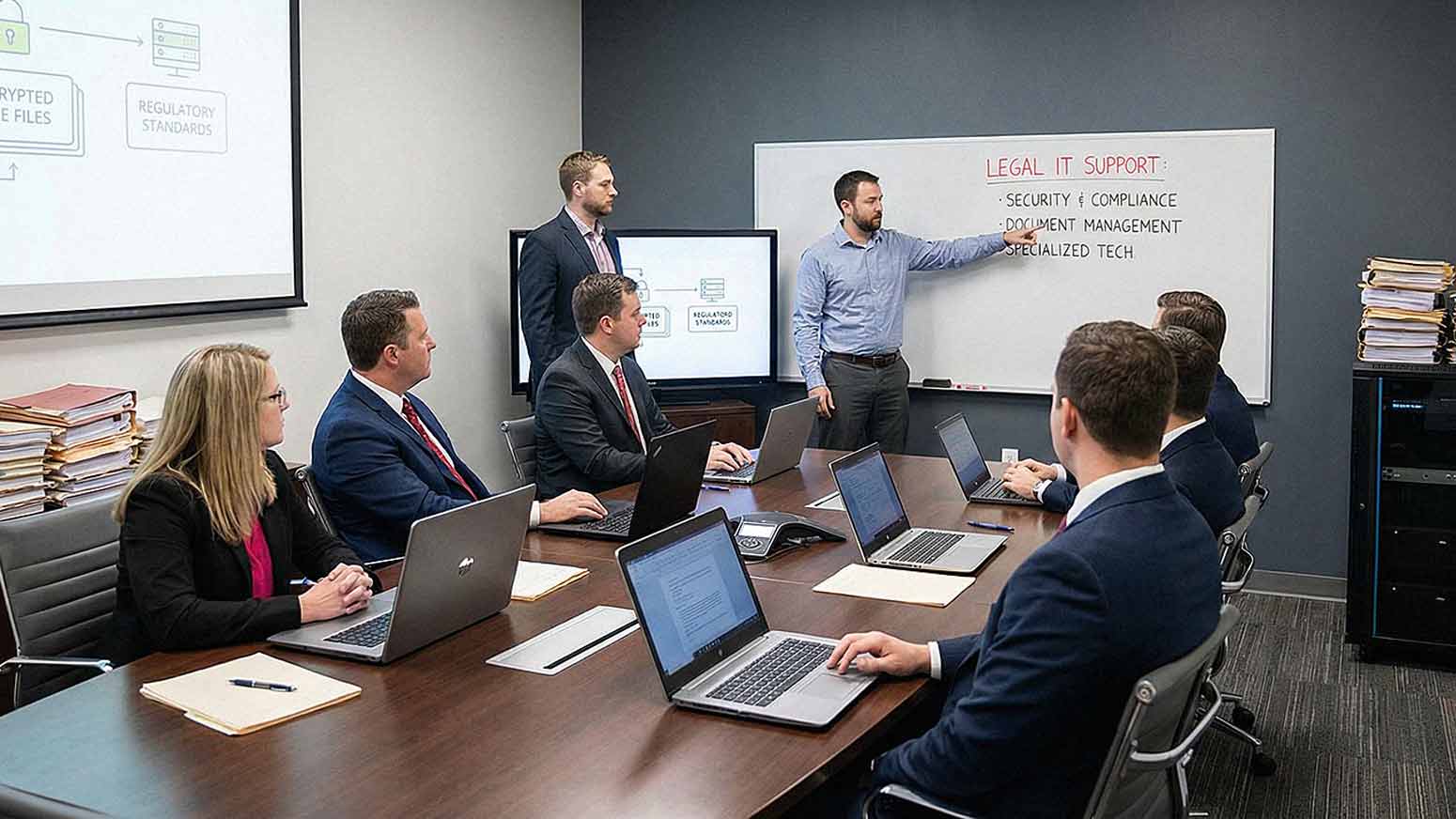
Not all businesses operate the same way — and that's especially true for law firms. You handle confidential client information every single day. You manage enormous volumes of documents. You operate under strict ethical and legal standards that most industries never have to think about. And when something goes wrong with your technology, the consequences aren't just operational. They can be legal, financial, and reputational.
Generic IT support can keep your systems running. But "running" isn't enough. IT support for law firms has to go deeper — aligning with how legal professionals actually work, protecting sensitive client data, and keeping you compliant with professional conduct rules at every level.
If you've ever wondered why your current IT provider doesn't quite "get it," this article is for you. We're going to break down exactly what makes law firm IT different, what you should expect from a qualified provider, and what questions to ask before you sign anything.
What Makes Law Firm IT Needs Unique?
Legal environments depend on three things above almost everything else: accuracy, confidentiality, and accessibility. Those three requirements shape every technology decision your firm makes — or should make.
Here's a quick look at what sets law firms apart from other SMBs:
- High volume of sensitive client data that must be protected at rest and in transit
- Strict confidentiality requirements rooted in attorney-client privilege and professional ethics rules
- Document-intensive workflows that require reliable storage, retrieval, and version control
- Time-sensitive case management where a single hour of downtime can have real legal consequences
- Increasing cybersecurity threats specifically targeting legal firms for their high-value data
These aren't edge cases. They're the daily reality of running a law firm. And they require a structured, security-first approach to IT services that most generalist providers simply aren't equipped to deliver.
Confidentiality and Data Protection: Non-Negotiable for Law Firms
Law firms are responsible for protecting client information. Full stop. A security breach doesn't just create an IT headache — it can expose your firm to legal liability, regulatory consequences, and the loss of client trust that took years to build.
In 2026, data protection requirements for law firms have only grown more demanding. State bar associations across the country have updated their guidance on technology competence, and the expectation is clear: attorneys must understand how their technology protects client data, not just that it does.
Effective law firm cybersecurity should include:
- Encrypted data storage — both at rest and during transmission
- Secure communication channels — email, messaging, and file sharing
- Role-based access controls — staff should only see what they need to see
- Continuous network monitoring — catching threats before they become breaches
- Endpoint protection — covering laptops, mobile devices, and any device that touches firm data
This isn't optional infrastructure. It's the foundation your IT environment should be built on.

Document Management Is Central to Legal Work
Legal work is document-heavy by nature. Contracts, case files, discovery materials, correspondence, billing records — it all has to be stored, organized, retrieved quickly, and protected carefully. When your document management system is slow, poorly configured, or unreliable, it creates friction that slows down billable work and increases the risk of errors.
A qualified IT provider for law firms will help you implement and maintain document management systems that offer:
- Secure, organized storage with consistent folder structures and naming conventions
- Version control so you always know which document is current
- Fast retrieval that doesn't eat into your time
- Remote access capabilities so attorneys can pull files from anywhere, securely
That last point has become increasingly important. Attorneys work from courtrooms, client offices, home offices, and on the road. Your document system has to follow them — without creating security gaps.
Compliance and Ethical Responsibilities
Law firms operate under professional conduct rules that touch technology directly. Depending on your jurisdiction and practice area, you may be subject to:
- Confidentiality obligations under your state bar's rules of professional conduct
- Data retention requirements for specific case types and client records
- Secure client communication standards that govern how you transmit sensitive information
- Industry-specific regulations if you serve clients in healthcare, finance, or government sectors
Your IT provider needs to understand these requirements — not just in general terms, but specifically. Technology decisions that seem minor on the surface (like choosing a cloud storage platform or a communication tool) can have compliance implications your IT team should be flagging for you before you're exposed.
Cybersecurity Risks Specific to Law Firms
Law firms are high-value targets for cyberattacks. That's not a scare tactic — it's documented reality. Attackers know that law firms hold confidential case information, financial data, and sometimes intellectual property or government-sensitive materials. All of that is worth a lot on the dark web.
Common threats that law firms face include:
- Phishing attacks targeting staff with fake client communications or invoice scams
- Ransomware that encrypts your files and demands payment to restore access
- Business email compromise (BEC) where attackers impersonate partners or clients
- Unauthorized access through weak passwords, unpatched software, or misconfigured systems
Effective legal IT services include proactive security measures — not just reactive ones. That means employee security awareness training, multi-factor authentication across all accounts, regular vulnerability assessments, and a clear incident response plan for when something does happen.
Secure Remote Access for Attorneys
Attorneys rarely work exclusively from one desk. You're in court, at client sites, at depositions, working from home. That means secure remote access isn't a bonus feature — it's a baseline requirement.
Cloud-based virtual desktop solutions, like Desktop as a Service (DaaS), are increasingly popular with law firms for exactly this reason. They allow attorneys to access a fully managed, secure desktop environment from any device, anywhere, without putting firm data at risk on personal machines.
Whatever solution your firm uses, secure remote access should include:
- Encrypted VPN connections or secure cloud-based alternatives
- Multi-factor authentication (MFA) on every access point
- Device management policies that cover both firm-owned and personal devices
- Session monitoring to detect unusual access patterns
The goal is giving your attorneys the flexibility they need without creating the security gaps that attackers look for.
Email and Communication Security
Email is still the primary communication channel for most law firms. It's also one of the most common ways firms get compromised. A single phishing email that looks like it's from a client, a court, or a vendor can open the door to a serious breach.
Secure email for law firms should include:
- Anti-phishing and anti-spam filtering that catches threats before they reach inboxes
- Email encryption for sending sensitive documents and client communications
- Attachment scanning to catch malicious files before they're opened
- Data loss prevention (DLP) tools that flag or block outbound messages containing sensitive data
Modern communication platforms like those offered through Intermedia or RingCentral also need to be configured and secured properly — especially if your firm uses unified communications tools for client calls, messaging, or video conferencing.
System Reliability and Uptime
Legal work isetime-sensitive in ways that are hard to overstate. Court deadlines don't move. Statute of limitations dates don't move. If your systems are down when you need them, the consequences can extend far beyond lost productivity.
IT support for law firms must prioritize:
- High system availability with proactive maintenance that catches problems before they cause outages
- Fast issue resolution through responsive local support — not overseas call centers
- Reliable infrastructure that's been properly sized for your firm's workload
When evaluating IT providers, ask specifically about their average response times and resolution times. A provider like AIS, which holds a 96% NPS score and maintains an average client relationship of 7+ years, has earned that track record by showing up when it counts.
Backup and Disaster Recovery for Legal Data
Data loss at a law firm isn't just a technology problem. It can mean lost case files, destroyed evidence, and serious professional liability exposure. Your backup strategy has to be airtight.
A solid backup and disaster recovery plan for law firms includes:
- Automated daily backups that don't rely on someone remembering to run them
- Offsite or cloud-based storage so a physical disaster doesn't wipe out your backups too
- Regular recovery testing to confirm your backups actually work when you need them
- Rapid restoration capabilities measured in hours, not days
Ask your IT provider how long it would take to fully restore your systems after a ransomware attack. If they don't have a clear answer, that's a problem.
Integration With Legal Software
Law firms use specialized applications that general IT providers may not know well. Case management platforms, billing software, court e-filing systems, and legal research tools all need to be integrated, maintained, and supported by your IT team.
Common legal software that your IT provider should be familiar with includes:
- Case and matter management systems
- Legal billing and time-tracking applications
- E-signature and document execution platforms
- Court filing portals and deadline tracking tools
If your IT provider has never supported a law firm before, there's a real learning curve — and that learning curve happens at your expense.
Why Managed IT Services Make Sense for Law Firms
Mid-size law firms often deal with fluctuating revenue tied to case volume and billing cycles. That makes predictable, fixed-cost IT support especially appealing. Managed IT Services give your firm:
- Predictable monthly costs instead of surprise repair bills
- Proactive maintenance instead of reactive "break-fix" chaos
- Scalability as your firm grows or adds new practice areas
- Access to a full team of specialists rather than relying on one internal IT generalist
For law firms that want to focus on practicing law — not managing technology — a qualified Managed IT Services provider is often the most practical and cost-effective solution.
Schedule a Free Consultation with AIS to learn how our Managed IT Services can be tailored to your firm's specific needs.
Frequently Asked Questions About IT Support for Law Firms
1. What's the difference between regular IT support and IT support for law firms?
General IT support focuses on keeping systems operational. IT support for law firms goes further — it accounts for confidentiality obligations, legal compliance requirements, document-heavy workflows, and the specific cybersecurity threats that target legal practices. A provider without legal industry experience may miss critical security or compliance gaps.
2. Do law firms need to follow specific cybersecurity standards?
Yes. While there isn't a single federal cybersecurity law for law firms, most state bar associations have rules of professional conduct that require attorneys to take reasonable steps to protect client data. Depending on the clients you serve, you may also need to comply with HIPAA, CMMC, or other regulatory frameworks.
3. How do I know if my current IT provider understands legal compliance?
Ask them directly. Find out if they've worked with other law firms, whether they understand attorney-client privilege and its technology implications, and whether they can help you evaluate compliance with your state bar's technology guidance. If they can't speak to those topics confidently, that's a red flag.

4. Is cloud storage safe for law firm documents?
It can be — but only when it's properly configured and secured. Cloud storage needs to include encryption, access controls, audit logging, and ideally a Business Associate Agreement or equivalent if you're handling regulated data. Not all cloud platforms are appropriate for law firm use without additional configuration.
5. What should I look for in a managed IT provider for my law firm?
Look for a provider with demonstrated experience supporting law firms or other highly regulated industries. Ask about their security stack, their response time guarantees, their backup and disaster recovery capabilities, and how they handle compliance questions. Client references and retention rates are also strong indicators of reliability.
6. How quickly should my IT provider respond to a critical issue?
For a law firm, critical issues should be addressed within minutes, not hours. When a system outage can affect court deadlines or client communications, your IT provider needs to have clearly defined SLAs (service level agreements) that reflect the urgency of your work.
7. Can managed IT services scale as my firm grows?
Yes, and that's one of the biggest advantages. A good managed IT provider can add users, expand storage, integrate new software, and upgrade security protocols as your firm grows — without requiring you to hire additional internal IT staff. You pay for what you need, and scale up when the time comes.
The Bottom Line
Law firms aren't like other businesses, and your IT support shouldn't treat you like you are. From data protection and compliance to document management and disaster recovery, every layer of your technology environment needs to be purpose-built for legal work.
Choosing a managed IT provider with real experience in legal environments means less risk, fewer surprises, and more time focused on what your firm actually does.
Ready to see what the right IT support looks like for your firm?
Topics:
