

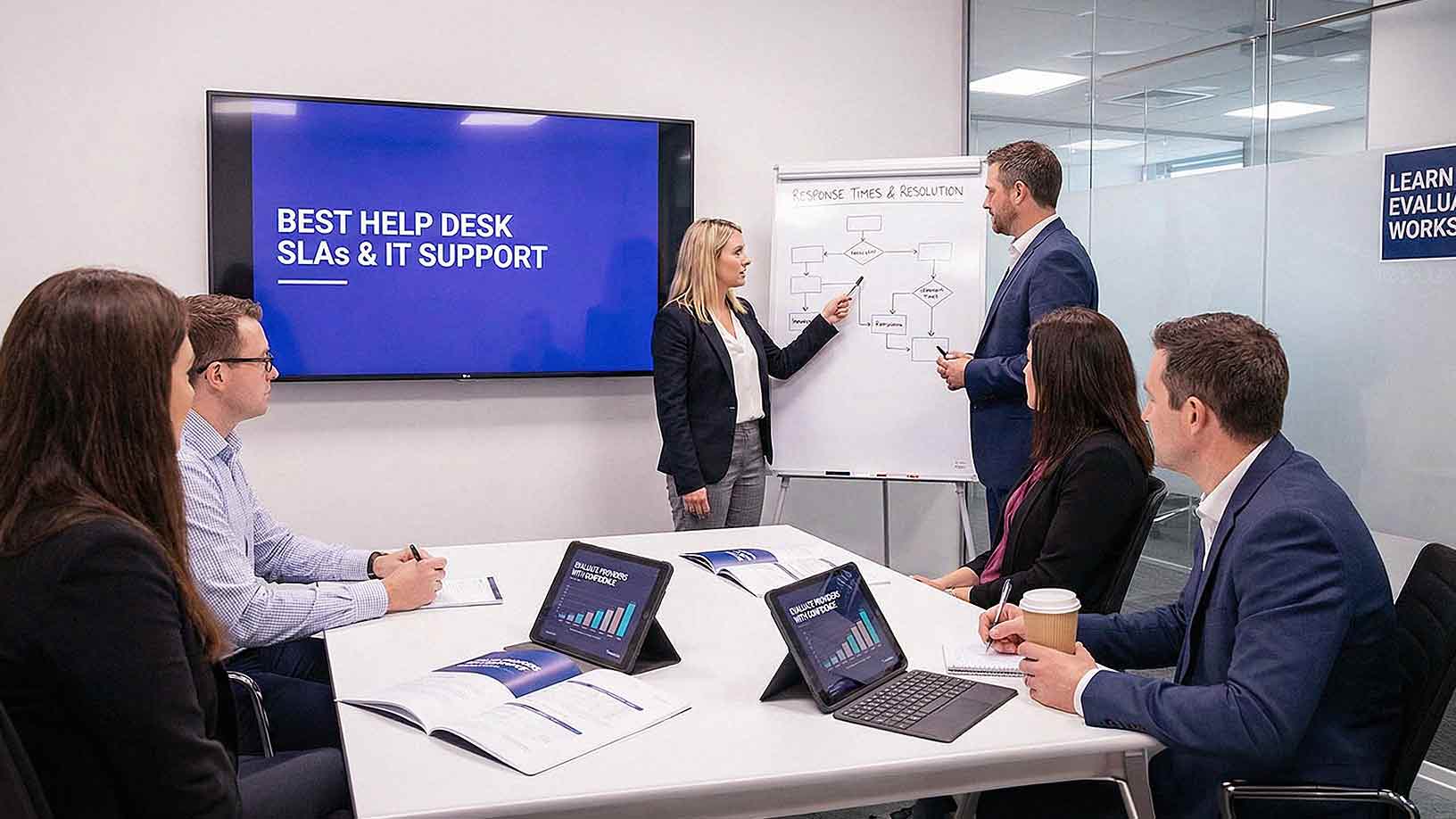
Most businesses assume IT support is straightforward. Something breaks, someone fixes it. But the reality is that the *quality* of IT support depends on a lot more than just having a technician available. It depends on how quickly issues get acknowledged, how they're prioritized, and whether your provider is actually accountable for outcomes.
That's where help desk SLAs come in.
A Service Level Agreement isn't just legal fine print. It's the documented standard that defines what you should expect from your IT provider — and what happens when those expectations aren't met. Without clear SLAs, support becomes inconsistent, frustrating, and nearly impossible to evaluate.
If you're a business owner or IT decision-maker trying to figure out whether your current support is actually "good," this article is for you. We'll break down what strong help desk SLAs look like in 2026, what metrics matter most, and what red flags to watch for when evaluating a managed IT provider.
What Is a Help Desk SLA?
A help desk SLA — Service Level Agreement — is a documented agreement that defines how IT support is delivered. It typically outlines:
- Response time targets — how quickly a technician acknowledges your issue
- Resolution time targets — how long it takes to actually fix the problem
- Issue prioritization levels — how tickets are ranked by urgency
- Support availability — when and how support can be reached
- Escalation procedures — what happens when an issue isn't resolved in time
An SLA sets measurable expectations for both your business and your provider. Without one, there's no objective standard for performance — and no accountability when things go wrong.
Think of an SLA as the foundation of your IT relationship. A provider who can't clearly articulate their SLAs before you sign a contract is a provider who may struggle to meet expectations after you do.
The Difference Between Response Time and Resolution Time
This is one of the most common points of confusion businesses have — and one that can cause real frustration if you don't understand it upfront.
Response time is how quickly the support team acknowledges your request. This might be an automated confirmation email, a phone call, or a technician beginning to investigate the issue.
Resolution time is how long it takes to fully fix the problem and close the ticket.
These are two completely different things — and strong SLAs define both clearly.
Why does this matter? Because a provider can technically meet a fast response time target while leaving your issue unresolved for days. You hear back in 15 minutes, but your server is still down on day two. That's not good support.
Strong SLAs hold providers accountable on both ends of the support experience.

How IT Support Tickets Are Prioritized
Not all IT issues carry the same weight. Help desk performance depends heavily on whether your provider has a clear, consistent system for prioritizing tickets.
Most well-structured SLAs define priority levels along these lines:
- Critical — Issues that completely stop business operations (e.g., a server is down, the entire network is offline, a data breach is suspected)
- High — Issues that affect multiple users or an important business system
- Medium — Issues affecting an individual user's ability to work
- Low — Minor requests, routine changes, or non-urgent questions
Each priority level should carry its own response and resolution targets. A critical issue should never sit in a queue behind a low-priority password reset. Clear prioritization ensures your most urgent problems get immediate attention — every time.
One question worth asking any potential provider: *"How do you define a critical issue, and what happens the moment one is submitted?"* The answer tells you a lot.
What "Good" Response Times Actually Look Like in 2026
Response time standards have become more defined as the managed IT industry has matured. Here's what strong, client-focused service levels typically look like:
- Critical issues: Response within 15–30 minutes, often with immediate escalation to senior technicians
- High priority: Response within 1 hour
- Medium priority: Response within 2–4 business hours
- Low priority: Response within 1 business day
Fast response times signal that your provider is actively monitoring your environment and not just waiting for tickets to come in. The best providers use proactive monitoring tools that can detect issues *before* they become critical — meaning your ticket is often opened before you even know there's a problem.
If your current provider is consistently taking half a day to acknowledge a high-priority issue, that's not a support problem. That's a structural problem.
What "Good" Resolution Times Look Like
Resolution time is harder to standardize than response time because it depends on issue complexity. But that doesn't mean providers should get a free pass on accountability.
Strong SLA resolution targets typically look like this:
- Critical issues: Continuous effort until resolved; most providers target 4 hours or less for initial remediation
- High priority: Resolved within the same business day
- Medium priority: Resolved within 1–2 business days
- Low priority: Scheduled and completed within 3–5 business days
Keep in mind that "resolved" should mean the problem is fully fixed and confirmed by the end user — not just "we did something and closed the ticket." Strong SLAs define what constitutes resolution and include a verification or confirmation step.
It's also worth noting that hardware issues may extend resolution timelines, particularly when replacement parts are involved. According to TechRepublic, the average replacement cycle for company-owned computers in high-usage environments is three years — meaning your provider should have a plan for hardware aging that prevents emergency replacements from blindsiding your business.
Availability: When Is Support Actually Accessible?
Support availability is a major differentiator between managed IT providers — and one that businesses often don't ask about until they have an after-hours emergency.
Key questions to ask about availability:
- Is support available during business hours only, or extended hours?
- Is after-hours emergency support included in your contract?
- Is 24/7 support available, and at what priority level?
- What's the process for reaching someone after hours — phone, email, portal?
Businesses that operate beyond standard 9-to-5 hours — retail, healthcare, logistics, hospitality — need broader coverage. If your IT provider is only reachable Monday through Friday and your POS system crashes on a Saturday afternoon, limited availability becomes a very expensive problem.
At AIS, 24/7 local support is standard — not an upsell. You get access to real people, not ticket portals and voicemails, whenever something goes wrong.
Escalation Procedures and Accountability
Even the best help desks encounter issues that can't be resolved at tier one. What separates great providers from average ones is how clearly they define — and actually follow — their escalation procedures.
A strong SLA should answer these questions:
- When does a ticket get escalated to a more senior technician?
- How long can an issue sit at one tier before automatic escalation occurs?
- Who is responsible for follow-up and communication with the client during escalation?
- What documentation is required when an issue is escalated?
Clear escalation paths prevent tickets from stalling. They also create accountability — when there's a defined timeline for escalation, technicians can't let tickets quietly age without action.
If a provider can't clearly explain their escalation process during a sales conversation, that's a red flag.
Help Desk Performance Metrics to Watch
SLAs should be supported by regular reporting. If your provider isn't sharing performance data with you, it's difficult to know whether they're actually meeting the standards they promised.
Key metrics to review on a regular basis:
- Average response time — Are they hitting their targets across priority levels?
- Average resolution time — How long do issues actually take to close?
- First contact resolution (FCR) rate — What percentage of issues are resolved on the first interaction, without escalation?
- Ticket volume trends — Are recurring issues pointing to an underlying infrastructure problem?
- Customer satisfaction scores (CSAT) — Are users actually happy with the support experience?
FCR rate is particularly telling. A high FCR rate means your provider's frontline technicians are skilled and empowered to solve problems without bouncing you around. A low FCR rate might indicate under-trained staff or systemic process problems.
High-performing managed IT providers track these metrics proactively and share them in regular business reviews. Ask your current provider when they last shared a performance report with you.
What Uptime Guarantees Should Look Like
Beyond day-to-day support, strong managed IT agreements often include uptime guarantees for critical systems and infrastructure. According to CIO.com, enterprise-grade SLAs for infrastructure-dependent services — like telecom and networking — can promise availability as high as 99.999%, which equates to roughly five minutes of downtime per year.
For SMBs, expectations are often slightly more flexible, but you should still expect documented uptime targets for managed servers, cloud environments, and network infrastructure. If your provider can't give you a specific uptime commitment, that's worth pushing back on.
Red Flags in Help Desk SLAs
Not all SLAs are created equal. Here are some warning signs that an SLA isn't actually protecting you:
- Vague language — Phrases like "best effort" or "as soon as possible" without specific timeframes
- No defined priority levels — Every ticket is treated the same regardless of urgency
- No escalation triggers — No defined timeline for when issues must move up the chain
- No reporting obligations — The provider isn't required to share performance data
- Resolution defined by the provider — They get to decide when an issue is "resolved," not you
- No remedies for missed SLAs — No service credits, escalation requirements, or consequences when targets are missed
A well-written SLA protects both parties. If it only seems to protect the provider, walk away.
How AIS Approaches Help Desk SLAs
At AIS, we believe that support quality isn't something you should have to guess at. Our managed IT clients receive clearly defined SLAs with documented response and resolution targets, priority tiers, and escalation procedures — all backed by regular performance reporting.
Our 96% Net Promoter Score and average client relationship of over seven years aren't marketing numbers. They're the result of actually doing what we say we're going to do, every time a ticket comes in.
We serve businesses across Las Vegas, Southern California, and surrounding regions with 24/7 local support and dedicated account managers who know your environment — not just your ticket number.
If you're not sure whether your current IT support is living up to what you were promised, we're happy to take a look.
Frequently Asked Questions About Help Desk SLAs
What is a reasonable response time for a managed IT help desk?
For critical issues that stop business operations, a reasonable response time is 15–30 minutes. High-priority issues should be acknowledged within one hour. Medium-priority issues typically warrant a 2–4 hour response window, and low-priority requests can be addressed within one business day. If your provider consistently misses these targets, it's time for a conversation.
What's the difference between a response time SLA and a resolution time SLA?
A response time SLA defines how quickly a technician acknowledges your request — not how quickly it's fixed. A resolution time SLA defines how long it takes to fully resolve the issue. Both matter, and both should be clearly documented in your agreement. Don't assume a fast response time means fast resolution.
What happens if my IT provider doesn't meet their SLA targets?
This depends on your contract, which is why it's critical to review this before signing. Strong SLAs include remedies for missed targets — often in the form of service credits, mandatory escalation, or formal review processes. If your current contract has no consequences for missed SLAs, you're not actually protected.

Should I expect 24/7 support from my managed IT provider?
It depends on your business. If you operate outside standard business hours — or if any downtime has significant financial consequences — 24/7 support should be a requirement, not a nice-to-have. Ask specifically how after-hours support works, who you'll reach, and whether it's included in your base contract or costs extra.
What is first contact resolution (FCR) and why does it matter?
First contact resolution (FCR) is the percentage of support tickets resolved on the first interaction, without the need for escalation or follow-up. A high FCR rate typically signals a skilled, well-resourced frontline team. A low FCR rate may indicate under-trained staff or systemic problems with how tickets are handled. It's one of the most meaningful indicators of real-world support quality.
How often should my IT provider share performance reports?
At minimum, quarterly. High-performing managed IT providers typically conduct formal business reviews every quarter where they walk through metrics like response times, resolution times, FCR rate, and ticket trends. Monthly reporting is even better for businesses with high ticket volumes or complex environments. If your provider never proactively shares data, that's a red flag.
What's the difference between an SLA and an MSA in managed IT?
An MSA (Master Services Agreement) is the overarching contract that governs the entire client-provider relationship — covering things like payment terms, intellectual property, liability, and contract length. An SLA (Service Level Agreement) lives within the MSA and specifically defines the performance standards for IT support delivery. Both documents should be reviewed carefully before you sign anything.
Topics:
