

Most businesses focus on securing laptops, servers, and networks. Office printers and copiers are often ignored.
This creates a gap.
Modern printers are network-connected devices. They store data, process documents, and connect to multiple systems. Without proper security, they become entry points for attackers.
Print environment security is not optional. It is part of your overall cybersecurity strategy.
What Makes Printers a Security Risk
Printers and multifunction devices handle sensitive information every day.
They often:
• Store Documents Temporarily On Internal Drives
• Connect To Your Network
• Process Confidential Files
• Allow Remote Access
If these systems are not secured, they can expose data or provide access to your network.
According to the National Institute of Standards and Technology, all network-connected devices must follow security best practices to reduce risk.
Printers are no exception.

Step 1: Identify All Devices in Your Print Environment
You cannot secure what you cannot see.
Start by identifying:
• All Printers And Copiers
• Network Connected Devices
• Desktop Printers
• Remote And Home Office Devices
Create a complete inventory. This provides a clear starting point for securing your print environment.
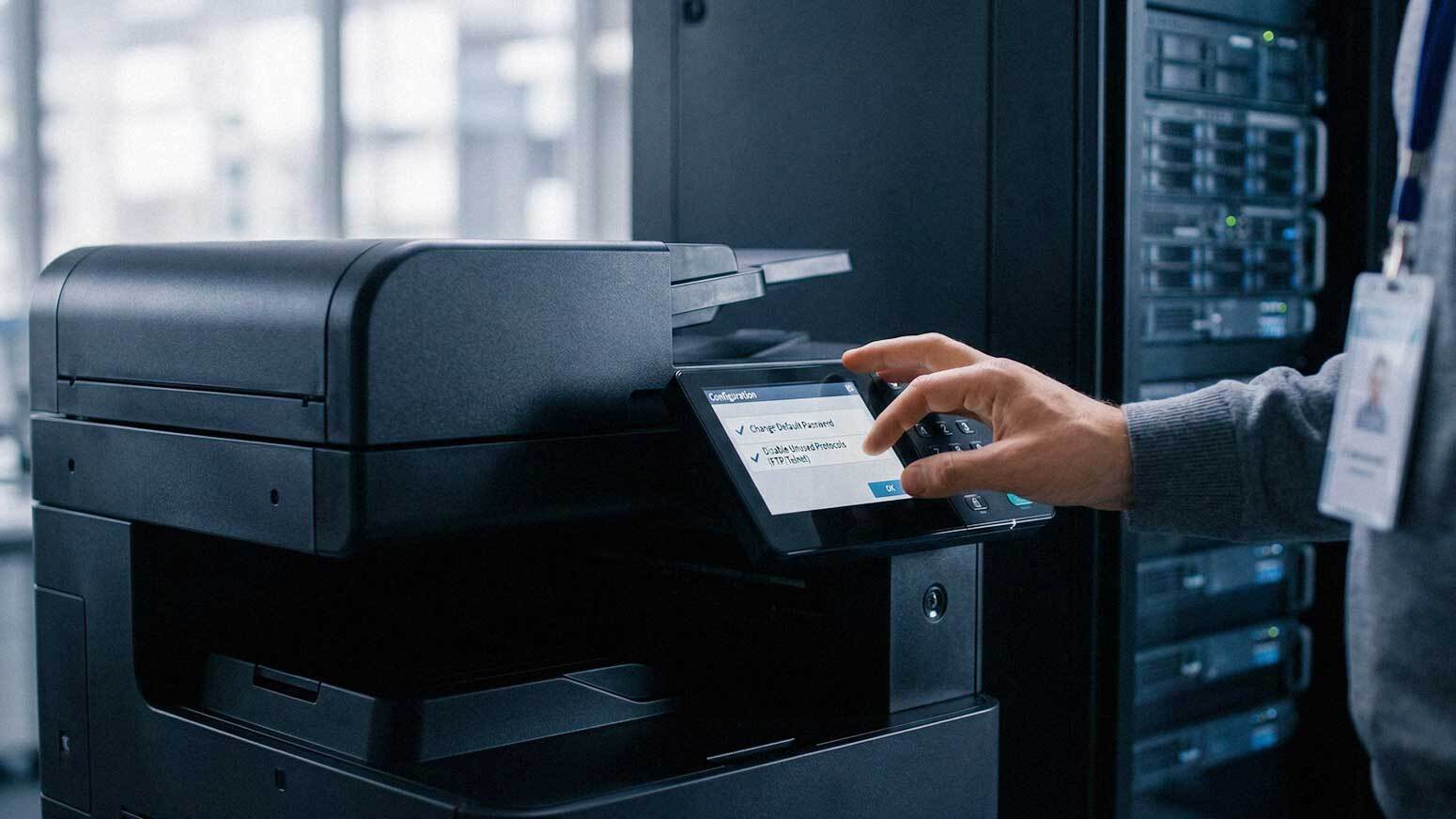
Step 2: Change Default Settings and Credentials
Many printers are deployed with default credentials. These are widely known and easy to exploit.
Secure your devices by:
• Changing Default Admin Passwords
• Disabling Unused Features
• Updating Device Names
Default settings create unnecessary risk. Basic configuration changes improve security immediately.
Step 3: Secure Network Access to Printers
Printers should not be openly accessible on your network.
Implement controls such as:
• Network Segmentation
• Restricted Access By User Or Department
• Firewall Rules For Printer Traffic
Limiting access reduces the risk of unauthorized use.
Step 4: Enable User Authentication for Printing
Not every employee needs access to every device. Authentication controls ensure that only authorized users can print or retrieve documents.
Options include:
• PIN Code Release
• Badge Or Card Access
• User Login Credentials
Authentication improves both security and accountability.
Step 5: Encrypt Data in Transit and at Rest
Data moves between devices and is often stored temporarily. Without encryption, this data can be intercepted.
Protect your environment by enabling:
• Encrypted Print Jobs
• Secure Communication Protocols
• Encrypted Storage On Devices
Encryption protects sensitive information throughout the printing process.
Step 6: Implement Secure Print Release
Unattended print jobs create risk. Documents left on printers may contain sensitive information. Secure print release requires users to authenticate before printing.
Benefits include:
• Reduced Risk Of Data Exposure
• Lower Print Waste
• Improved Document Control
Documents are only printed when the user is present.
Step 7: Keep Firmware and Software Updated
Printers require updates just like any other device. Outdated firmware may contain vulnerabilities.
Regular updates help:
• Fix Security Issues
• Improve Device Performance
• Maintain Compatibility
Schedule updates as part of your IT maintenance routine.
Step 8: Monitor Printer Activity
Monitoring helps detect unusual behavior.
This includes:
• Unauthorized Access Attempts
• Unusual Print Volume
• Device Errors
Monitoring tools provide visibility into your print environment. Early detection helps prevent larger issues.
Step 9: Secure Hard Drives and Stored Data
Many multifunction printers include internal storage. This storage may contain sensitive documents.
Protect stored data by:
• Enabling Data Overwrite Features
• Encrypting Hard Drives
• Properly Disposing Of Devices
Data should not remain accessible after use.
Step 10: Train Employees on Print Security
Technology alone is not enough.
Employees must understand best practices.
Training should cover:
• Secure Printing Procedures
• Handling Sensitive Documents
• Recognizing Security Risks
• Reporting Suspicious Activity
User awareness reduces human error.
Step 11: Review and Update Print Policies
Security policies should define how printing is managed.
This includes:
• Who Can Print What
• Where Documents Can Be Printed
• How Long Documents Are Stored
• Acceptable Use Guidelines
Clear policies support consistent security practices.
Step 12: Integrate Printers Into Your Cybersecurity Strategy
Printers should be treated like any other endpoint.
Integration includes:
• Including Printers In Security Monitoring
• Applying Standard Security Controls
• Aligning With IT Policies
A disconnected approach creates gaps. Integration improves overall protection.
Common Mistakes Businesses Make
Many organizations leave their print environment exposed.
Common mistakes include:
• Leaving Default Credentials Unchanged
• Ignoring Firmware Updates
• Allowing Open Network Access
• Not Monitoring Device Activity
• Overlooking Stored Data
These gaps are preventable. Addressing them improves security quickly.

How Managed Print Services Improve Security
Managed Print Services provide structured oversight.
This often includes:
• Device Configuration And Hardening
• Ongoing Monitoring
• Automated Updates
• Policy Enforcement
AIS supports businesses across Las Vegas and Southern California with managed print services designed to secure and optimize print environments. Structured management reduces risk.
What a Secure Print Environment Should Feel Like
When your environment is properly secured:
• Devices Are Access Controlled
• Data Is Protected
• Activity Is Monitored
• Risks Are Reduced
Printing should not introduce security concerns.
How to Start Securing Your Print Environment Today
You can begin with a few key actions:
• Identify All Devices
• Change Default Credentials
• Enable Secure Print Release
• Update Firmware
These steps provide immediate improvements.
Next Steps: Get a Print Security Assessment
If you are unsure whether your printers are properly secured, AIS offers a Print Security Assessment. This evaluation reviews your devices, network configuration, user access controls, and policies to identify vulnerabilities and recommend improvements.
Securing your print environment protects both your data and your business.
Topics:
