

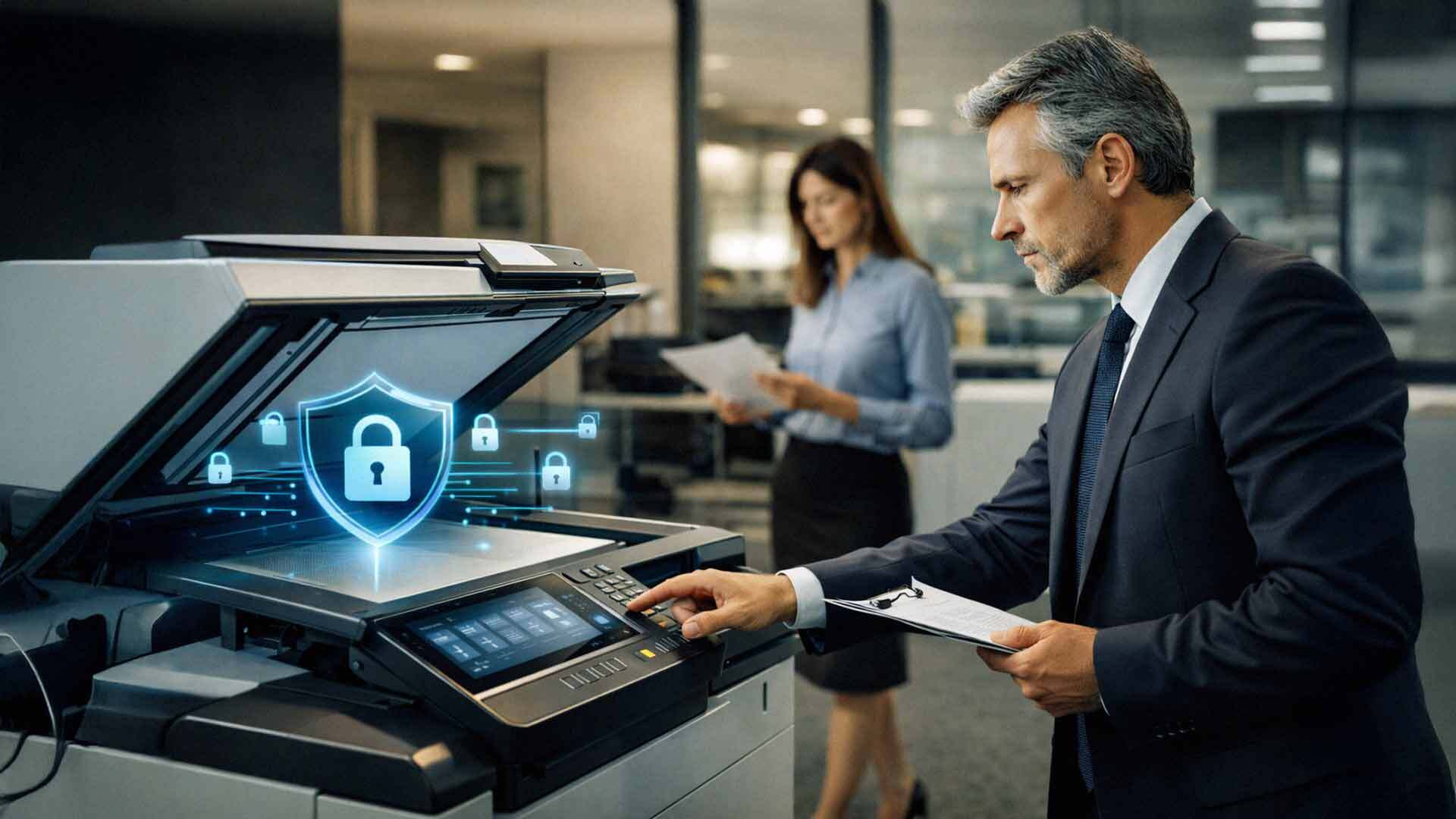
When businesses think about cybersecurity, they usually focus on laptops, servers, and email systems. Office copiers rarely come to mind. They sit quietly in hallways, print documents, scan files, and seem harmless.
Modern copiers are not simple machines. They are network-connected computers with hard drives, memory, operating systems, and user access controls. They process sensitive information every day, including financial records, employee data, customer files, and medical or legal documents.
When copier security is ignored, these devices become an easy target for data exposure. Understanding copier security risks is essential for protecting business data.
How Modern Office Copiers Handle Data
Today’s multifunction copiers do far more than print. They scan, copy, email, store, and route documents across networks.
Most modern copiers:
- Store images of scanned and printed documents on internal hard drives
- Connect directly to the business network
- Integrate with email and cloud platforms
- Support user authentication
- Allow remote management
Because of these capabilities, copiers handle the same type of sensitive data as computers. Without proper security, that data is vulnerable.

The Biggest Copier Security Risks Businesses Face
Copier security risks typically come from misconfiguration, outdated settings, or lack of oversight rather than sophisticated attacks.
Unencrypted Hard Drives
Many copiers store document images on internal hard drives. If those drives are not encrypted, anyone with physical access to the device can potentially retrieve stored data.
This risk becomes serious when:
- Copiers are moved or replaced
- Devices are returned at the end of a lease
- Equipment is sold or recycled
Without encryption or secure data removal, sensitive information can leave the building.
Unauthorized Network Access
Copiers connect to the network like any other device. If they are not secured properly, they can become entry points for attackers.
Common issues include:
- Default passwords left unchanged
- Open network ports
- Outdated firmware
- Weak authentication settings
An unsecured copier can provide attackers access to internal systems without triggering alerts.
Uncontrolled User Access
Many businesses allow anyone to walk up to a copier and scan or print without authentication. This creates multiple risks.
Sensitive documents may be:
- Printed and left unattended
- Scanned to incorrect email addresses
- Accessed by unauthorized users
Without user authentication, there is no accountability or audit trail.
Email and Scan-to-Cloud Exposure
Copiers often send scanned documents via email or cloud services. If these features are not secured, data can be exposed.
Risks include:
- Documents sent outside the organization accidentally
- Compromised email credentials
- Insecure cloud integrations
Once data leaves the copier, it is harder to control.
Outdated Firmware and Software
Like any connected device, copiers require updates. Firmware updates often address security vulnerabilities.
When updates are ignored:
- Known exploits remain unpatched
- Devices become easier to compromise
- Compliance requirements may be violated
Many businesses update computers regularly but forget copiers entirely.
Lack of Audit Logs and Monitoring
Without logging and monitoring, businesses have no visibility into how copiers are used.
This creates blind spots:
- No record of who accessed the documents
- No way to trace data exposure
- No evidence during audits or investigations
For regulated industries, a lack of audit trails creates compliance risk.
Why Copier Security Matters for Compliance
Copier security risks are especially serious in regulated industries. Healthcare, legal, education, and financial organizations handle sensitive data daily.
Regulations often require:
- Access controls
- Data encryption
- Audit logging
- Secure data disposal
An unsecured copier can undermine an otherwise strong security posture and lead to compliance violations.
According to the National Institute of Standards and Technology, all network-connected devices that process sensitive data must be included in security planning.
Real World Scenarios Where Copier Security Failed
Copier security incidents often happen quietly. A device is replaced without wiping the hard drive. A scanned document is emailed incorrectly. A copier with default credentials is accessed remotely.
These incidents rarely make headlines, but they cause:
- Data exposure
- Loss of trust
- Legal and compliance issues
- Financial penalties
The damage often becomes clear long after the mistake.
Best Practices to Reduce Copier Security Risks
Copier security improves significantly when it is treated as part of the IT environment rather than office equipment.
Enable Hard Drive Encryption
Encryption protects stored data even if the device is stolen or removed. This should be standard for any copier that stores images.
Require User Authentication
User authentication ensures only authorized employees can print, copy, or scan sensitive documents. It also creates accountability.
Authentication methods include:
- PIN codes
- Badge access
- Network credentials
This simple step reduces data exposure significantly.
Secure Network Configuration
Copiers should follow the same network security standards as computers. This includes:
- Strong passwords
- Limited network access
- Disabled unused services
- Segmentation when appropriate
Secure configuration reduces the attack surface.
Update Firmware Regularly
Firmware updates address vulnerabilities and improve security features. Updates should be scheduled and documented as part of routine maintenance.
Control Scan and Email Features
Scan destinations should be limited and reviewed. Email integration should use secure authentication. Cloud integrations should follow the same security standards as other business applications.
Implement Audit Logging
Audit logs provide visibility into copier usage. Logs help identify misuse and support compliance audits.
Secure End-of-Lease and Disposal Processes
Before returning, selling, or recycling a copier, all data should be securely erased. Documentation should confirm data removal.
Why Copier Security Is Often Missed
Copiers fall into a gap between IT and office operations. IT teams manage computers and servers. Facilities teams manage copiers. Security responsibilities become unclear.
This gap creates risk.
Copier security improves when IT, security, and print management are aligned.
How Managed Print Services Improve Copier Security
Managed print services integrate copier management with IT and security oversight.
A managed approach includes:
- Security configuration
- Ongoing updates
- Usage monitoring
- Secure data disposal
- Documentation
This removes guesswork and ensures copiers meet security standards consistently.

How AIS Helps Businesses Secure Their Copiers
AIS works with businesses across Las Vegas and Southern California to secure print environments as part of a broader office technology strategy.
We evaluate:
- Copier configurations
- Network integration
- User access
- Data storage
- Compliance requirements
Our goal is to reduce copier security risks without disrupting daily workflows.
What Secure Printing Should Feel Like
When copiers are secured properly, employees still print and scan easily. Data stays protected. Audits become simpler. Risks are reduced quietly in the background.
Security does not need to slow productivity.
Your Next Steps: Assess Your Office Copier Security Risks
If you are unsure how secure your copiers are, AIS offers a Print Security Assessment. This review identifies vulnerabilities and provides clear recommendations to protect sensitive business data.
