

Do Office Printers Store Private Data? The Hidden Danger Of Copier Security
November 20th, 2026
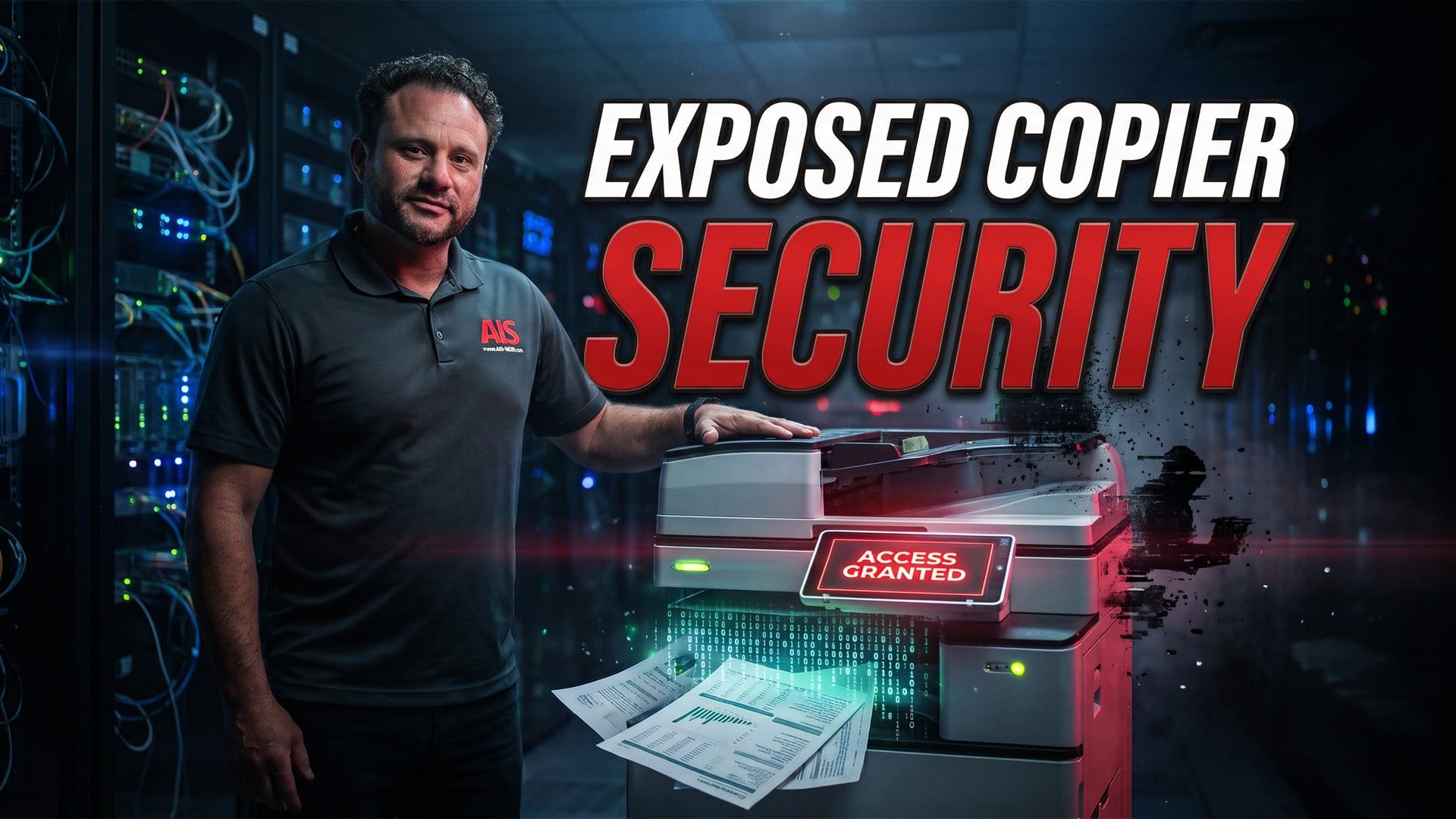
According to Jesse Dye, a vCIO with AIS, modern multifunction printers are full computers that store sensitive data on internal hard drives, making them a highly vulnerable backdoor into your corporate network if left unpatched or unmonitored.
- Modern multifunction devices have internal hard drives, RAM, embedded operating systems, and network interfaces that require the exact same hardening protocols as a CEO's laptop.
- Scanned documents can live on a copier's internal hard drive indefinitely, and on older or misconfigured machines, this data is entirely unencrypted at rest.
- Standard factory resets on leased copiers only delete directory pointers; businesses must demand DoD or NIST certified wiping to prevent data from ending up on secondary markets.
- Automated AI hacking tools actively scan business networks for unpatched listening ports and outdated firmware signatures of known copier models to gain network access.
Why do modern copiers pose a severe security risk to corporate networks?
Modern copiers are fully equipped computers with internal storage that process and hold sensitive, unencrypted documents indefinitely.
- IT departments and business owners often make the mistake of viewing modern copiers as the standalone, dumb photocopiers of the past.
- Modern multifunction devices contain internal hard drives, RAM, embedded operating systems, and network interfaces.
- These devices require the exact same security hardening protocols as a CEO’s laptop.
- When a sensitive document, such as a W-2, is scanned, the digital image is processed on internal storage and routed to an email or server.
- That digital image can live on the copier's internal hard drive indefinitely.
- On older or misconfigured machines, this stored data remains entirely unencrypted at rest.
- Bad actors can easily pull stored files directly from the machine and steal sensitive data if they obtain physical or network access.
- A proper data security tool will eliminate this risk by overwriting the storage blocks with random data to permanently destroy the file.
What happens to sensitive data when you return or upgrade a leased copier?
Returning a leased copier without properly destroying the data leaves highly sensitive files on the internal hard drive, exposing company data to anyone who purchases the used equipment.
- Rolling a leased copier out the door without wiping the hard drive is the exact equivalent of leaving a locked filing cabinet full of employee tax records on the sidewalk.
- Used machines regularly end up on secondary markets in places like Mexico or South America loaded with client data.
- You must demand specific certified data destruction or end-of-life hard drive surrender language within your vendor contracts.
| Data Removal Method | Technical Process | Security Implication |
| Standard Factory Reset |
Merely deletes directory pointers so the operating system cannot easily find the files. |
Inadequate; leaves data vulnerable to extraction. |
| DoD or NIST Certified Wiping |
Actively overwrites the physical data blocks. |
Highly secure; makes forensic recovery impossible. |
How do unsecured printers cause HIPAA and PCI-DSS compliance violations?
An unsecured print environment directly violates compliance regulations by failing to protect sensitive physical and digital data at rest.
- Unsecured printers fail to protect sensitive data at rest, both physically and digitally.
- Auditors heavily scrutinize how physical information is managed and look specifically for documents left unattended on copier trays.
- The most dangerous setups are found in medical or HR environments.
- In these environments, unpatched public-facing machines with default credentials often spew unauthenticated records into shared hallways.
How do hackers use printers to gain access to corporate networks?
Cybercriminals utilize automated hacking tools to scan networks for outdated firmware and open copier ports, using them as a backdoor to access sensitive servers.
- Hackers can walk up to a business Wi-Fi network, run a scan, and ping IP addresses to find open listening ports on copiers.
- Automated AI hacking tools are actively scanning networks for specific unpatched listening ports and outdated firmware signatures of known copier models.
- Firmware updates on printers are universally ignored because they are tedious and in-house staff fear breaking legacy workflows.
- Network segmentation is a mandatory defense strategy.
- Putting printers on their own virtual local area network divides the network into isolated sections.
- This isolation traps the attacker inside that specific segment so they cannot move laterally to servers holding sensitive data.
Why are home inkjet printers a threat to hybrid workers and corporate data?
Printing on unmanaged home hardware transfers corporate data onto unsecured local networks where standard VPN encryption does not apply.
- When an employee prints confidential financial ledgers on an unsecured home inkjet printer, corporate data is transferred to an unmanaged, highly vulnerable local network.
- A standard VPN fails to protect local traffic because it only encrypts the tunnel back to the corporate server.
- VPNs do not protect data traveling locally between the laptop and a compromised home printer over home Wi-Fi.
- Employee handbooks must explicitly mandate that corporate data cannot be routed to personal or unmanaged printing hardware under any circumstances.
- MSPs secure remote endpoints by deploying localized endpoint detection and response software directly onto the employee's laptop.
How does remote monitoring protect copiers from late-night cyber attacks?
Remote monitoring systems actively analyze data volumes and irregular port activity to identify attacks, allowing them to instantly sever a printer's network access.
- If an automated attack hits a copier at 2:00 AM, an MSP's remote monitoring system triggers an immediate response.
- The monitoring software differentiates a legitimate late-night print job from an attack by analyzing the volume of data and irregular port activity.
- Automated isolation protocols trigger instantly to sever the printer's network access, cutting it off from the rest of the environment.
- This level of rapid response is impossible for a business that relies solely on an internal IT person who is not actively monitoring the network overnight.
What are the immediate steps to secure office printers and copiers?
To secure office equipment, businesses must immediately change default passwords, disable unused ports, audit firmware updates, and deploy secure release printing.
- Change Default Passwords: Change all default administrator passwords on every printing device today, as manufacturers still deploy machines with the password "admin" to prioritize ease of setup.
- Disable Listening Ports: Disable all unused listening ports and protocols, including FTP, telnet, and unused fax lines.
- Audit Firmware: Contact your IT vendor to schedule an immediate firmware update and configuration audit.
- Require Patching Reports: Business owners should require their IT provider to submit a monthly compliance report detailing current firmware versions against manufacturer release logs.
- Implement Secure Release Printing: This system holds print jobs in a digital queue, ensuring the document only prints when the user physically walks up to the machine and authenticates.
- Save Costs: Secure release printing eliminates the physical security flaw of unclaimed print jobs and saves money because abandoned jobs are automatically purged from the queue instead of wasting paper and toner.
Cliff is a multi-talented individual with a profound passion for creativity and storytelling. As a photographer/videographer, he possesses a keen eye for detail, capturing the essence of moments, and creating high-quality images and videos. As an award-winning editor, his expertise lies in seamlessly weaving vivid stories and narratives that captivate audiences and bring ideas to life. When he isn’t honing his craft, he spends time with his family or watching B-movies.
Topics:
