

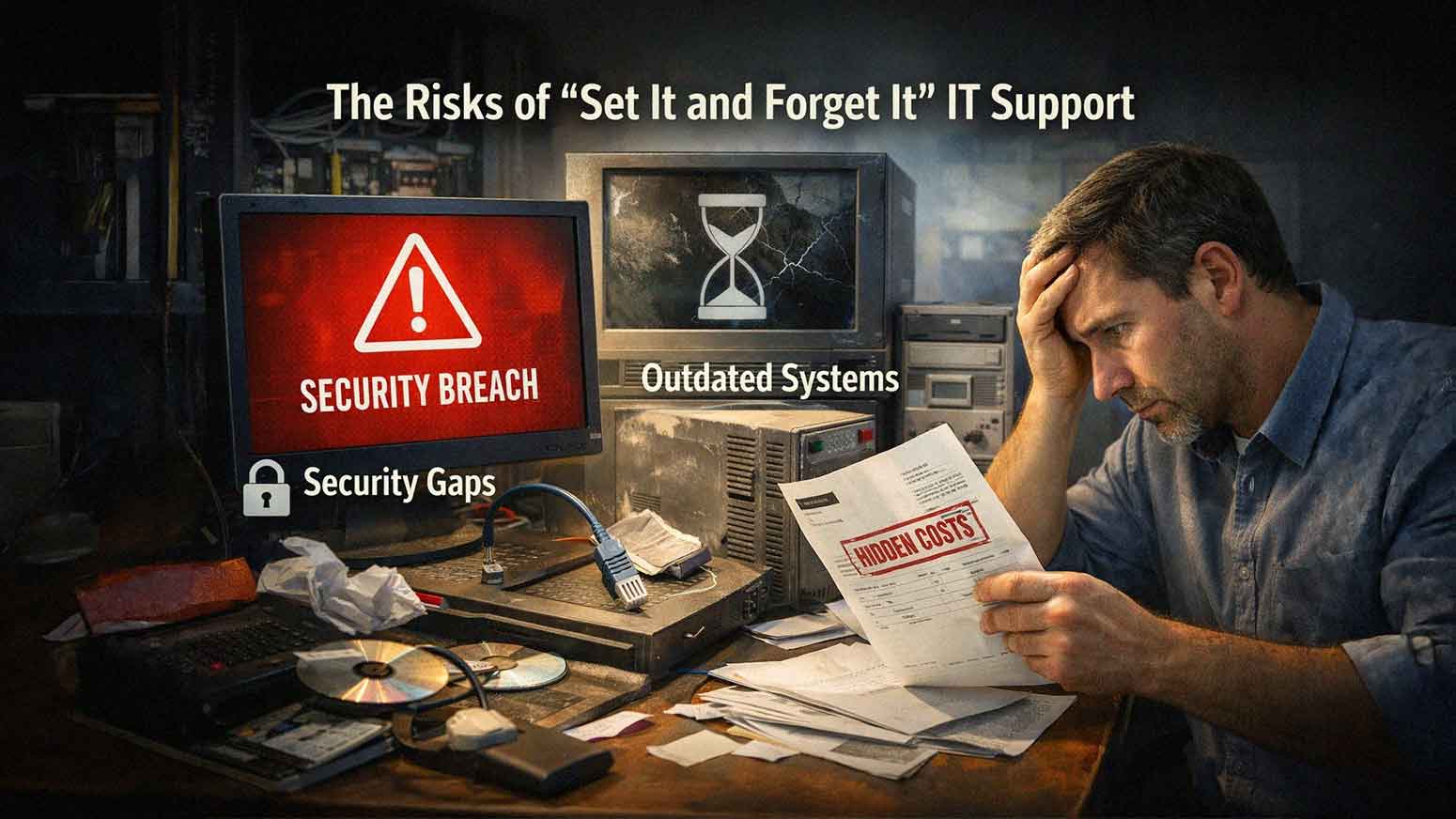
For many businesses, the goal of IT is simple. Set everything up once. Make sure it works. Then move on.
No constant changes. No ongoing attention. No added cost. This mindset is understandable.
Technology feels like something that should run in the background without much involvement. The problem is that IT does not stay static. Systems change. Threats evolve. Business needs grow.
“Set it and forget it,” IT support creates risk because it assumes nothing will change.
What “Set It and Forget It” IT Support Actually Means
This approach typically includes:
• Minimal Ongoing Monitoring
• Infrequent System Updates
• Reactive Support Only When Issues Occur
• Limited Security Oversight
• No Long-Term IT Planning
At first, everything may seem fine.
Over time, small issues build into larger problems.

Why Technology Environments Constantly Change
Your IT environment is not fixed.
It evolves daily.
Changes may include:
• New Software Updates
• New Cybersecurity Threats
• Employee Device Changes
• Increased Data Usage
• Business Growth
Without active management, systems fall behind.
This creates gaps in performance and security.
Risk 1: Outdated Systems and Software
Software and operating systems require regular updates.
Without updates:
• Security Vulnerabilities Remain Unpatched
• Applications Become Incompatible
• Performance Degrades Over Time
Outdated systems are one of the most common entry points for cyberattacks.
Regular updates are not optional.
Risk 2: Growing Cybersecurity Exposure
Cyber threats evolve constantly.
A system that was secure last year may not be secure today.
“Set it and forget it,” IT often leads to:
• Missing Security Patches
• Outdated Antivirus Definitions
• Weak Access Controls
• Lack Of Monitoring
Static systems become easy targets.
Risk 3: Lack of Visibility Into System Performance
Without monitoring, problems go unnoticed.
These may include:
• Slow Network Performance
• Failing Hardware
• Increasing Error Rates
• Storage Limit Issues
Small issues may not seem urgent.
Over time, they lead to:
• System Crashes
• Downtime
• Data Loss
Visibility is key to preventing disruptions.
Risk 4: Reactive Support Instead of Proactive Management
Reactive IT support waits for problems to occur.
This leads to:
• More Downtime
• Slower Resolution
• Increased Business Disruption
Proactive support focuses on preventing issues before they affect operations. The difference is significant. Prevention reduces both risk and cost.
Risk 5: Backup Systems That Are Never Verified
Many businesses set up backups and assume they will work.
Without testing:
• Backup Failures Go Undetected
• Recovery Processes Remain Unproven
• Critical Data May Be Missing
A backup system that has not been tested cannot be trusted.
Regular testing ensures data can be restored when needed.
Risk 6: Misalignment With Business Growth
As your business grows, your technology needs change.
Examples include:
• More Employees
• Increased Data Storage
• New Applications
• Expanded Locations
“Set it and forget it,” IT does not adapt.
This leads to:
• Overloaded Systems
• Performance Bottlenecks
• Increased Support Issues
IT should evolve alongside your business.
Risk 7: Hidden Costs Over Time
Avoiding proactive IT management may seem cost-effective.
In reality, it often leads to higher costs.
Examples include:
• Emergency Repair Expenses
• Downtime Related Revenue Loss
• Security Incident Recovery Costs
• Frequent Hardware Failures
Reactive IT is unpredictable. Proactive IT creates cost stability.
Real Example: Small Network Issue Turning Into Major Outage
A business ignores occasional slow network performance. No monitoring is in place.
Over time:
• Network Hardware Degrades
• Traffic Increases
• Bottlenecks Worsen
Eventually, the network fails during business hours. Employees cannot access systems. Operations stop. What started as a minor issue becomes a major outage.
Real Example: Missed Security Updates Leading to Breach
A company delays system updates. Months pass without patching vulnerabilities. An attacker exploits a known weakness.
The result:
• Data Exposure
• System Downtime
• Recovery Costs
The breach could have been prevented with regular updates.
Why Regular IT Maintenance Matters
IT maintenance includes:
• Software Updates
• Security Patching
• Performance Monitoring
• Backup Testing
• System Optimization
These tasks keep systems stable and secure. Skipping maintenance increases risk over time.
How Proactive IT Support Prevents Problems
Proactive IT support focuses on continuous improvement.
This includes:
• Monitoring Systems In Real Time
• Addressing Issues Early
• Updating Systems Regularly
• Improving Security Controls
AIS supports businesses across Las Vegas and Southern California with proactive IT services designed to reduce risk and improve performance.
Ongoing management keeps systems aligned with business needs.
The Difference Between Reactive and Proactive IT
Reactive IT:
• Responds After Problems Occur
• Creates Unpredictable Costs
• Leads To More Downtime
Proactive IT:
• Prevents Issues Before They Occur
• Improves System Reliability
• Provides Predictable Support
The difference is not only technical. It affects the entire business.
What a Well-Managed IT Environment Should Feel Like
When IT is actively managed:
• Systems Run Consistently
• Issues Are Resolved Quickly
• Security Risks Are Controlled
• Performance Remains Stable
Technology should support operations without constant disruption.

How to Move Away From “Set It and Forget It” IT
You do not need to overhaul everything at once.
Start with:
• Implementing System Monitoring
• Scheduling Regular Updates
• Testing Backup Systems
• Reviewing Security Controls
Small steps create meaningful improvements.
Next Steps: Evaluate Your IT Support Approach
If your current IT strategy relies on reactive support or limited oversight, AIS offers a Proactive IT Assessment. This evaluation reviews your systems, identifies risks, and recommends improvements to shift from reactive to proactive management.
Technology requires ongoing attention. Ignoring it increases risk. Managing it properly improves performance and stability.
Topics:
