

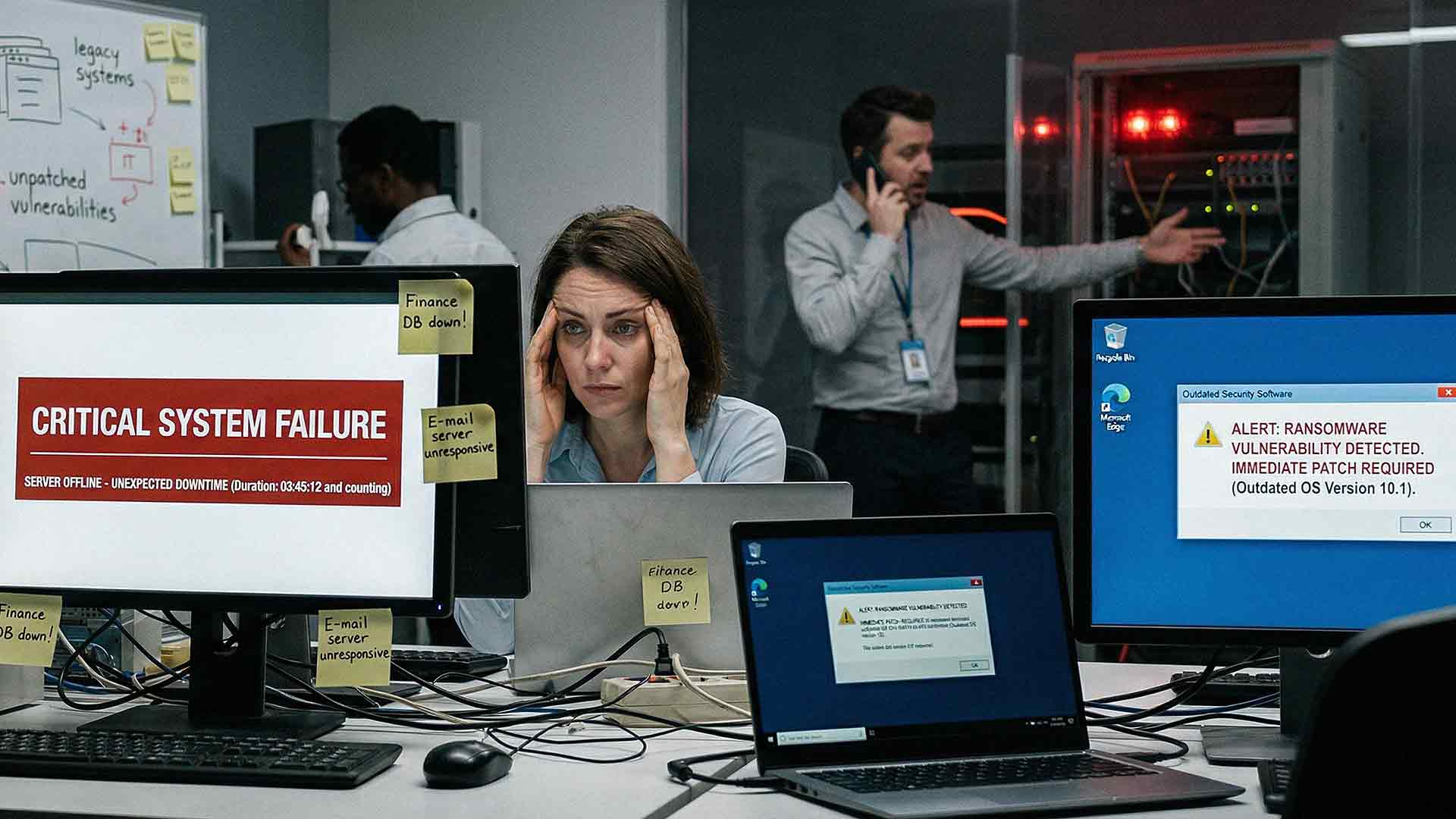
Waiting to upgrade your IT systems feels like the safe move. No large upfront expense. No disruption to your team. No need to fix what still works.
But doing nothing is not free.
The cost builds quietly in the background. Over time, it shows up in lost productivity, higher support costs, and increased risk.
If your systems are outdated, you are already paying for it. The only question is how much.
What Does “Doing Nothing” in IT Really Mean?
Doing nothing does not mean your systems stay the same.
It means continuing to rely on:
• Aging hardware
• Outdated software
• Unsupported systems
• Quick fixes that became permanent
These systems fall behind current standards. Performance drops. Security gaps grow.
Everything might still run, but it does not run well.

Why Businesses Delay IT Upgrades
Most companies do not ignore IT on purpose. There are clear reasons upgrades get pushed off.
Budget Concerns
Upgrades require investment. New equipment, licensing, and setup costs can feel overwhelming when nothing has failed yet.
So the expense gets delayed.
Fear of Disruption
Upgrades bring change. Leaders worry about downtime, training, and temporary productivity loss.
Waiting feels easier than managing a transition.
“It Still Works” Thinking
If your systems turn on and your team gets through the day, upgrades feel unnecessary. But problems build slowly.
By the time they are obvious, the cost is already high.
The Hidden Costs of Delaying IT Upgrades
The cost of doing nothing is not one large expense. It shows up in small ways that add up over time.
Lost Productivity
Older systems slow your team down.
• Programs take longer to load
• Systems freeze or crash
• Employees use workarounds
• Tools do not connect well
Even small delays matter. If each employee loses 20 minutes per day, that adds up to hours of lost work every week.
Rising IT Support Costs
Outdated systems require more attention.
• More frequent issues
• Longer troubleshooting
• Limited vendor support
Your IT team spends more time fixing problems instead of preventing them.
Security Risks
Outdated systems are easier to target.
Older software may not receive updates or patches.
According to the Cybersecurity and Infrastructure Security Agency, outdated software is a common cause of cyber incidents.
A single breach can lead to downtime, financial loss, and damage to your reputation.
Downtime
Aging systems fail more often. Servers crash. Devices stop working. Applications become unreliable.
Each issue interrupts your business.
• Work stops
• Customers are affected
• Revenue is delayed
Downtime is one of the most expensive consequences of outdated IT.
Compatibility Issues
New tools are built for modern systems. Outdated environments struggle to keep up.
This leads to:
• Limited access to new software
• Integration problems
• Slower growth
Your technology becomes a limitation instead of a support system.
Higher Long-Term Costs
Delaying upgrades often increases total cost.
• Emergency fixes cost more
• Downtime leads to lost revenue
• Security incidents create unexpected expenses
Waiting removes your control over timing and budget.
A Simple Example
A company delayed replacing an aging server because it still worked. Over time, performance slowed. Issues increased. Small outages became more frequent. Eventually, the server failed.
The result:
• Emergency replacement costs
• Days of downtime
• Lost productivity
The total cost was higher than a planned upgrade would have been.
When Waiting Makes Sense
Not every system needs to be replaced right away.
Waiting Is Reasonable If:
• The system is still supported
• Performance meets your needs
• Security updates are current
• You have a clear upgrade plan
The key is having a strategy. Waiting without a plan creates risk.
How to Evaluate Your IT Environment
Ask yourself a few simple questions:
• Are employees losing time due to slow systems?
• Have IT issues increased?
• Are you using unsupported software?
• Have you experienced downtime recently?
• Are security concerns growing?
If you answered yes to several of these, your systems may be costing more than you think.
A Smarter Approach: Planned IT Upgrades
Planning gives you control.
Instead of reacting to failures, you make decisions based on your business needs.
Benefits of Planning Ahead
• Predictable costs
• Fewer disruptions
• Better security
• Improved productivity
How Managed IT Services Help
Managed IT services help remove the guesswork.
With a qualified managed IT team, you’ll get:
• Regular system reviews
• Ongoing maintenance
• Clear upgrade timelines
• Budget planning
This keeps your technology aligned with your business goals.
Common Mistakes to Avoid
Waiting for Failure
Replacing systems only after they break leads to higher costs and rushed decisions.
Focusing Only on Upfront Cost
The purchase price is only part of the equation. Long-term impact matters more.
Ignoring Security
Security risks often stay hidden until an incident occurs.
FAQs: Delaying IT Upgrades
How often should IT systems be upgraded?
Most hardware should be reviewed every three to five years.
Is it better to upgrade all at once?
A phased approach often reduces disruption and spreads costs.
What is the biggest risk of delaying upgrades?
Security vulnerabilities and downtime.
How do I plan for IT upgrades?
Work with an IT provider to build a multi-year plan.
Can small businesses manage IT upgrades?
Yes. With planning and the right support, upgrades become predictable.
The Final Say: Waiting To Upgrade Has a Cost
Doing nothing feels safe in the moment. But over time, the cost shows up in lost productivity, higher support expenses, and increased risk.
The longer you wait, the more expensive the outcome becomes.
Upgrading your IT is not about chasing new technology. It is about keeping your business efficient, secure, and ready to grow.

Ready to Take the Next Step?
If you are unsure whether your current systems are costing more than they should, start with a clear evaluation. AIS works with businesses to assess their technology, identify risks, and create a practical upgrade plan that fits your budget.
If you want clarity on what to fix now and what can wait, reach out to our team and start the conversation.
Topics:
