

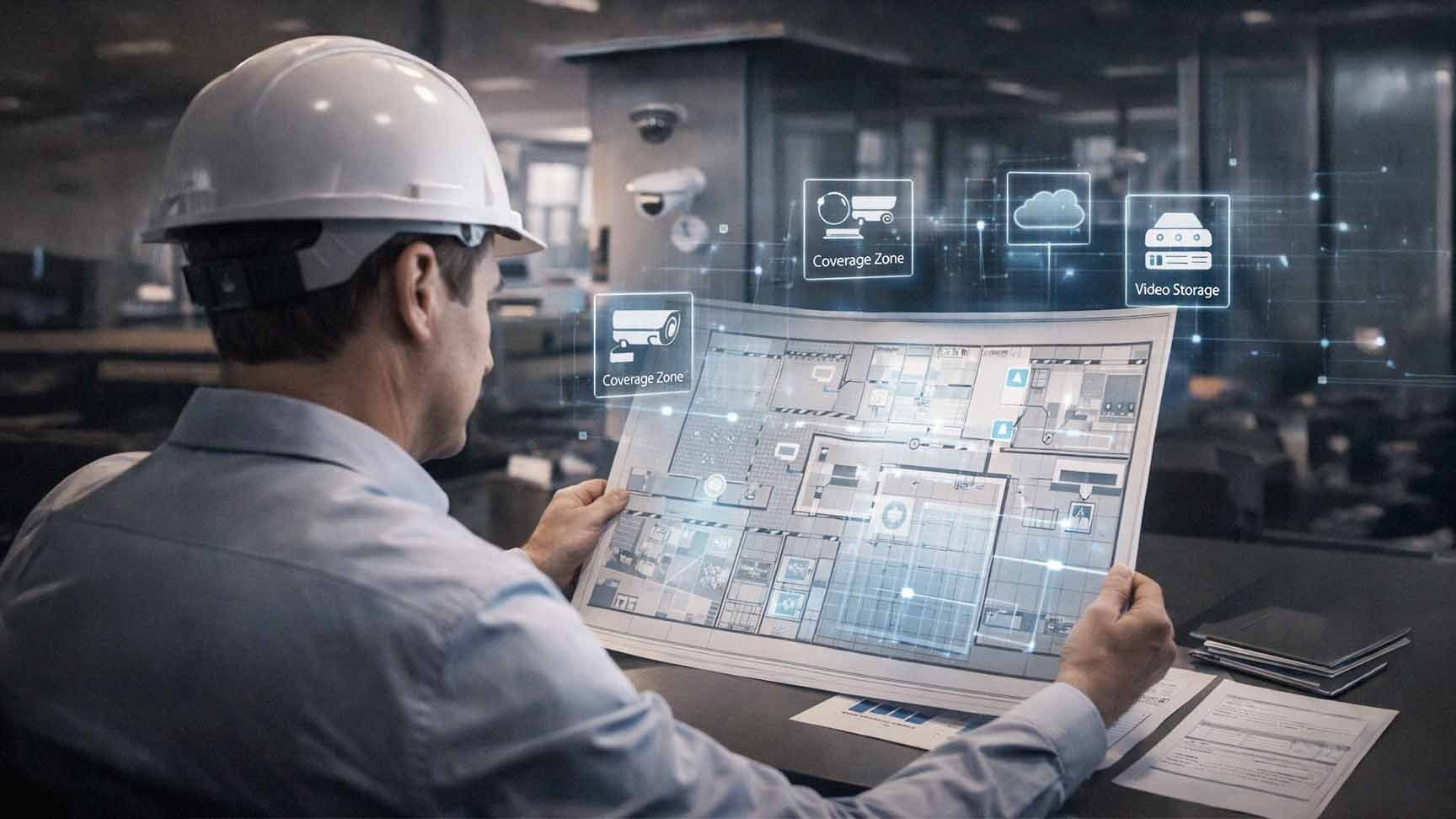
Many businesses assume that more cameras equal better security. That is not true.
Poorly placed cameras create blind spots. Overlapping coverage wastes budget. Improper angles reduce evidence quality. Storage fills up faster than expected. And a system that was not properly designed from the start is expensive — and disruptive — to fix later.
A well-designed business security camera layout focuses on three things: coverage, clarity, and risk reduction. When those three elements work together, your system does what it is supposed to do. When they do not, you end up with a lot of footage that is not useful when you actually need it.
The good news? Planning a commercial camera system design does not have to be complicated. It just has to be intentional. Here is how to do it right.
Why Camera Placement Strategy Matters More Than Ever in 2026
Security cameras are no longer just about recording what happened. They are becoming active business tools.
According to the Axis Perspectives Report 2026, the number of organizations using video systems for business intelligence — not just security — nearly doubled between 2024 and 2025, rising from 20% to 38%. That means cameras are now being used for traffic flow analysis, operational efficiency, customer behavior insights, and more.
At the same time, the global video surveillance market is projected to reach $88.06 billion by 2031, according to a November 2025 MarketsandMarkets report. Businesses across every industry are investing in smarter, more strategic camera infrastructure.
That makes getting your layout right even more important. A poorly designed system limits not just your security — it limits the business intelligence value you could be getting from your investment.
Step 1: Define Your Primary Security Goals
Before you think about where cameras go, define what you are trying to protect and why.
Common business security objectives include:
- Theft prevention — both external and internal
- Liability protection — documenting incidents for legal or insurance purposes
- Employee safety — monitoring for workplace hazards or security threats
- Inventory monitoring — tracking product movement in warehouses or retail environments
- After-hours surveillance — deterring break-ins when the building is unoccupied
- Regulatory compliance — meeting industry-specific requirements for video retention
Security camera placement for business must align with your specific goals. A retail store has very different priorities than a medical office or a distribution warehouse. Start with your goals, then work backward to your layout.
Step 2: Map Every Entry and Exit Point First
Entry and exit points are your highest-risk zones. Every commercial camera system design should cover:
- Main entrances and lobbies
- Rear and side doors
- Emergency exits
- Loading docks
- Garage or parking structure access
- Elevator banks in multi-story buildings
Position cameras to capture clear facial images at every entrance. Mounting height matters here. Too high and you lose facial detail. Too low and cameras become easy targets. The right mounting angle ensures footage is actually usable for identification purposes.
Entrances are the foundation of office security camera planning. Get these wrong and the rest of the system has gaps before you even start.

Step 3: Prioritize High-Value and High-Traffic Areas
Once entry points are covered, shift your focus to the areas where risk is highest or activity is most frequent.
Office Environments
- Reception areas
- Server rooms and IT closets
- Executive offices or records storage
- Conference rooms with sensitive discussions or equipment
Warehouses and Distribution Centers
- Inventory shelving and pick-and-pack zones
- Loading and unloading docks
- Equipment storage
- Shipping and receiving stations
Warehouse camera placement requires a combination of wide-angle cameras for open floor coverage and targeted cameras for sensitive zones. A single camera type rarely handles both needs well.
Retail Spaces
- Point-of-sale terminals
- High-value merchandise displays
- Aisles with small, easily concealed items
- Cash handling and back-office areas
Retail security camera layout has to balance deterrence — making cameras visible enough to discourage theft — with detailed capture quality for evidence when incidents occur.
Step 4: Eliminate Blind Spots Before Installation
Blind spots weaken your entire system. One uncovered corner can render expensive equipment ineffective in the moment it matters most.
To reduce blind spots before installation:
- Walk the space physically. Maps and floor plans do not always reflect real-world conditions.
- Identify physical obstructions — shelving, columns, partitions, signage, equipment.
- Evaluate lighting at different times of day. Shadows shift. Glare moves. A location that looks fine at 10 a.m. may be problematic at 4 p.m.
- Check ceiling height. High ceilings allow wider angles but reduce image detail at ground level.
- Plan overlapping coverage in critical areas. One camera should back up another in your highest-priority zones.
Blind spots commonly appear behind tall shelving, around structural columns, in stairwells, and near corners with wide hallways. Your site assessment should specifically look for these problem areas.
Step 5: Choose the Right Camera Type for Each Area
Not every camera is right for every location. Using the wrong type for an environment is one of the most common and costly mistakes in commercial camera system design.
Here is a quick breakdown:
- Dome cameras — Best for indoor areas. Low-profile, tamper-resistant, wide coverage angle.
- Bullet cameras — Best for outdoor use and long-range coverage. Highly visible, which aids deterrence.
- PTZ (Pan-Tilt-Zoom) cameras — Adjustable monitoring for large open areas. Can be manually or automatically controlled.
- Wide-angle cameras — Ideal for open-plan spaces like warehouses or retail floors.
- License plate recognition (LPR) cameras — Designed specifically for parking lots and vehicle entry points. Standard cameras will not reliably capture plate data.
- AI-enabled cameras — Increasingly common in 2026, these cameras offer on-device analytics like motion detection, people counting, loitering detection, and anomaly alerts.
Outdoor cameras must handle weather — rain, heat, and dust. Warehouse cameras must tolerate temperature variation and particulate matter. Matching hardware to environment is not optional. It directly affects how long your equipment lasts and how reliable your footage is.
Step 6: Account for Lighting and Image Quality
Lighting is one of the most overlooked factors in security camera placement for business — and one of the most impactful.
Ask yourself:
- Where are natural light sources, and how do they shift throughout the day?
- Are there windows that create glare or backlight subjects?
- How is the space lit at night or after hours?
- Are parking lots adequately illuminated for outdoor cameras?
Low-light cameras and infrared (IR) capability are often necessary in areas with inconsistent or minimal lighting. Parking structures, loading docks, and stairwells are common problem areas.
Do not assume that a well-lit daytime environment means nighttime footage will be usable. Test or confirm camera performance across your full operating schedule.
Step 7: Plan Storage and Retention Before You Finalize the Layout
Camera layout directly affects your infrastructure requirements. More cameras at higher resolution means more storage, more bandwidth, and more planning.
Before finalizing your business security camera layout, determine:
- How long footage must be retained. Many industries have specific compliance requirements — 30, 60, or 90 days is common.
- Whether compliance rules apply. Healthcare, financial services, and certain government contractors have specific video retention mandates.
- Cloud vs. on-site storage. Cloud-based systems like Verkada offer scalable storage without on-premise server infrastructure. On-site storage gives you more control but requires physical management.
- Expected daily recording volume. A 16-camera system recording at 1080p continuously generates significantly more data than one operating on motion-triggered recording.
Planning storage upfront prevents unexpected infrastructure upgrades six months after installation — a situation that is both expensive and avoidable.
Step 8: Address Privacy and Legal Requirements
Business security camera systems must comply with applicable privacy laws. Requirements vary by state and industry, but general best practices include:
- Post visible signage notifying employees and visitors that video surveillance is in use.
- Avoid recording in private areas — restrooms, changing rooms, and areas with a reasonable expectation of privacy are off-limits.
- Understand your state's consent laws. California has stricter requirements than many other states, which matters for AIS clients operating in Southern California.
- Document your camera placement policy for HR and legal reference.
- Consult legal counsel if you are in a regulated industry or if your system will be used for employee monitoring.
Getting this step wrong exposes your business to liability. Getting it right protects you.
Step 9: Work With a Professional for Final Design and Installation
A professional site assessment catches what walkthroughs miss. Camera angle, mounting hardware, conduit runs, network connectivity, and integration with access control systems all affect performance in ways that are difficult to evaluate without experience.
AIS provides on-site assessments for businesses in Las Vegas, Southern California, and surrounding regions. Our team designs commercial camera system layouts based on your specific environment, risk profile, and operational needs — not a generic template.
We partner with Verkada, one of the leading cloud-based security platforms, which combines enterprise-grade hardware with AI-powered analytics and remote management in a single, easy-to-use system. Whether you are protecting a single-location SMB or managing multiple facilities, Verkada scales with you.
Schedule a Free Consultation to talk through your security camera layout with one of our specialists.
Frequently Asked Questions: Business Security Camera Layout
How many cameras does a typical small business need?
There is no single right answer. Coverage requirements depend on your building size, layout, number of entry points, and security goals. A small retail store might need 6–10 cameras. A mid-size warehouse might need 20 or more. The goal is complete coverage without redundant overlap, not hitting a specific number.
What is the best height to mount business security cameras?
For indoor cameras covering general areas, 8 to 10 feet is a common range — high enough to avoid tampering, low enough to capture usable facial detail. Outdoor cameras covering parking lots or building perimeters may be mounted higher. Entry-point cameras capturing facial identification should not be mounted above 10 feet.
Should business security cameras be visible or hidden?
Visible cameras serve a deterrence function. Most businesses benefit from a mix — visible cameras at entrances and common areas for deterrence, with additional coverage in less obvious locations to document behavior that might occur if someone believes they are not being watched. Hidden cameras come with legal restrictions in many states, so consult legal guidance before going that route.

What is the difference between cloud and on-site video storage?
On-site storage keeps footage on a local server or NVR that you physically control. Cloud storage transmits footage to off-site servers managed by the provider. Cloud storage — like what Verkada offers — is easier to scale, eliminates server maintenance, and allows remote access from anywhere. On-site storage gives you more direct control but requires more infrastructure management and is vulnerable to physical damage or theft.
How long should business security camera footage be retained?
It depends on your industry and legal requirements. Most businesses retain footage for 30 to 90 days. Regulated industries like healthcare or financial services may have specific mandates. Incidents like workplace injuries or theft investigations often require longer retention windows. Talk to legal counsel and your security provider to determine the right policy for your business.
Can security cameras integrate with access control systems?
Yes, and this integration is increasingly standard in 2026. Linking cameras with access control allows you to correlate badge entry events with video footage, automatically trigger recording when doors open after hours, and create a more complete security picture. Verkada's platform supports this kind of integration natively.
Do I need a permit to install security cameras at my business?
Permit requirements vary by jurisdiction. Interior cameras generally do not require permits. Exterior cameras mounted on buildings may require permits depending on local codes. Some municipalities have specific rules about cameras that capture public spaces. Check with your local building department and work with a licensed installer to stay compliant.
The Bottom Line
A business security camera layout is not about how many cameras you install. It is about where they are, what they cover, and how the entire system fits together.
Done right, a well-planned commercial camera system design protects your assets, reduces liability, supports compliance, and — increasingly in 2026 — gives you operational intelligence that goes well beyond traditional security monitoring.
Done poorly, it gives you a false sense of security and footage that is not useful when you need it most.
Take the time to plan. Map your risks. Match your hardware to your environment. And if you want expert guidance through every step of the process, AIS is here to help.
Schedule a Free Consultation | Contact AIS Today
Topics:
