

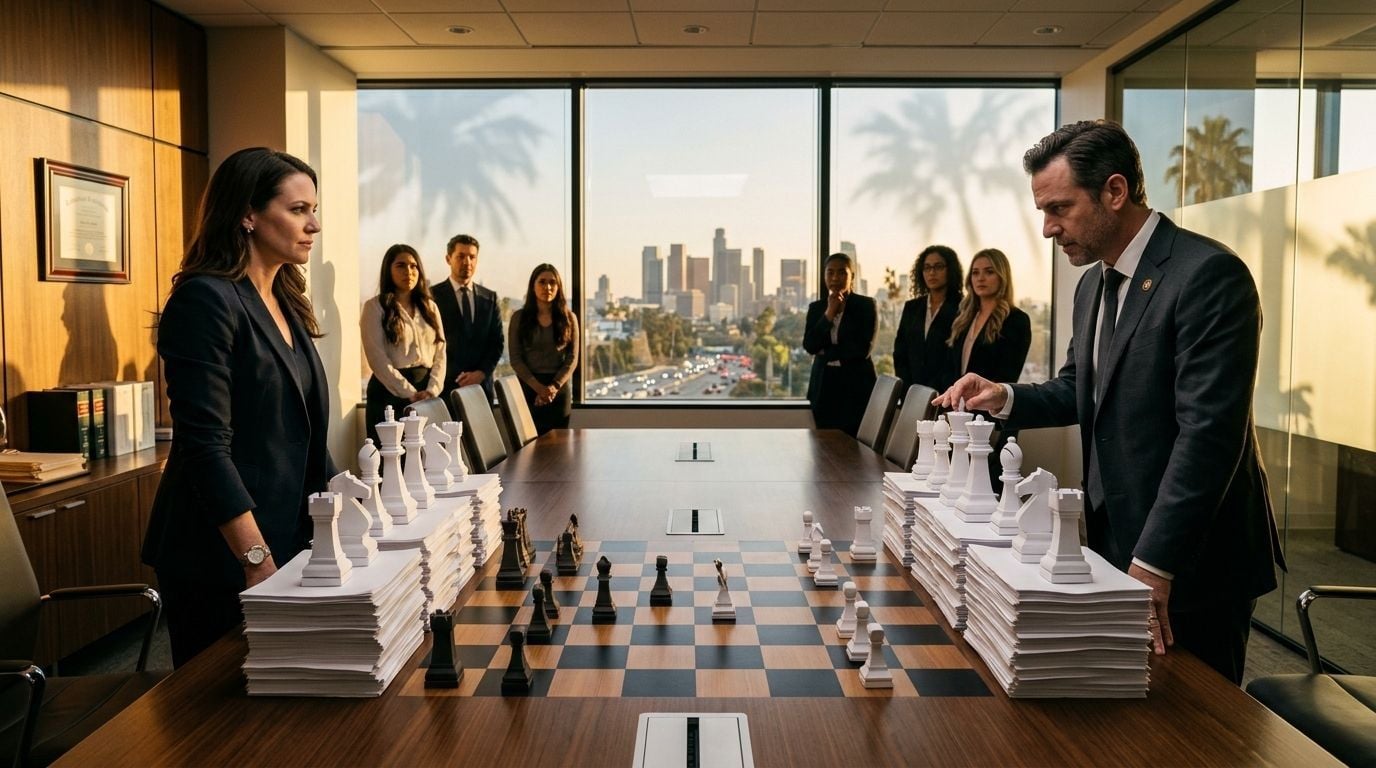
If you run a law firm in Los Angeles, Irvine, Pasadena, or anywhere across Southern California, your copier isn't just a piece of office furniture — it's woven into your daily workflow, your compliance posture, and your client experience. Choosing between Xerox and Kyocera is one of the most common decisions office equipment buyers face, and the right answer isn't the same for every firm.
AIS works with law offices across Southern California to help them find copiers and printers that match their actual workload, security requirements, and budget. This article breaks down the real differences between Xerox and Kyocera so you can walk into that decision with clarity.
Both brands are legitimate, capable, and widely deployed in legal environments. The goal here isn't to crown a single winner — it's to help you figure out which brand fits *your* firm's specific situation better.
Xerox vs. Kyocera: Understanding the Core Differences in Office Equipment for Law Firms
Before you compare specs, it helps to understand what each brand is fundamentally built around. Xerox has been synonymous with printing for decades, and it carries significant name recognition in enterprise and legal markets. Kyocera, a Japanese manufacturer, built its reputation on durability, low total cost of ownership, and long-life components that reduce waste and downtime.
These aren't interchangeable philosophies, and that distinction matters. Xerox tends to invest heavily in software ecosystems and workflow automation, while Kyocera's engineering prioritizes reliability-first hardware that's straightforward to integrate. For a law firm evaluating both, that difference will shape your experience far more than any spec sheet suggests.

How Xerox Approaches Office Equipment for Law Firms
Xerox multifunction printers (MFPs) are strong on software integration. Their ConnectKey platform lets firms automate document workflows, scan directly into matter management systems, and control print access by user or department.
Xerox machines also tend to cover a wider range of models at the mid-to-high end of the market, which works well for larger law firms with dedicated print rooms or production-level output needs. If your firm is printing high-volume contract packages, deposition sets, or court filings on a daily basis, Xerox's speed and output quality are genuinely hard to argue with.
How Kyocera Approaches the Copier Comparison for Southern California Offices
Kyocera's ECOSYS line is built around their proprietary long-life drum and developer system, which means fewer parts replacements and a lower cost-per-page over time. For a small-to-mid-size law firm watching its overhead, that's not a minor detail.
Kyocera machines are known for running quietly, reliably, and with minimal maintenance interruptions — a real advantage in a legal office where downtime during a filing deadline simply isn't an option. Their HyPAS application platform supports integration with document management systems like iManage and NetDocuments, both of which are commonly used in Southern California law practices.
Copier Comparison Southern California: Print Security for Legal Environments
Print security isn't optional for law firms. Attorney-client privilege extends to every document your office produces, and unsecured print infrastructure is a genuine liability risk. According to a 2024 report from Quocirca licensed by Xerox, 70% of mid-market organizations reported one or more data losses tied to printers or MFPs. That number should stop any law firm manager cold.
Both Xerox and Kyocera have invested significantly in print security features in recent years. The real question is how those features are implemented, maintained, and monitored within your specific network environment.
Xerox Security Features in the Copier Comparison
Xerox's McAfee Embedded Control integration is a standout feature for security-conscious buyers. It provides real-time firmware protection and blocks unauthorized code from running on the device.
Xerox also offers encrypted hard drive options, secure print release (jobs only print when the user authenticates at the device), and detailed audit logging. For law firms subject to California State Bar guidelines or handling sensitive federal matters, those layers of protection deserve serious consideration.
Kyocera Security in Office Equipment for Southern California Law Firms
Kyocera's Data Security Kit provides hard drive encryption and automatic data overwrite after each job, protecting client data from being recoverable if a device is ever decommissioned or stolen. Their machines also support SSL/TLS encrypted network communication and IP filtering to block unauthorized network access.
Kyocera's security stack is solid, though it's less software-forward than Xerox's approach. If your firm already has an IT partner managing endpoint security — like AIS's managed IT services — Kyocera's hardware security integrates cleanly into a broader cybersecurity framework.
Total Cost of Ownership: Xerox vs. Kyocera for the Law Firm Budget
The sticker price on a copier is rarely the real cost. What you pay per page, what you spend on toner and drums, and how often you need a service technician on-site — those numbers compound quickly over a 3-5 year lease or ownership cycle.
This is where the Xerox vs. Kyocera conversation gets genuinely interesting, because the two brands follow different cost models that align with different types of law firm buyers.

Xerox Pricing and Total Cost for Southern California Law Office Equipment
Xerox machines generally carry a higher upfront cost and a slightly higher cost-per-page on toner-based systems. The trade-off is a well-developed software ecosystem, strong brand support infrastructure, and wide availability of consumables across Southern California.
For firms that prioritize workflow automation and are willing to invest more upfront to gain those efficiencies, Xerox can deliver strong ROI over time. Their managed print service programs also offer flat-rate billing structures that make budgeting predictable — something office managers tend to appreciate more than they expect.
Kyocera Pricing and Long-Term Value in the Copier Comparison
Kyocera's long-life components mean you replace drums and developer units far less frequently than with competing brands. That directly reduces your cost-per-page over time and cuts down on service calls.
For a law firm with 10-50 employees in Rancho Cucamonga, Riverside, or San Diego, Kyocera often delivers a lower total cost of ownership over a 48-60 month period. According to Gartner Peer Insights, Kyocera holds a 4.8-star rating (75 reviews) versus Xerox's 4.6-star rating (160 reviews) in Managed Print Services — a small but telling signal from real-world users.
Service and Support: The Xerox vs. Kyocera Factor That Law Firms Often Overlook
You can have the best copier on the market, but if service response takes three days when you're prepping for trial, the machine's specs don't mean much. For many Southern California law firms, service reliability is the single most important variable in this entire decision.
Both Xerox and Kyocera have authorized dealer networks across the region, but the quality of support you actually receive depends heavily on *who* manages your account — not just which brand is on the machine.
What a Copier Comparison for Southern California Really Means on Service Day
AIS operates service locations in San Diego, Palm Desert, Rancho Cucamonga, and Pasadena — giving law firms across Los Angeles, Orange, Riverside, and San Bernardino counties fast access to local technicians. AIS resolves 92% of service calls in a single visit and maintains a 95% first-call resolution rate across more than 29,800 service calls per year.
That kind of support infrastructure matters more than brand loyalty when you're running a busy legal office. Whether you go with Xerox or Kyocera, having a local dealer with those performance benchmarks behind your equipment is what actually keeps your office running.
Office Equipment Law Firm Support: Dealer Matters as Much as Brand
Both Xerox and Kyocera offer warranty programs, service contracts, and remote diagnostics. The real differentiator is whether your dealer responds the same day, knows your environment, and stocks the parts to fix your machine on the first visit.
AIS's service and support model is built specifically for businesses that can't afford downtime — including law firms with tight filing deadlines and client-facing operations. Choosing the right local partner is just as important as choosing the right brand.
FAQs
Is Xerox or Kyocera better for a Southern California law firm copier comparison?
It depends on your priorities. Xerox leads on software-driven workflow automation and enterprise integrations, while Kyocera typically wins on long-term cost of ownership and hardware reliability — both are strong choices for legal environments.
What security features should I look for in office equipment for a law firm?
Look for encrypted hard drives, secure print release (badge or PIN authentication), audit logging, and SSL/TLS network encryption. Both Xerox and Kyocera offer these, though their implementation approaches differ.
How does the copier comparison in Southern California differ from other markets?
Southern California law firms often deal with high-volume filing requirements, multi-location operations, and strict data privacy expectations — factors that make security, uptime, and local service response especially important in any copier comparison.
What is the typical cost difference between Xerox and Kyocera for legal office equipment?
Xerox typically has a higher upfront cost and per-page cost, while Kyocera tends to offer lower total ownership costs over 4-5 years due to its long-life drum and developer components. Your actual numbers will depend on your monthly print volume.
Does AIS service both Xerox and Kyocera copiers in Southern California?
Yes. AIS is an authorized dealer for both Xerox and Kyocera across Southern California, with service locations in San Diego, Pasadena, Palm Desert, and Rancho Cucamonga to support law firms throughout the region.
The Final Word on the Xerox vs. Kyocera Copier Comparison for Southern California Law Firms
Xerox and Kyocera are both solid choices for legal environments — they just solve different problems well. Xerox is the stronger fit if your firm needs deep software integration, workflow automation, and enterprise-scale output. Kyocera wins on long-term cost efficiency, hardware durability, and quiet, consistent performance that keeps pace with a demanding practice without constant maintenance.
The decision you make today will shape your office equipment experience for the next 3-5 years. Make it with a partner who knows both brands, knows your market, and will be on-site within hours when something goes wrong.
Our team at AIS is here to help Southern California law firms make exactly that call — start the conversation and we'll help you find the right fit for your practice, your budget, and your workflow.
