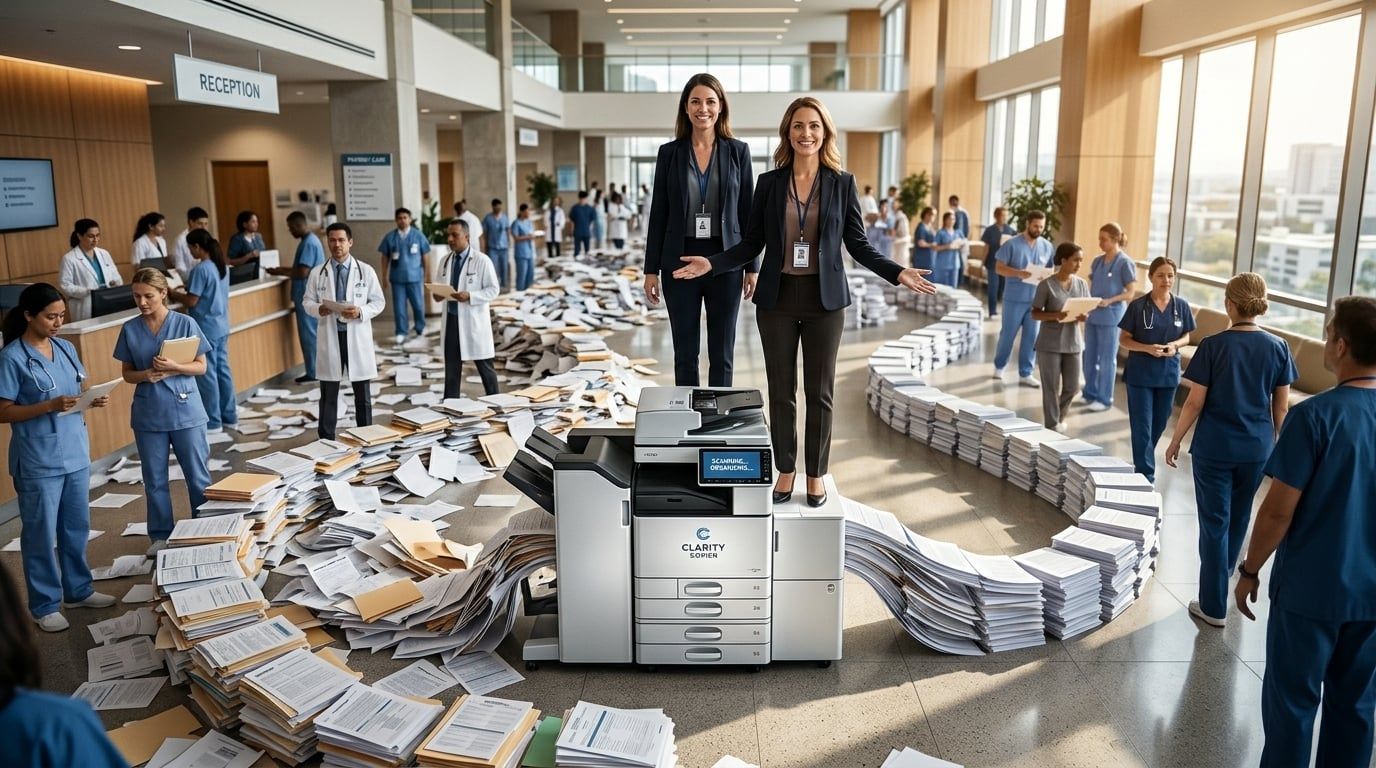
Picking the right copier for a Reno healthcare practice is not as simple as grabbing the cheapest model off a comparison site. HIPAA compliance requirements, high-volume patient document workflows, and the growing need for cloud integration all raise the stakes. This guide walks you through every factor you need to consider so you can make a confident, informed decision in 2026.
AIS helps medical offices across Nevada and Southern California choose and deploy copiers and printers that fit their specific workflows, volume demands, and security requirements. We work with Xerox, Kyocera, and HP, and we'll give you an honest breakdown of what actually works in a healthcare environment.
Why the Best Xerox Copier for Reno Healthcare Differs From Standard Office Equipment
Healthcare is not a typical office environment. Your team prints prescriptions, patient intake forms, insurance documentation, lab orders, and referral letters, often all before noon. The copier sitting in your break room or medical records area needs to perform under that kind of daily pressure without creating compliance gaps or security vulnerabilities.
Reno's healthcare market has grown steadily alongside the city's broader population boom in northern Nevada. That growth means more patients, more paperwork, and more pressure on your front-office and back-office equipment to keep up.
HIPAA Compliance and the Best Xerox Copier for Reno Clinics
HIPAA doesn't just govern your electronic health records system. It applies to every device that touches protected health information (PHI), including your copier. If a document with a patient's name, diagnosis, or insurance number passes through a machine, that machine is part of your compliance picture. Xerox addresses this directly with features like hard-drive encryption, secure print release (also called pull printing), and automatic data overwrite after each job.
According to Quocirca's Print Security Landscape 2024, 67% of organizations experienced data losses due to unsecure printing practices in the past 12 months, up from 61% the year before. For a healthcare practice, a print-related data breach doesn't just mean bad press. It can mean significant regulatory penalties and loss of patient trust.
Volume and Speed: Matching Healthcare Office Equipment to Real-World Demand
A solo practitioner running 20 appointments a day has very different print needs than a multi-provider urgent care clinic seeing 150 patients. Xerox makes this easy to map because their product line runs from the entry-level B Series monochrome MFPs to the high-volume AltaLink and VersaLink families. Monthly duty cycle relative to your actual volume is one of the first numbers you need to identify before comparing models.
A common mistake healthcare practices make is underbuying, selecting a machine rated for 10,000 pages per month when their team is pushing 25,000. That mismatch leads to breakdowns, slower service, and frustrated staff during peak hours.

Key Features to Look for in a 2026 Printer Guide for Healthcare Offices
The 2026 printer guide looks noticeably different from even a few years ago. Cloud connectivity, remote management, and AI-assisted fleet monitoring have moved from "nice to have" into standard expectations for medical office equipment.
Gartner projects that by 2026, 60% of enterprise print management will be handled via cloud-connected workflows. Cloud-ready copiers aren't just for large enterprise clients anymore. They're quickly becoming the default for practices of all sizes.
Secure Print Release: A Non-Negotiable Feature in a 2026 Printer Guide
Secure print release means a document won't physically print until the authorized user authenticates at the device, typically with a PIN, badge, or mobile credential. In a busy clinic where multiple staff members use the same printer, this feature alone can dramatically reduce the risk of PHI landing in the wrong hands. Xerox VersaLink and AltaLink models both support secure print release natively through Xerox Workplace Suite.
This isn't just a compliance checkbox. It also reduces wasted paper from print jobs that never get picked up, which is a surprisingly common and costly problem in healthcare settings.
Cloud Integration and Remote Management for Healthcare Office Equipment
Cloud-connected Xerox devices allow your IT team or managed services provider to push firmware updates, monitor device health, and enforce security policies without being physically on-site. For multi-location practices across the Reno area, this is a real operational advantage. It also means your devices stay patched against newly discovered vulnerabilities without waiting for a technician visit.
AIS provides managed IT services that integrate directly with your copier fleet, so your print environment and your broader IT infrastructure are managed under one consistent, monitored umbrella.
Comparing Xerox Models: Which Is the Best Xerox Copier for Reno Healthcare in 2026?
Xerox offers several model families worth considering for healthcare, and each has a different sweet spot. Matching the model family to your practice size and workflow profile is more useful than declaring one model universally "the best." Here's an honest breakdown.
Xerox VersaLink Series: Best Xerox Copier for Reno Small Medical Offices
The VersaLink series is a strong starting point for smaller practices, think solo providers, small specialty clinics, or administrative offices that handle moderate print and scan volume. The C405 and C7020 are popular choices that deliver color output, mobile connectivity, and solid security features at a price point that fits smaller budgets. They're also compact enough to fit in space-constrained exam room corridors or front-desk areas.
What makes VersaLink worth considering in 2026 is its app-based interface. You can customize the touchscreen for specific workflows like scanning directly to your EHR system or sending documents to a shared cloud folder, and that kind of workflow efficiency adds up quickly across a busy day.
Xerox AltaLink Series: Healthcare Office Equipment for High-Volume Practices
The AltaLink C8000 series steps up for larger practices, multi-provider groups, and outpatient facilities that need to handle tens of thousands of pages per month reliably. These machines support advanced finishing options, high-capacity paper trays, and the most robust security configurations Xerox offers, including Common Criteria certification on select models. For a healthcare practice that processes a large volume of insurance claims, lab reports, or referral documentation, AltaLink holds up under real daily pressure.
The AltaLink line also integrates cleanly with Xerox's Workplace Suite for centralized fleet management, which makes life considerably easier if you're managing multiple devices across multiple exam rooms or office locations.
Cost Per Page: The 2026 Printer Guide Metric Most Practices Ignore
The sticker price of a copier is rarely the real cost. Total cost of ownership matters more, and that includes toner, maintenance, paper, and service. Xerox's managed print programs let you pay a flat cost per page, which turns your copier from an unpredictable capital expense into a predictable monthly operating cost. For healthcare practices already managing tight margins, that predictability has real financial value.
AIS structures office equipment agreements with transparent, KPI-backed service commitments, including 95% first-call resolution and 92% same-visit repair rates, so you're not left waiting days for a technician when your machine goes down mid-morning.
What to Ask Before Buying Healthcare Office Equipment in Reno
Shopping for a copier without a checklist is how practices end up with the wrong machine. Here are the questions worth working through before you sign any agreement.
Best Xerox Copier for Reno: Leasing vs. Buying in 2026
Leasing gives you access to current technology without a large upfront capital investment, and it makes upgrading easier when a newer model becomes relevant, which matters as print security standards continue to evolve. Buying outright can make sense if you have specific budget structures or prefer ownership, but it typically means you're responsible for maintenance costs outside of a service agreement. Most Reno healthcare practices we work with lean toward leasing for the flexibility and predictable cost structure.
Local Support: Why Reno Healthcare Offices Need More Than a 1-800 Number
When a copier fails mid-shift in a busy clinic, you don't have time to wait on a national call center. Local support from a provider with technicians in the region, people who can be on-site the same day, is a practical differentiator that counts in real life. AIS maintains strong service response infrastructure across Nevada and has built its reputation on the kind of responsive, knowledgeable support that healthcare practices can depend on. You can learn more about how AIS supports businesses across the region.
FAQs
What is the best Xerox copier for a Reno healthcare practice in 2026?
The best choice depends on your practice size and monthly volume. The VersaLink series fits smaller clinics well, while AltaLink models are built for high-volume multi-provider settings.
Does a Xerox copier for healthcare offices need to be HIPAA-compliant?
Yes. Any device that processes PHI, including copiers, must support HIPAA-appropriate security features like hard-drive encryption, secure print release, and audit logging. Xerox VersaLink and AltaLink both support these capabilities natively.

How much does a healthcare office copier cost in Reno?
Entry-level Xerox MFPs for small practices typically start around $3,000–$6,000 to purchase outright, while leasing options can run $100–$300/month depending on the model and service agreement. High-volume AltaLink units for larger practices run higher.
What is secure print release and why does it matter for healthcare?
Secure print release holds a print job in a queue until the authorized user authenticates at the device, preventing PHI from sitting unattended in an output tray. It's one of the most effective ways to reduce print-related data exposure in a clinical setting.
Is it better to lease or buy a copier for a Reno medical office?
Most healthcare practices benefit from leasing because it offers predictable monthly costs, access to current technology, and built-in service agreements. Buying outright can work if you have capital budget available, but leasing is generally the more financially flexible approach.
The Bottom Line on Finding the Best Xerox Copier for Reno Healthcare in 2026
Your copier is a compliance tool, a workflow engine, and a security checkpoint, not just a convenience. Getting it right means matching the model to your volume, confirming the security features meet HIPAA standards, planning for real total cost of ownership, and partnering with a local provider who shows up when something goes wrong.
AIS helps Reno and Nevada healthcare practices make smarter equipment decisions every day, and we back every recommendation with transparent pricing, local service, and a team that understands what your environment demands. Start the conversation with AIS today and let's find the right Xerox solution for your practice.
Topics:
