

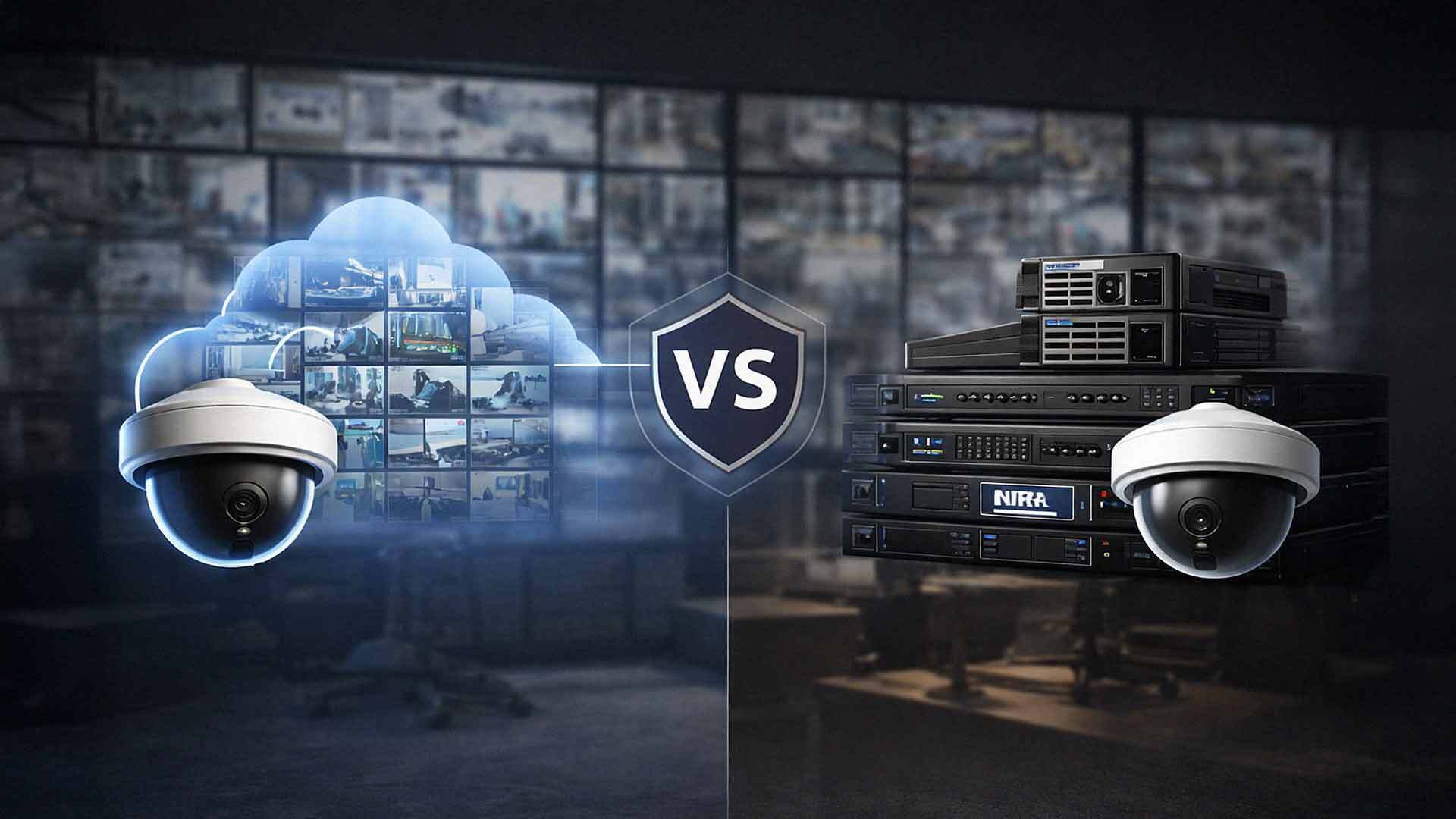
When businesses plan a video surveillance system, cameras get most of the attention. Resolution, field of view, and placement dominate the conversation. Storage decisions usually come later — even though they have a major impact on cost, reliability, and long-term value.
Where and how you store video footage affects everything: evidence access, system uptime, compliance, and what happens when something goes wrong at 2 a.m. on a Sunday.
Two primary approaches dominate modern surveillance systems: cloud video surveillance and on-site storage. Each has real advantages and real trade-offs. This article walks you through both so you can make a confident, informed decision — not one you'll regret six months into a contract.
What Cloud Video Surveillance Actually Means
Cloud video surveillance stores recorded footage in remote data centers instead of local hardware. Cameras stream video over the internet to a secure cloud platform managed by the provider. Authorized users access footage through a web portal or mobile app from anywhere in the world.
Storage capacity, retention periods, and features are typically bundled into a monthly or annual subscription. Because the provider manages the backend infrastructure, you're not responsible for maintaining servers, replacing drives, or worrying about local hardware failures.
Platforms like Verkada are a strong example of this model. Verkada cameras store a local buffer on the device itself while simultaneously syncing footage to the cloud — giving you both resilience and remote accessibility without complicated on-site infrastructure.
What On-Site Video Storage Actually Means
On-site storage records video locally using network video recorders (NVRs) or dedicated servers installed at your facility. Cameras connect directly to this hardware, which stores footage on physical drives. Users access video through local software or, in some setups, a remote connection configured through your IT team.
Storage capacity is determined by the size and number of installed drives. Retention periods are limited by available hardware. The business owns the infrastructure — which means full control, and full responsibility.
Key Differences Between Cloud and On-Site Storage
Both approaches achieve the same goal: capturing and retaining video footage. Where they diverge is in how systems scale, how footage is protected, and how costs stack up over time.
Cost Structure and Budget Predictability
Cloud video surveillance typically uses a subscription model. Businesses pay a recurring monthly or annual fee based on camera count, storage retention length, and features. This model offers predictable budgeting and eliminates large upfront hardware purchases.
On-site storage requires a higher upfront investment. You'll purchase recorders, hard drives, backup power systems, and sometimes rack space or dedicated cooling. Ongoing costs include maintenance, hardware replacement on a 3–5 year cycle, and occasional upgrades as camera counts or resolution requirements increase.
The honest trade-off: Cloud shifts costs from capital expense (CapEx) to operating expense (OpEx). On-site concentrates cost at the front end. If your hardware lasts longer than expected and your camera count stays stable, on-site can look cheaper on paper over a long horizon. If you're growing, multi-location, or don't have IT staff to manage local servers, cloud almost always wins on total cost of ownership.
Scalability and Growth
Cloud video surveillance scales with minimal friction. Adding cameras typically means updating your subscription tier and installing new devices. Storage expands automatically within your plan. No truck rolls for server upgrades.
On-site storage scales more slowly. Adding cameras often requires:
- Additional hard drives or drive bays
- NVR upgrades or replacement
- Network capacity increases
- IT labor to configure everything
For businesses with multiple locations — retail chains, property management companies, healthcare facilities — cloud systems eliminate the need to manage independent on-site infrastructure at every site. That's a significant operational advantage.

Reliability and Built-In Redundancy
Cloud providers build redundancy into their platforms by design. Footage is stored across multiple geographically distributed data centers with backup power, failover systems, and physical security controls. If something happens at your local facility — a fire, a flood, a break-in — your footage is already safe somewhere else.
On-site systems depend entirely on local conditions. A power outage, a hardware failure, theft of the recorder itself, or a physical disaster can wipe out stored footage at the worst possible moment. Businesses can add redundancy through backup recorders or off-site replication, but that increases both complexity and cost.
According to research from Axis Communications conducted in 2025, only 27% of IT leaders currently use the cloud for physical security — but nearly 44% expect to adopt it within the next two years. That acceleration is largely driven by resilience concerns exactly like these.
Internet Dependence and Bandwidth
This is where cloud systems have a genuine limitation worth taking seriously.
Cloud video surveillance relies on a stable, adequate internet connection. Cameras must stream footage continuously or on motion triggers. Higher-resolution cameras at higher frame rates require more bandwidth. Multi-camera deployments at a single location can strain a business internet connection that wasn't sized for surveillance traffic.
If your internet goes down, cameras with no local buffer stop recording to the cloud. Some platforms — like Verkada — address this by storing footage locally on the camera itself during outages and syncing when connectivity restores. But not all cloud systems handle this gracefully.
On-site storage has no internet dependency for recording. Cameras continue capturing footage regardless of internet status. Remote access may be disrupted during an outage, but local recording and local viewing remain unaffected.
The bottom line: If your business operates in an area with unreliable internet, or if you run operations that simply cannot tolerate recording gaps, on-site storage — or a hybrid approach — deserves serious consideration.
Security Standards and Compliance
This is an area where cloud platforms have made significant strides. Reputable cloud surveillance providers adhere to rigorous security certifications, including SOC 2, ISO 27001, and FedRAMP — standards that most businesses would struggle to replicate with self-managed on-site infrastructure.
That said, any system storing sensitive footage raises data governance questions. Where is data stored? Who can access it? How long is it retained? What happens when you terminate a contract?
For industries with strict compliance requirements — healthcare, financial services, education — cloud platforms with documented certifications can actually make compliance *easier* to demonstrate than managing on-site systems where controls are harder to audit.
On-site systems put data governance entirely in your hands. That's either a strength or a burden, depending on your internal IT capabilities.
Remote Access and Management
Cloud surveillance wins this category cleanly. Footage, live camera feeds, user management, and alerts are accessible from any browser or mobile device with internet access. Multi-location businesses can manage every site from a single dashboard. Administrators can grant and revoke access instantly.
On-site systems can be configured for remote access, but it typically requires VPN setup, static IP addresses, or third-party remote access tools — all of which add complexity and create additional potential attack surfaces if not properly secured.
Hybrid Systems: When You Want Both
It's worth noting that the cloud vs. on-site choice isn't always binary. Hybrid surveillance systems combine local recording with cloud backup or cloud-accessible management. Footage records locally for low-latency access and operational continuity, while critical clips or full archives sync to the cloud for off-site protection.
Hybrid approaches are increasingly popular for businesses that:
- Have unreliable internet but need remote visibility
- Operate in regulated industries requiring local data control
- Want cloud accessibility without full cloud dependency
- Have existing on-site infrastructure they're not ready to replace
If you're evaluating a new system and neither pure cloud nor pure on-site feels right, a hybrid model is worth putting on the table.
Which Option Is Right for Your Business?
There's no single right answer — but there are patterns that make the choice clearer.
Cloud video surveillance tends to be the better fit when you:
- Have multiple locations to manage centrally
- Want minimal on-site IT infrastructure
- Need strong off-site redundancy for evidence protection
- Prefer predictable monthly costs over large capital investments
- Require remote access from anywhere, anytime
On-site storage tends to be the better fit when you:
- Have unreliable or bandwidth-constrained internet
- Handle highly sensitive data requiring strict local control
- Have existing IT infrastructure and staff to manage it
- Operate a single location with stable, long-term camera counts
- Need to minimize recurring monthly costs over a long horizon
Hybrid storage tends to be the better fit when you:
- Want operational resilience plus remote accessibility
- Are transitioning from on-site systems and don't want a full rip-and-replace
- Need local recording continuity with cloud backup for disaster recovery
Frequently Asked Questions: Cloud vs. On-Site Video Surveillance Storage
1. How much bandwidth does cloud video surveillance actually require?
It varies significantly by camera resolution, frame rate, and whether cameras record continuously or on motion. A single 1080p camera streaming continuously can use 1–4 Mbps of upload bandwidth. A 20-camera system at moderate resolution may require 20–60 Mbps of dedicated upload capacity. Your internet plan needs to support that without competing with regular business traffic. A surveillance specialist can calculate exact requirements before you commit.

2. What happens to my cloud footage if I cancel my subscription?
This depends entirely on the provider. Most cloud surveillance platforms delete stored footage within a defined period after contract termination — sometimes 30 days, sometimes immediately. Before signing, confirm the data retention and deletion policy in writing. If historical footage matters for your business, understand exactly what you'll have access to and for how long after a contract ends.
3. Is cloud video surveillance secure enough for sensitive business environments?
Reputable cloud platforms maintain rigorous security certifications including SOC 2, ISO 27001, and in some cases FedRAMP — standards that provide strong assurance of data security practices. For most SMBs, a certified cloud platform is more secure than self-managed on-site storage, simply because the provider has dedicated security teams that most small businesses cannot replicate internally.
4. Can I access on-site surveillance footage remotely?
Yes, but it requires additional configuration. Remote access to on-site systems typically involves VPN setup, static IP addresses, or dedicated remote access software. It's entirely achievable, but it adds IT complexity and requires ongoing maintenance to keep secure. Cloud systems handle remote access natively with no additional configuration required.
5. How long can I retain footage with cloud surveillance?
Retention periods vary by subscription tier and provider. Common options range from 7 days to 365 days of continuous recording. Longer retention typically means a higher monthly cost. On-site systems retain footage until drives fill up — which could be days or months depending on camera count, resolution, and drive size. Extending on-site retention means adding physical storage.
6. What is a hybrid surveillance system and is it worth the added complexity?
A hybrid system records locally while also syncing footage to the cloud for off-site backup and remote access. It's more complex to set up than either pure approach, but it solves for the most common objections to both: it maintains recording during internet outages (like on-site), while preserving footage off-site in case of a local disaster (like cloud). For businesses with mission-critical footage requirements, the added complexity is usually worth it.
7. Does AIS support both cloud and on-site surveillance systems?
Yes. AIS works with businesses across Las Vegas, Southern California, and surrounding regions to design and deploy surveillance systems tailored to their specific needs — including cloud-based platforms like Verkada, on-site NVR systems, and hybrid configurations. We'll help you evaluate bandwidth, compliance requirements, camera counts, and budget before recommending anything.
The Storage Decision Matters More Than You Think
Cameras are important. But if the footage they capture isn't stored reliably, accessible when you need it, or protected against the scenarios that matter most, the cameras are only half the equation.
Cloud video surveillance offers flexibility, remote access, built-in redundancy, and simplified management. On-site storage offers local control, internet independence, and potential long-term cost advantages in stable environments. Hybrid systems offer a middle path that's increasingly worth considering.
The right answer depends on your locations, your internet reliability, your IT resources, your compliance requirements, and how you plan to grow.
Ready to figure out which approach fits your business?
Schedule a Free Consultation with the AIS team. We'll walk through your specific environment — no pressure, no jargon, just honest guidance from a team that's helped businesses across the region secure their facilities for years.
Or if you have questions right now, contact AIS today and we'll get back to you fast.
Topics:
