

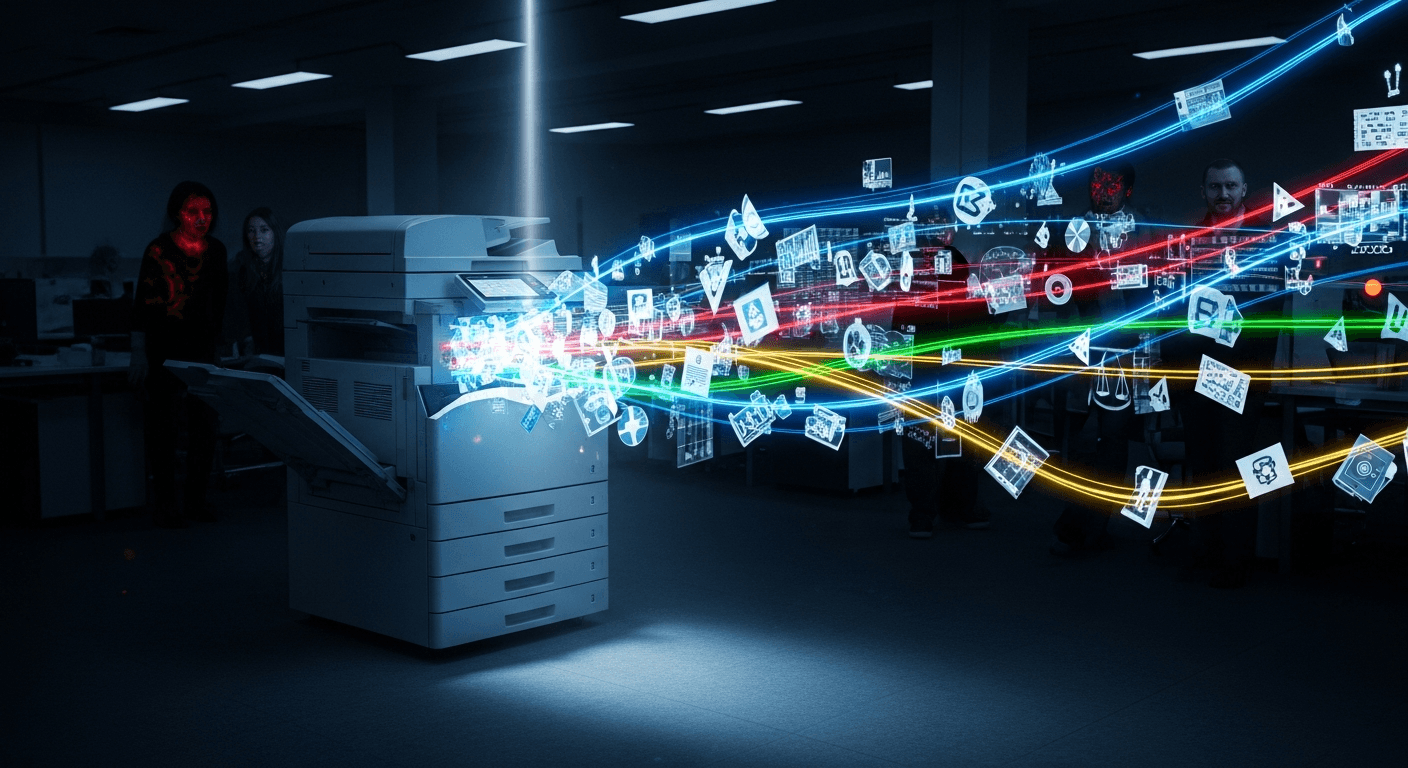
Modern office copiers are network-connected computers. They store document images on internal hard drives, connect to business networks, integrate with cloud platforms, and support remote access. According to a Quocirca analysis, 59% of organizations reported a print-related data loss in the past year. Cyber threats targeting printers and IoT devices have increased more than 200%, according to the SonicWall Cyber Threat Report. Copier security is not optional.
What Types of Sensitive Data Do Copiers Store?
Modern multifunction copiers store images of every document they process, including financial records, employee files, customer data, medical documents, and legal contracts. This data is written to an internal hard drive and, in many cases, remains there until the drive is deliberately wiped or overwritten.
Every time a user scans, copies, prints, or faxes a document, the copier creates a digital image of that document. That image is temporarily — and sometimes permanently — stored on the device's internal hard drive.
Common categories of data found on copier hard drives include:
- Financial documents: bank statements, tax records, invoices, payroll files
- HR and employee records: Social Security numbers, performance reviews, benefit enrollment forms
- Customer information: contracts, personal identification, payment details
- Medical records: patient intake forms, insurance documents, prescription records
- Legal files: contracts, litigation documents, attorney-client communications
The Federal Trade Commission (FTC) has published direct guidance confirming that digital copiers store this type of data and that businesses are responsible for protecting it. Most SMBs are unaware that this storage happens automatically and by default.

How Can Unauthorized Access to Copier Hard Drives Occur?
Unauthorized access to copier hard drive data happens in three primary ways: physical access to the device, network-based attacks targeting the copier as an entry point, and failure to wipe or destroy the drive before disposing of or returning a leased machine.
Physical Access
Anyone with physical access to a copier can potentially remove or copy data from its hard drive. In shared office environments, server closets, or multi-tenant buildings, this risk is higher than most businesses acknowledge.
A 2010 CBS News investigation demonstrated this risk directly by purchasing used copiers and recovering thousands of sensitive documents from their hard drives, including medical records and police reports. The drives had never been wiped.
Network-Based Attacks
Copiers connected to a business network are visible to other devices on that network, and sometimes to the open internet. Attackers who gain access to the network can scan for connected printers and copiers using widely available tools.
Default manufacturer passwords are a common vulnerability. Many businesses deploy copiers without changing factory-set credentials, leaving the device's web management interface open to anyone who knows the default login — information that is publicly available in manufacturer documentation.
Outdated firmware compounds this risk. Unpatched copier firmware can contain known security vulnerabilities that attackers actively exploit.
Lease Returns and Disposal
When a copier lease ends or a device is traded in, most businesses hand the machine back to the vendor without requesting confirmation that the hard drive has been wiped. The vendor then resells or refurbishes the device. Without a signed data destruction certificate, there is no guarantee that stored documents have been erased.
What Are the Risks of Network-Connected Copiers?
A network-connected copier that is not properly secured functions as an open access point to your business network. Attackers can use it to intercept documents in transit, move laterally to other devices on the network, or exfiltrate stored data without triggering standard endpoint security alerts.
Most traditional cybersecurity tools — antivirus software, endpoint detection, firewalls — are configured to monitor computers, servers, and mobile devices. Copiers and printers are frequently excluded from these monitoring scopes.
Specific network-level risks include:
- Man-in-the-middle attacks: Documents sent to the copier over an unencrypted connection can be intercepted in transit.
- Lateral movement: Once inside a copier's operating system, an attacker can use it as a staging point to access file servers, email systems, or other connected devices.
- Rogue device enrollment: An attacker with access to a copier's admin interface can enroll the device in external services or redirect scanned documents to unauthorized destinations.
- Print job interception: Unencrypted print queues can be read by any device on the same network segment.
According to the SonicWall Cyber Threat Report, IoT devices including printers and copiers are increasingly targeted because they offer network access with minimal security oversight.
What Compliance Requirements Apply to Copier Data Security?
Several federal and state regulations impose specific obligations on businesses regarding how copier-stored data is protected and disposed of. HIPAA, GLBA, FACTA, and various state privacy laws all apply depending on industry and data type.
This is one of the most underaddressed areas in copier security guidance. Many SMBs are unaware that their existing compliance frameworks extend to copier devices.
HIPAA
Healthcare organizations and their business associates must protect all forms of protected health information (PHI), including document images stored on copier hard drives. The HIPAA Security Rule requires that electronic PHI be encrypted and that storage media be securely disposed of. Failure to wipe a copier hard drive before disposal can constitute a reportable breach.
GLBA (Gramm-Leach-Bliley Act)
Financial institutions are required under GLBA to implement safeguards protecting customer financial data. Copiers that process mortgage applications, loan documents, or account statements fall within the scope of these requirements.
FACTA Disposal Rule
The FACTA Disposal Rule requires businesses to take reasonable measures to protect consumer report information from unauthorized access during disposal. Copiers used to print or copy credit reports or consumer financial data are covered by this rule.
State Privacy Laws
California Consumer Privacy Act (CCPA) and similar state-level laws apply to businesses that collect personal information from residents of those states. Document images stored on copier hard drives qualify as personal information under these definitions.
Businesses that operate under any of these frameworks need to include copiers in their data protection and disposal policies.
What Are the Insider Threat Risks Associated With Copiers?
Employees with physical access to a copier can print, scan, or copy sensitive documents without generating an audit trail if user authentication is not enabled. Insider threats — whether intentional or accidental — represent a significant and often overlooked category of copier-related data exposure.
Most copier deployments operate in walk-up mode by default. Any user who approaches the device can print any job in the queue, scan documents to any email address, or access previously stored document images through the device's interface.
Common insider threat scenarios include:
- Unauthorized document copying: An employee copies confidential records before leaving the company.
- Misdirected scans: A user accidentally scans sensitive documents to the wrong email address or shared folder.
- Print queue access: A user retrieves a document from the print queue that was sent by another employee — including documents they were not intended to see.
- Admin interface access: Without role-based access controls, any user who finds the copier's IP address can access its administrative settings through a browser.
Enabling user authentication — requiring employees to log in before using the device — creates an auditable record of who accessed the copier, what they printed or scanned, and when. This is a basic control that most SMBs have not configured.
What Security Features Should Be Enabled on a Modern Copier?
The security features that most directly reduce copier data risk are hard drive encryption, automatic disk overwrite, user authentication, network port restriction, and firmware update management. Most modern copiers include these features by default but require manual activation.
Hard Drive Encryption
Encryption renders stored document images unreadable without the correct decryption key. If a drive is removed from the device, encrypted data cannot be accessed without that key. Most enterprise-grade copiers from Canon, Ricoh, Konica Minolta, and Xerox support AES-256 encryption on internal drives.
Automatic Disk Overwrite
This feature overwrites stored document images immediately after a job completes, preventing data from accumulating on the hard drive. Some devices offer single-pass overwrite; higher-security environments should use a three-pass or seven-pass DoD-standard overwrite.
User Authentication
Requiring a PIN, badge scan, or network login before the device operates ensures that only authorized users can access it. Authentication also enables detailed activity logging, which supports compliance audits.
Network Port Restriction
Copiers ship with many network ports open by default. Closing unused ports — particularly Telnet, FTP, and HTTP in favor of HTTPS — reduces the attack surface available to network-based threats.
Firmware Updates
Manufacturers release firmware updates to patch known security vulnerabilities. Copiers that are not updated on a regular schedule remain exposed to vulnerabilities that have already been publicly documented and exploited.
How Should Businesses Securely Dispose of or Return a Copier?
Before returning, selling, donating, or disposing of a copier, the internal hard drive must be either cryptographically wiped using the device's built-in data overwrite function or physically destroyed. Businesses should obtain a written data destruction certificate from the vendor or destruction provider.
The FTC's Digital Copier Data Security Guide for Businesses recommends the following steps:
1. Enable the built-in overwrite function before initiating the return or pickup. Most modern copiers have a factory reset or data sanitization option in the admin menu.
2. Request a data destruction certificate from the leasing company or vendor that confirms the drive has been wiped or destroyed.
3. Consider physical destruction for drives that stored highly sensitive data. A certified IT asset disposition (ITAD) vendor can shred or degauss the drive and provide documentation.
4. Review your lease agreement before the lease ends. Some agreements specify who is responsible for data destruction. If the agreement is silent on this, negotiate written confirmation of the process.
For businesses in regulated industries — healthcare, finance, legal — data destruction documentation should be retained as part of the compliance record.

How Often Should Copier Security Settings Be Reviewed?
Copier security settings should be reviewed at least once per year, when a device is added or replaced, when a new employee joins or leaves, and whenever the business undergoes a compliance audit. Firmware should be updated as patches are released by the manufacturer.
Security reviews should include:
- Confirming that hard drive encryption is active
- Verifying that disk overwrite is enabled and set to the appropriate pass level
- Auditing user access lists and removing former employees
- Checking for available firmware updates
- Reviewing the print and scan activity log for anomalies
- Testing that the device's admin interface is not accessible from outside the local network
Copiers are long-lived assets. A device deployed five years ago may have outdated security configurations that no longer meet current standards or compliance requirements. Periodic reviews prevent these gaps from accumulating unnoticed.
Topics:
