

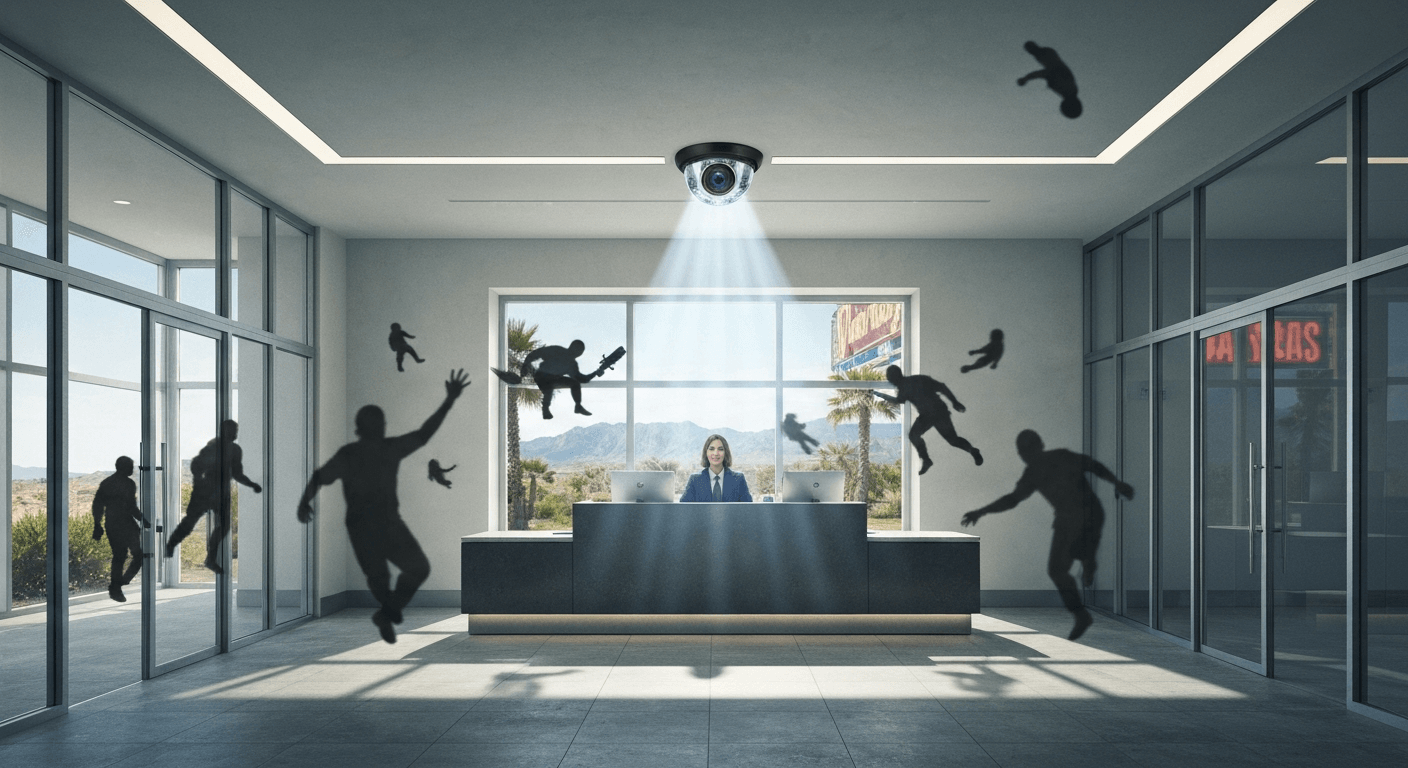
If you run a healthcare office in Las Vegas — a medical clinic, dental practice, urgent care center, or specialty group — your security needs look nothing like those of a retail shop or a warehouse. You're managing patient privacy, HIPAA compliance requirements, controlled access to prescription areas, and a constant flow of patients, staff, and vendors every single day. That's a lot to keep track of, and your surveillance system is one of the first lines of defense.
Verkada has become one of the most talked-about names in enterprise security cameras over the past several years. AIS provides security cameras and access control to healthcare offices across Las Vegas, Henderson, and Southern California, and Verkada is one of the systems we install and support. That gives us a ground-level view of what works, what doesn't, and what Las Vegas healthcare offices specifically need to know before making this investment.
This article gives you an honest, detailed review so you can decide whether Verkada fits your clinic's needs — or whether a different approach makes more sense.
What Is Verkada? A Verkada Review Las Vegas Buyers Should Start With
Verkada launched in 2016 and quickly became a major player in the cloud-managed security camera market. According to Forbes, the company reached a $540 million valuation within just two years of entering the market — an extraordinary pace of growth that reflected genuine demand for a simpler, smarter approach to enterprise surveillance.
Traditional security camera systems require on-site servers, complex NVR/DVR setups, and specialized IT staff to keep them running. Verkada flipped that model by putting the intelligence inside each camera, storing footage locally on encrypted onboard storage, and syncing everything through a cloud-based management dashboard called Command.
How Verkada Cameras Work for Las Vegas Surveillance
Each Verkada camera contains its own built-in storage, processor, and cellular backup capability. That means your footage stays accessible even if your internet goes down — a real consideration in a busy Las Vegas medical office where network outages don't always come with advance warning.
The Command dashboard lets you view live and recorded footage from any browser, manage user permissions, and run AI-driven searches by motion, person detection, or vehicle detection. For practice managers overseeing multiple clinic locations across Las Vegas or the surrounding area, that centralized visibility is a genuine operational advantage.

Who Typically Uses Verkada in Healthcare Settings
Verkada tends to be a strong fit for mid-sized organizations that need enterprise-grade features without a full-time IT team to manage them. Healthcare offices with 20 to 200 employees — medical groups, dental chains, behavioral health centers, and outpatient surgical facilities — are typically well-suited to the platform. Smaller solo practices may find the pricing harder to justify without a multi-camera deployment.
Verkada Features That Matter Most for Healthcare Security Cameras
Not every camera feature carries equal weight in a healthcare environment. What gets attention in retail or manufacturing doesn't always translate to what a clinic actually needs. Here's what stands out for Las Vegas healthcare surveillance.
Healthcare Security Cameras: HIPAA Considerations and Access Controls
HIPAA doesn't regulate the cameras themselves, but it does govern how you handle any video footage that captures patient information. Verkada's role-based access controls let you restrict who can view footage from specific cameras — for example, limiting access to exam room hallways or medication storage areas to only authorized administrators.
Audit logging is built-in, which means you can track who accessed which footage and when. That's exactly the kind of documentation your compliance officer will want when a HIPAA audit comes around. Pair it with strong internal policies, and Verkada gives you a solid technical foundation to build on.
AI Features That Support Las Vegas Healthcare Surveillance
Verkada's AI search tools are genuinely useful in a high-traffic clinic environment. If an incident occurs and you need to locate specific footage fast, you can search by time, person appearance, or motion zone — no scrubbing through hours of video manually.
Some Verkada models also support occupancy monitoring, which can help waiting rooms stay within capacity limits — still relevant in post-pandemic healthcare operations. These aren't gimmicks; they're practical time-savers for practice managers who don't have hours to spend reviewing footage.
Access Control Integration for Healthcare Offices
Verkada also offers access control hardware — door readers, intercoms, and badge management — that integrates directly with the camera system inside Command. For healthcare offices that need to control who enters medication rooms, server closets, or staff-only areas, this unified approach simplifies administration significantly.
AIS installs and supports both the camera and access control sides of Verkada deployments. If your Las Vegas medical office is thinking about combining door access with your surveillance system, this is one of the stronger all-in-one platforms available today.
Honest Trade-Offs: What the Verkada Review Las Vegas Offices Need to Hear
No security camera system is perfect for every situation. Verkada has real strengths, but it also comes with trade-offs that Las Vegas healthcare buyers should weigh carefully before signing a contract.
Pricing: What Las Vegas Surveillance with Verkada Actually Costs
Verkada operates on a hardware-plus-software model. You purchase the cameras outright, then pay an annual software license per camera for access to the Command platform and ongoing feature updates — the license is typically bundled in for the first year.
Pricing isn't publicly listed, and it varies based on camera model, total camera count, and license term length. Multi-year commitments bring the per-camera cost down. For Las Vegas healthcare offices deploying 10 to 30 cameras, expect a meaningful upfront investment — this is an enterprise-grade system, not something you'd find at a home improvement store.
Healthcare Security Cameras: Where Verkada Has Limitations
Verkada's onboard storage is finite. Depending on the camera model, you get between 30 and 365 days of local storage, so if your practice needs extended retention for compliance or legal reasons beyond that range, you'll want to plan for cloud archiving add-ons.
The platform is also cloud-dependent for its most powerful features. If your Las Vegas clinic has unreliable internet, you'll still capture local footage — but real-time management, remote access, and AI-driven features all require a stable connection. Most modern healthcare offices have adequate connectivity, but it's worth confirming before deployment.
Support: Why Local Verkada Review Las Vegas Matters
One area where buyers don't ask enough questions is post-installation support. Verkada as a manufacturer handles platform support, but they don't send a technician to your clinic when a camera needs repositioning, a door reader stops responding, or your network configuration changes.
That's where having a local partner like AIS makes a real difference. Our team covers Las Vegas, Henderson, and the broader Clark County area, with 95% first-call resolution and 92% of issues resolved in a single visit. For a healthcare office that can't afford gaps in its security coverage, knowing who to call — and that they'll actually show up — matters more than most buyers realize. You can learn more about how AIS approaches managed IT and technology support if you want to understand the full support picture.
Is Verkada the Right Fit Compared to Other Las Vegas Surveillance Options?
Las Vegas has no shortage of security camera options. Local installers, national brands like Arlo, and traditional NVR-based systems all compete for healthcare office budgets. The question isn't whether Verkada is good — it clearly is — but whether it's the right fit for your specific practice.
Verkada vs. Traditional NVR Systems for Healthcare Security Cameras
Traditional NVR-based systems often carry lower upfront hardware costs, but they require on-site servers, more complex maintenance, and dedicated IT involvement to stay functional. For a healthcare office without in-house IT staff, that complexity adds hidden cost over time.
Verkada eliminates the server room, reduces maintenance overhead, and gives non-technical administrators genuine control through a clean interface. For most Las Vegas healthcare offices in the 10-to-150-employee range, that trade-off — higher upfront cost for lower ongoing friction — tends to work in their favor.
Verkada vs. Basic Cloud Cameras for Las Vegas Healthcare Surveillance
Consumer-grade cloud cameras are dramatically cheaper, but they weren't built for healthcare environments. They lack the access controls, audit logging, AI search features, and enterprise reliability that a clinic actually needs — and the gap between a consumer camera and a Verkada deployment isn't just about image quality. It's about the entire compliance and operational infrastructure surrounding the footage.
If your practice has been relying on basic cameras from a big-box store, upgrading to an enterprise platform like Verkada is worth a serious conversation. AIS offers technology assessments for Las Vegas businesses that can help you identify exactly what gaps your current setup has before you spend anything.
FAQs
Is Verkada HIPAA-compliant for Las Vegas healthcare security cameras?
Verkada provides technical controls — role-based access, audit logs, and encrypted storage — that support HIPAA compliance, but compliance also depends on how your organization manages policies and procedures. Work with your compliance officer and your AIS installation partner to ensure the full setup meets your requirements.
How much does a Verkada system cost for a Las Vegas medical office?
Pricing depends on the number of cameras, the camera models selected, and the license term length. Verkada doesn't publish pricing publicly, so the best approach is to request a quote through a certified partner like AIS, who can build a deployment plan based on your specific office layout and needs.
Can Verkada cameras work if the internet goes down at my Las Vegas clinic?
Yes — Verkada cameras store footage locally on encrypted onboard storage, so recording continues even during an internet outage. However, remote access, live viewing from outside the network, and AI-assisted features require an active internet connection to function.
Does AIS install and support Verkada in Las Vegas healthcare offices?
Yes, AIS installs, configures, and provides ongoing support for Verkada camera and access control systems across Las Vegas, Henderson, and the greater Clark County area. We handle everything from initial site assessment and installation to ongoing maintenance and troubleshooting.
What's the difference between Verkada's camera models for healthcare surveillance?
Verkada offers indoor, outdoor, fisheye, mini dome, and specialty models with varying storage capacities ranging from 30 to 365 days. For a healthcare office, indoor dome cameras work well in reception areas and hallways, while mini domes are less conspicuous in clinical spaces. An AIS consultant can recommend the right mix based on your floor plan.

The Bottom Line on Verkada for Las Vegas Healthcare Offices
Verkada is a genuinely strong platform for Las Vegas healthcare offices that want enterprise-grade surveillance without the complexity of traditional server-based systems. The cloud management, AI features, access control integration, and built-in compliance tools make it one of the better-designed options available today. The trade-offs — higher upfront cost, subscription licensing, and the need for a reliable internet connection — are real, but manageable for most mid-sized practices.
The right next step is a conversation with a local partner who can assess your clinic's layout, patient flow, compliance requirements, and budget before recommending a specific deployment. Reach out to AIS today — our team has helped Las Vegas healthcare offices build smarter security systems, and we'll give you a straight answer about whether Verkada is the right fit or whether a different approach makes more sense for your practice.
