

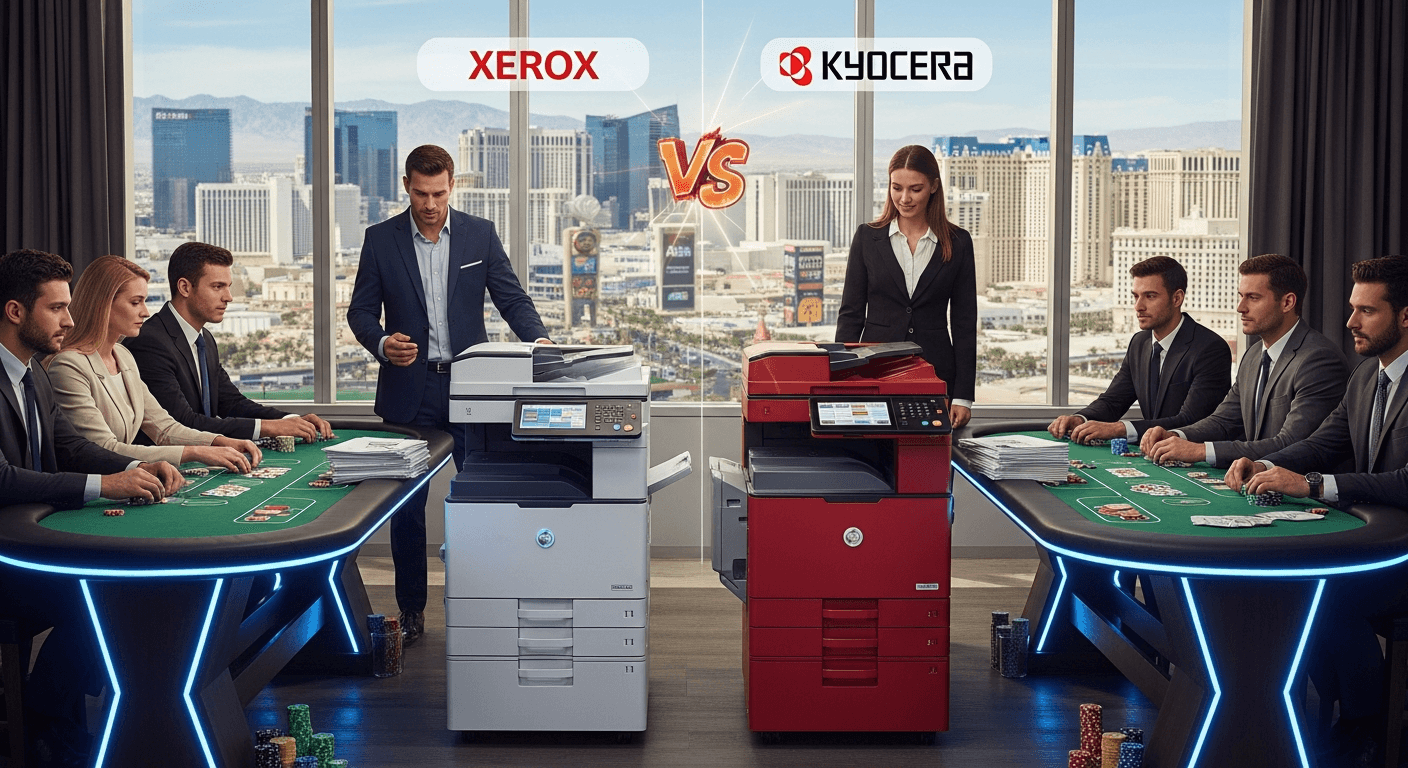
Las Vegas small and medium-sized businesses report that Kyocera copiers typically offer lower total cost of ownership and greater durability in high-volume environments. Xerox machines receive praise for superior color output quality and brand recognition, particularly among businesses serving high-end clients. Most SMBs base their choice on specific operational needs rather than brand loyalty alone.
AIS provides copiers and printers across Las Vegas and Southern California. Local businesses benefit from evaluating both brands against their actual printing volumes and quality requirements.
What are the main cost differences in Xerox vs Kyocera Las Vegas deployments?
Kyocera copiers deliver lower cost per page over the product life cycle, with most Las Vegas SMBs reporting 15-25% savings on consumables compared to equivalent Xerox models. Total ownership costs favor Kyocera for businesses printing more than 5,000 pages monthly. Service contract pricing in the Las Vegas market runs approximately $0.008-$0.012 per page for Kyocera versus $0.011-$0.016 per page for Xerox machines.
Initial purchase price comparison for business printer Las Vegas installations
Xerox copiers typically cost 10-20% more upfront than comparable Kyocera models in the same speed and feature class. A mid-range 35-page-per-minute color MFP from Xerox averages $8,500-$12,000 while similar Kyocera models range from $7,000-$10,000. Las Vegas SMBs often negotiate leasing terms that reduce the impact of initial price differences.
Long-term maintenance costs in copier reviews SMB analysis
Kyocera's long-life components require replacement less frequently, with drum units lasting up to 300,000 pages versus 100,000-150,000 for Xerox equivalents. Las Vegas service providers report lower parts costs for Kyocera machines over five-year ownership periods. According to CIO.com (https://www.cio.com), outdated equipment significantly increases maintenance expenses, making regular assessment critical for cost control.
How does print quality compare between Xerox and Kyocera for Las Vegas businesses?
Xerox copiers consistently deliver superior color accuracy and image resolution for marketing materials, with most models offering 1200x2400 dpi true resolution versus Kyocera's standard 1200x1200 dpi. Las Vegas SMBs in creative industries and professional services report choosing Xerox specifically for client-facing color documents. Kyocera machines excel in text sharpness and consistency across high-volume black-and-white printing applications.

Color reproduction standards for business printer comparison Las Vegas
Xerox devices include advanced color calibration tools and Pantone color matching capabilities that Kyocera models typically lack. Architecture and design firms in Las Vegas report noticeable differences when printing presentations and renderings. Kyocera's color output remains adequate for standard business documents and internal communications.
Text clarity and consistency in Xerox vs Kyocera Las Vegas evaluations
Both brands produce crisp text output for contracts, reports, and correspondence. Kyocera's ceramic drum technology maintains consistent toner density over longer print runs. Las Vegas legal and accounting firms report minimal quality variation between the two brands for text-heavy documents.
What do copier reviews SMB users say about reliability and downtime?
Las Vegas SMBs report lower failure rates with Kyocera copiers, particularly in models rated for 100,000+ monthly page volumes. Kyocera machines average 98% uptime in typical SMB environments versus 95-96% for comparable Xerox models. Service call frequency runs approximately 1.2 calls per year for Kyocera versus 1.8-2.2 calls annually for Xerox based on local vendor data.
Mean time between failures for business printer comparison Las Vegas
Kyocera copiers demonstrate longer mean time between failures (MTBF) due to fewer moving parts and durable ceramic components. Las Vegas businesses operating in dusty or high-temperature environments report particular reliability advantages with Kyocera models. Xerox machines perform reliably in climate-controlled office settings but show higher sensitivity to environmental factors.
Service response times and parts availability in Las Vegas market
Both brands maintain strong service networks in the Las Vegas metropolitan area with typical 4-hour response times. Parts availability favors Xerox due to larger local dealer inventory and direct regional distribution. According to Forbes (https://www.forbes.com), strategic printer management significantly reduces frustration and downtime costs.
Which brand offers better features for Xerox vs Kyocera Las Vegas SMBs?
Xerox copiers include more advanced workflow automation, mobile printing, and cloud integration features as standard equipment across their product lines. Kyocera models offer essential MFP functions reliably but require upgrades for advanced document management capabilities. Las Vegas businesses needing document management solutions typically find Xerox's native feature set more comprehensive.
Mobile and cloud capabilities in copier reviews SMB analysis
Xerox devices support Apple AirPrint, Google Cloud Print, and proprietary mobile apps without additional licensing. Kyocera requires optional software packages for equivalent mobile functionality, adding $300-$800 to system costs. Las Vegas businesses with remote workers increasingly prioritize these connectivity features.
Document workflow automation for business printer comparison Las Vegas
Xerox's ConnectKey platform includes scan-to-cloud, OCR, and automated routing functions standard on most models. Kyocera offers similar capabilities through their HyPAS platform but often at higher price points or as add-on purchases. According to Gartner (https://www.gartner.com), workflow integration capabilities significantly impact total productivity gains from MFP investments.
What do Las Vegas SMBs prioritize when choosing between these copier brands?
Las Vegas small businesses prioritize total cost of ownership (42%), reliability (31%), and print quality (27%) when selecting between Xerox and Kyocera according to local dealer surveys. Industry vertical significantly influences brand preference, with creative and hospitality businesses favoring Xerox while legal, medical, and logistics operations lean toward Kyocera. Existing managed IT services relationships also influence vendor selection.
Industry-specific preferences in Xerox vs Kyocera Las Vegas decisions
Medical and legal offices handling high volumes of black-and-white documentation report stronger satisfaction with Kyocera's cost efficiency and durability. Marketing agencies and real estate firms require Xerox's superior color reproduction for client materials. Las Vegas hospitality businesses split based on whether printing serves back-office or guest-facing functions.
Integration with existing technology infrastructure
SMBs using Microsoft 365 and cloud-based systems find Xerox's native integrations reduce implementation complexity. Organizations with on-premises servers and traditional file structures report equal satisfaction with both brands. Las Vegas businesses should evaluate copier compatibility with their specific technology infrastructure before finalizing purchase decisions.
FAQs
Which copier brand offers better value for Xerox vs Kyocera Las Vegas comparisons?
Kyocera delivers superior value for high-volume black-and-white printing with lower operating costs and longer component life. Xerox provides better value when color quality and advanced workflow features justify higher per-page costs.
What are the typical service contract costs for business printer comparison Las Vegas?
Kyocera service contracts in Las Vegas average $0.008-$0.012 per page while Xerox contracts run $0.011-$0.016 per page. Most contracts include toner, maintenance, and parts with separate charges for paper.

How long do Kyocera and Xerox copiers typically last in SMB environments?
Both brands deliver 5-7 years of reliable service with proper maintenance in typical SMB use. Kyocera models often extend to 7-9 years in lower-volume applications while Xerox machines may require more frequent component replacement after year five.
Do Las Vegas copier dealers favor one brand over the other?
Most Las Vegas dealers carry both brands, though some specialize in one manufacturer for higher service expertise and parts inventory. Independent dealers typically offer more objective comparisons than brand-exclusive representatives.
Can I switch copier brands without changing my document management system?
Modern copiers from both Xerox and Kyocera support standard protocols and can integrate with most document management systems. Migration may require reconfiguring scan destinations and user authentication but rarely necessitates replacing entire document systems.
Making the Right Decision on Xerox vs Kyocera for Your Las Vegas Business
Las Vegas SMBs achieve best results by matching copier selection to specific operational requirements rather than brand reputation alone. Kyocera delivers measurable cost advantages for high-volume operations while Xerox justifies its premium in quality-sensitive applications. Your decision should reflect actual monthly volumes, color needs, and workflow integration requirements.
Need help evaluating which copier brand fits your Las Vegas operation? Talk to an AIS technology advisor for objective comparisons based on your specific business requirements.
