

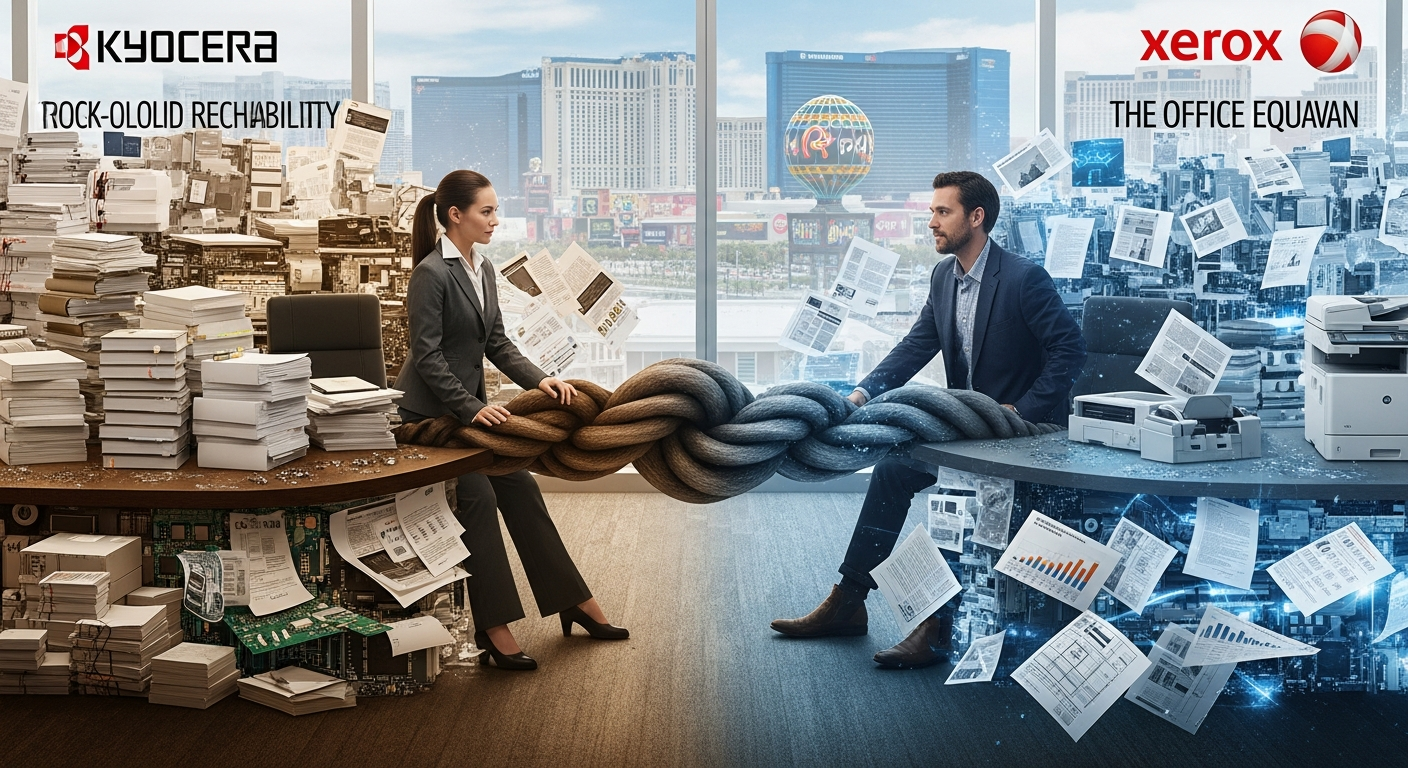
Kyocera copiers typically cost 15-30% less than comparable Xerox models for Las Vegas SMBs, with average purchase prices ranging from $2,500-$8,000 versus Xerox's $3,500-$10,000. Xerox offers faster print speeds and more advanced color reproduction, while Kyocera delivers lower cost-per-page printing at approximately 2 cents per page according to Forbes (https://www.forbes.com). Both brands provide reliable performance with network integration and cloud connectivity suitable for small to medium-sized businesses.
AIS provides copiers and printers across Las Vegas and Southern California, helping SMBs select equipment that matches their volume requirements and budget constraints.
What are the main cost differences between Kyocera and Xerox for SMB copier comparison?
Kyocera copiers deliver lower total cost of ownership through reduced maintenance expenses and longer-lasting components. Initial purchase prices favor Kyocera by 15-30%, with maintenance contracts averaging $150-$300 quarterly compared to Xerox's $200-$400. Toner costs differ significantly, with Kyocera's high-yield cartridges producing 15,000-25,000 pages versus Xerox's 10,000-20,000 pages at similar price points.

Kyocera vs Xerox Las Vegas pricing for entry-level models
Entry-level Kyocera models suitable for Las Vegas SMBs start at $2,500 for units printing 30-35 pages per minute. Comparable Xerox entry models begin at $3,500 with similar speed specifications. Lease options for both brands range from $75-$150 monthly for 36-60 month terms.
Long-term maintenance expenses in SMB copier comparison
Kyocera's ceramic drum technology eliminates drum replacement costs that Xerox users face every 100,000-150,000 pages. This difference saves Las Vegas SMBs approximately $300-$500 annually on consumables. Service contracts include toner, but Kyocera's extended intervals between technician visits reduce operational disruptions.
Which copier brand offers better reliability for Las Vegas business environments?
Xerox copiers demonstrate superior performance in high-volume environments, with monthly duty cycles reaching 150,000-300,000 pages compared to Kyocera's 75,000-150,000 pages. However, Kyocera units require fewer service calls, averaging 1.2 interventions per year versus Xerox's 2.1 according to industry data from Gartner (https://www.gartner.com). Both brands handle Las Vegas's desert climate effectively with proper environmental controls.
Uptime metrics for Kyocera vs Xerox Las Vegas installations
Kyocera copiers achieve 98-99% uptime in typical SMB environments through simplified mechanical designs. Xerox models maintain 96-98% uptime with more frequent but shorter service intervals. Mean time between failures favors Kyocera at 45,000-60,000 pages versus Xerox's 35,000-50,000 pages.
Climate considerations for Nevada office equipment
Las Vegas's low humidity environment requires humidity control systems for optimal copier performance. Both Kyocera and Xerox models include environmental sensors that adjust fuser temperatures. Xerox machines show slightly better performance in extreme conditions below 20% humidity.
What document management features distinguish these brands in SMB copier comparison?
Xerox provides more advanced native document management through ConnectKey technology, offering built-in OCR, automated workflows, and cloud storage integration. Kyocera counters with HyPAS platform customization, allowing Las Vegas SMBs to add specific applications for vertical market needs. Both systems support scanning to email, network folders, and popular cloud services including Microsoft 365 and Google Workspace.
Cloud integration capabilities for remote work support
Modern Xerox copiers include native Microsoft Teams and SharePoint connectivity without additional software. Kyocera models require third-party applications but offer more flexible customization for specialized workflows. Both brands support secure mobile printing through AirPrint, Mopria, and manufacturer-specific apps.
Security features protecting Las Vegas SMB data
Xerox implements multilayer security with automatic firmware updates and McAfee Whitelisting technology. Kyocera provides data encryption, secure print release, and comprehensive audit trails. According to NIST guidelines (https://www.nist.gov), both manufacturers meet federal security standards for document handling.
How do print speeds and quality compare for daily office tasks?
Xerox copiers excel in color reproduction with print speeds of 35-55 pages per minute for mid-range models and 1200 x 2400 dpi resolution. Kyocera prioritizes consistent monochrome output at 30-45 pages per minute with 600 x 600 dpi standard resolution. For Las Vegas SMBs printing primarily text documents, Kyocera's cost efficiency outweighs Xerox's color superiority.
Color accuracy for marketing materials
Xerox's EA-Eco toner technology delivers superior color matching for businesses producing client-facing materials. Professional color output makes Xerox preferable for real estate offices, design firms, and marketing agencies. Kyocera's color models serve well for occasional color needs at 20-30% lower operating costs.
Paper handling for varied document types
Xerox offers more paper tray configurations with capacity up to 3,500 sheets across multiple drawers. Kyocera models typically max out at 2,100 sheets but include versatile bypass trays. Both brands handle cardstock, envelopes, and legal-size paper without issues.
Which manufacturer provides better service support in the Las Vegas market?
Both Kyocera and Xerox maintain authorized service networks throughout Las Vegas with 4-hour response guarantees for priority contracts. Xerox operates a dedicated service center in Henderson, while Kyocera partners with certified local dealers. Response time data from TechRepublic (https://www.techrepublic.com) shows comparable average resolution times of 6-8 hours.
Warranty coverage and extended protection plans
Standard Xerox warranties cover one year parts and labor with optional extensions to five years. Kyocera provides three-year standard warranties on most SMB models with complimentary on-site installation. Extended service agreements for both brands cost $400-$800 annually depending on coverage level.
Parts availability and technician training
Xerox's larger market share ensures faster parts availability in Las Vegas with most components in local stock. Kyocera parts occasionally require 24-48 hour shipping from regional warehouses. Both manufacturers certify technicians through comprehensive programs, though Xerox has more certified techs in Nevada.
Training requirements and user-friendliness
Xerox copiers feature more intuitive touchscreen interfaces requiring minimal training for basic functions. Kyocera models need 30-60 minutes additional orientation for advanced features. Both brands offer online tutorials and remote support through their respective portals.
Customization options for specific workflows
Kyocera's HyPAS platform allows Las Vegas SMBs to develop custom applications for industry-specific needs. Legal offices can implement automated case file routing while medical practices add HIPAA-compliant document handling. Xerox's App Gallery provides pre-built solutions for common business processes.
Mobile device integration
Both manufacturers support iOS and Android printing through dedicated apps. Xerox Workplace Cloud enables seamless printing from any device without network configuration. Kyocera Mobile Print requires initial setup but provides broader file format support including AutoCAD drawings.
FAQs
What are the main advantages of Kyocera vs Xerox Las Vegas copier installations?
Kyocera copiers cost 15-30% less upfront and deliver lower per-page costs through longer-lasting components. Las Vegas SMBs benefit from reduced maintenance frequency and three-year standard warranties.
Which brand works better for high-volume printing in SMB environments?
Xerox handles higher monthly volumes with duty cycles reaching 300,000 pages compared to Kyocera's 150,000-page maximum. For offices printing over 10,000 pages monthly, Xerox provides better long-term performance.
How do color printing costs compare in this SMB copier comparison?
Kyocera color prints average 8-10 cents per page while Xerox ranges from 10-12 cents per page. Monochrome printing favors Kyocera at 1.5-2 cents versus Xerox's 2-2.5 cents per page.
What lease terms are available for both brands in Las Vegas?
Both Kyocera and Xerox offer 36, 48, and 60-month Fair Market Value leases through authorized dealers. Monthly payments range from $75-$350 depending on model and included service coverage.
Do these copiers integrate with existing office networks?
Both brands provide standard Ethernet and wireless connectivity with support for Windows, Mac, and Linux environments. Network setup typically requires 15-30 minutes through guided configuration wizards.

Getting the right answer on Kyocera vs Xerox Las Vegas copier selection
Las Vegas SMBs should prioritize cost efficiency with Kyocera for primarily monochrome printing or select Xerox for superior color output and higher volumes. Both manufacturers deliver reliable performance with comprehensive service support throughout Southern Nevada. Your specific document workflow, monthly volume, and budget constraints determine the optimal choice.
Selecting the right copier impacts daily productivity and operational costs for years. Talk to an AIS technology advisor to evaluate your Las Vegas office's specific requirements and compare current pricing.
