

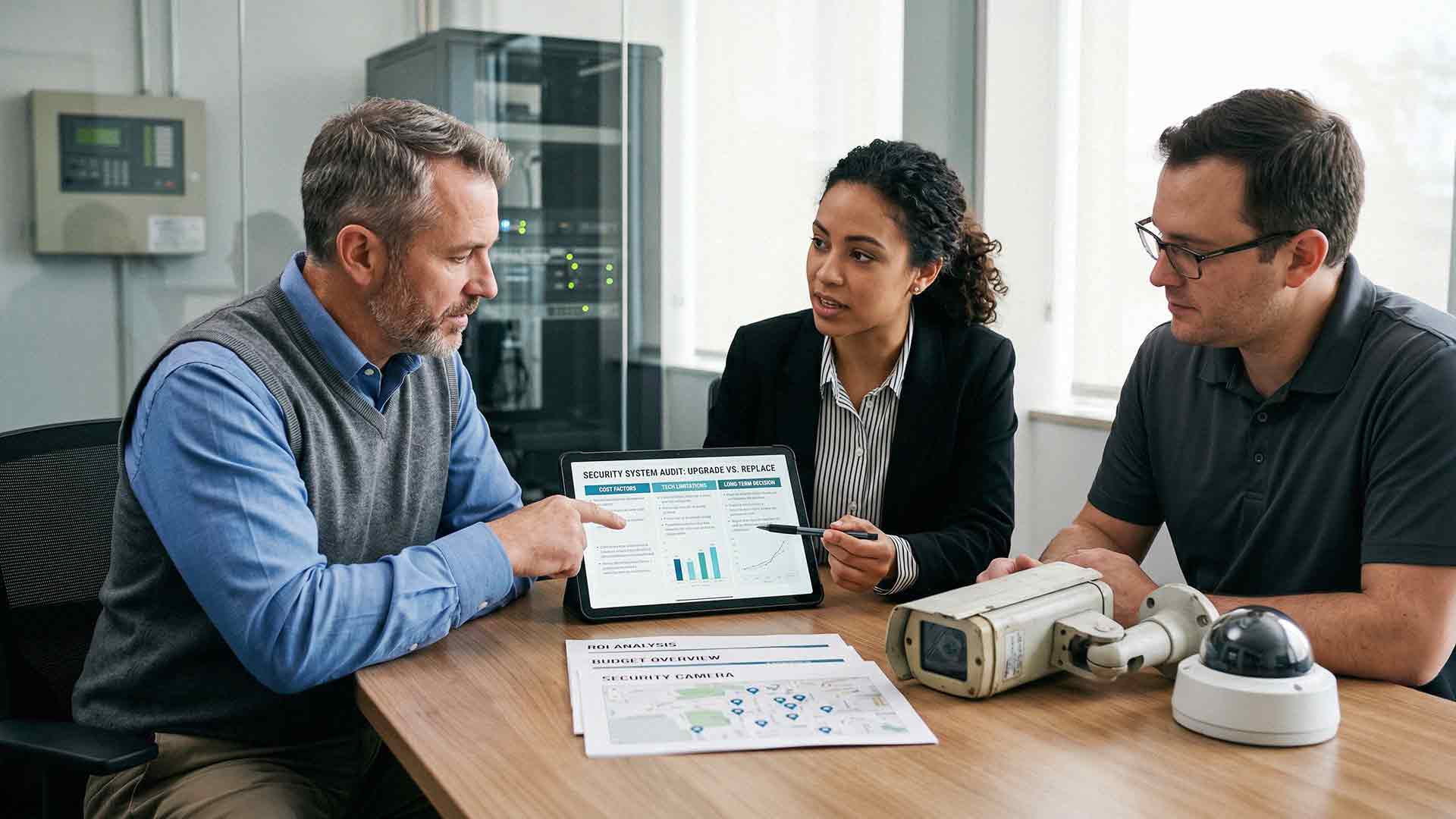
At some point, every security system starts showing its age. The cameras still record. The system still runs. On the surface, everything looks fine.
Then the small issues start. Video quality isn't quite what it used to be. Remote access feels clunky or limited. Maintenance requests start stacking up. A vendor mentions that your software is no longer supported. A new feature your team needs? Not available on your platform.
That's when the real question surfaces: do you upgrade what you have, or replace the whole system?
This isn't just a technical question — it's a business decision. Choosing the wrong path can mean wasted money, recurring frustration, and security gaps that leave your business exposed. This article will walk you through exactly how to evaluate your options so you can make the right call for your situation.
What Counts as an Upgrade vs. a Full Replacement?
Before you can decide, it helps to be clear on what each option actually involves.
An upgrade means improving specific parts of your existing system. This could include swapping out older cameras for higher-resolution models, expanding storage capacity, updating firmware or software, or adding new features your current platform supports.
A replacement means installing a new system from the ground up — new hardware, updated infrastructure, modern software, and often a new vendor relationship. Everything gets rebuilt.
The right path depends almost entirely on how well your current system can still serve your needs — today and in the next three to five years.
How Long Do Business Security Systems Typically Last?
Security systems don't last forever, and understanding the typical lifecycle helps frame your decision.
Most commercial-grade camera hardware has a functional lifespan of five to ten years, depending on usage, environment, and how well the system has been maintained. Outdoor cameras exposed to heat, dust, or moisture tend to degrade faster. Indoor units in controlled environments often last longer.
Software and firmware age even faster. Security standards evolve, new vulnerabilities are discovered, and vendors regularly stop supporting older platforms to focus development on current products. Even if your hardware is still physically functioning, an unsupported system is a liability.
In 2026, businesses are also facing increased scrutiny around cybersecurity tied to physical security infrastructure. Cloud-connected surveillance platforms, AI-driven analytics, and integration with access control systems have become standard expectations — not premium add-ons. If your system predates these capabilities, it's worth asking whether incremental upgrades can actually get you there.

Signs It Makes Sense to Upgrade Your System
Not every aging security system needs to be thrown out. Sometimes, targeted improvements deliver exactly what you need without the disruption or cost of a full replacement.
Your Core Infrastructure Is Still Solid
If your cabling, network connectivity, and recording infrastructure are in good shape, there's real value left in that foundation. Upgrading cameras or adding storage on top of a stable backbone can meaningfully improve performance.
You Need Better Camera Resolution
Camera technology has improved dramatically. If your existing system supports modern IP cameras, you may be able to swap out older units for higher-resolution models — giving you sharper image quality for identification and incident review — without touching the rest of the system.
You Want Specific Features Without Starting Over
Some platforms allow for feature expansion through software updates or add-on modules. If your current system supports improved remote access, cloud storage, or basic analytics, targeted upgrades can extend its useful life without the cost of a full rebuild.
Budget Constraints Make a Full Replacement Impractical Right Now
Phased upgrades let you spread costs over time. Instead of a large upfront capital expense, you improve the system in stages. This approach makes sense when the existing system still has real value — just not when you're stacking repairs on top of a platform that's already failing.
Signs It's Time to Replace Your Security System
There's a point where upgrading stops making sense. Here are the clearest signals that a full replacement is the smarter long-term move.
Your System Is No Longer Supported
When a vendor ends support for a platform, updates stop — including security patches. An unsupported system grows more vulnerable with each passing month. This is one of the most concrete reasons to replace rather than repair.
You're Dealing With Recurring Downtime and Failures
If your team is constantly troubleshooting cameras going offline, footage gaps, or hardware failures, the repair costs and lost time often exceed the cost of a new system over 12 to 24 months. Unreliable security isn't really security.
Your System Can't Integrate With Modern Tools
Modern businesses expect their physical security to work in concert with access control, alarm systems, visitor management platforms, and cloud-based dashboards. If your current system is an island — unable to connect with anything else — that's a significant operational and security limitation. Trying to bolt integrations onto a legacy system that wasn't designed for them rarely ends well.
Video Quality Can't Be Fixed With a Camera Swap
Older analog systems and some early IP platforms have inherent resolution ceilings. If the system architecture itself limits image quality — not just the cameras — upgrading cameras won't solve the problem. You need a new foundation.
The Infrastructure Itself Is Outdated
Some older systems rely on coaxial cabling, proprietary hardware, or recording equipment that simply isn't compatible with modern technology. In these cases, upgrading individual components is like replacing the engine in a car with a cracked frame. You're solving the wrong problem.
Cost Comparison: Upgrade vs. Replace
This is where a lot of businesses get tripped up. Upgrades *look* cheaper on paper. Replacing a handful of cameras or adding a storage drive costs less than a full system installation. That's true.
But the math changes when you look at the full picture.
- If you're upgrading components every year or two, those costs accumulate — often without delivering the performance or integration you actually need.
- Recurring maintenance on aging hardware adds up fast, both in parts and in labor.
- Security gaps during downtime carry their own risk. One incident that could have been caught on clearer, more reliable footage can cost far more than a replacement system ever would.
A full replacement typically carries a higher upfront cost, but it resets the clock on reliability, support, and compatibility. For many businesses, the total cost of ownership over five to seven years favors replacement over repeated incremental upgrades.
The right approach is to evaluate total cost — not just immediate expense. Ask your vendor to model both scenarios side by side before you decide.
Technology Advancements Worth Knowing About in 2026
Security technology has moved quickly. If you're evaluating your system right now, here's what the current standard looks like:
- AI-powered analytics — Modern systems can detect motion patterns, flag unusual behavior, identify license plates, and generate alerts without manual monitoring. This isn't a premium feature anymore; it's increasingly standard.
- Cloud-managed platforms — Systems like Verkada allow administrators to view footage, manage permissions, and respond to alerts from anywhere, without complex on-site server infrastructure.
- Hybrid cloud storage — Local storage combined with cloud backup provides redundancy and eliminates single points of failure.
- Seamless access control integration — Cameras and door access now work together in unified dashboards, giving you a complete picture of who is where and when.
- Cybersecurity hardening — Modern platforms are built with encrypted data transmission, role-based access, and automatic firmware updates to reduce vulnerability.
If your current system doesn't support most of these capabilities, it's not just outdated — it's a real disadvantage when it comes to protecting your business.
How to Make the Decision: A Simple Framework
When you're sitting down to evaluate your options, work through these questions:
1. How old is the system? If it's over seven years old, replacement is usually the right conversation.
2. Is the platform still supported? If not, replace it.
3. What's the cost of your last 12 months of repairs and maintenance? If it's significant, run a full-replacement cost comparison.
4. Can your current system integrate with modern tools? If not, upgrades will always leave you with gaps.
5. What are your security requirements today vs. three years ago? If they've grown, make sure your system has grown with them.
6. What does your vendor recommend? An honest assessment from a trusted provider — not just a sales pitch — goes a long way.
At AIS, we walk businesses through this exact framework before recommending anything. Our goal is to help you make the right decision for your situation, not to sell you a system you don't need.
FAQ: Upgrading vs. Replacing Your Business Security System
How do I know if my security system is too old to upgrade?
If your system is more than seven years old, is no longer receiving vendor support, or relies on infrastructure that isn't compatible with modern cameras and software, it's likely past the point where upgrades make financial sense. A qualified security provider can assess your current system and give you an honest recommendation.
Is it always more expensive to replace a security system than to upgrade it?
Not necessarily. While replacement has a higher upfront cost, repeated upgrades on an aging system often cost more over time when you factor in labor, parts, and ongoing maintenance. Running a total cost of ownership comparison for both options gives you a much clearer picture.
Can I keep my existing cameras and just upgrade the recording software?
In some cases, yes — particularly if you're using IP cameras that are compatible with modern video management software (VMS). However, if your cameras are older analog units or low-resolution models, upgrading the software alone won't fix the underlying performance issues.
What's the risk of sticking with an unsupported security system?
Significant. Unsupported systems stop receiving security patches, which makes them vulnerable to cyberattacks. In 2026, physical security systems that are connected to your network — cameras, access control panels, cloud platforms — are increasingly targeted as entry points for broader network breaches.
How long should a new commercial security system last?
A well-maintained modern system should deliver reliable performance for seven to ten years on the hardware side. Cloud-managed platforms with automatic firmware updates tend to stay current longer than on-premise systems with manual update requirements.
What's the difference between cloud-managed and traditional on-premise security systems?
Traditional systems store footage locally on a DVR or NVR and require on-site management. Cloud-managed systems — like those from Verkada — store footage in the cloud, allow remote access from any device, and push automatic updates. Cloud-managed platforms are generally easier to manage, more scalable, and more resilient to on-site hardware failures.

How does AIS help businesses decide between upgrading and replacing?
AIS conducts a full assessment of your current system — hardware age, support status, integration capabilities, and total maintenance costs — before making any recommendation. We're not interested in selling you a new system if your existing one still has value. If replacement is the right call, we'll show you exactly why and what the investment looks like.
Ready to Find Out Where Your System Stands?
You don't have to guess whether your security system is worth upgrading or ready to be replaced. A straightforward assessment from an experienced provider can answer that question quickly — and save you from making a costly mistake in either direction.
AIS works with businesses across Las Vegas, Southern California, and surrounding regions to evaluate, upgrade, and implement security systems that actually protect what matters. Our team includes dedicated account managers, 24/7 local support, and a track record built on long-term client relationships — not one-time transactions.
Schedule a Free Consultation and let's take a look at what you're working with.
Or if you have a quick question, Contact AIS Today — we're happy to help you think through your options before you commit to anything.
