

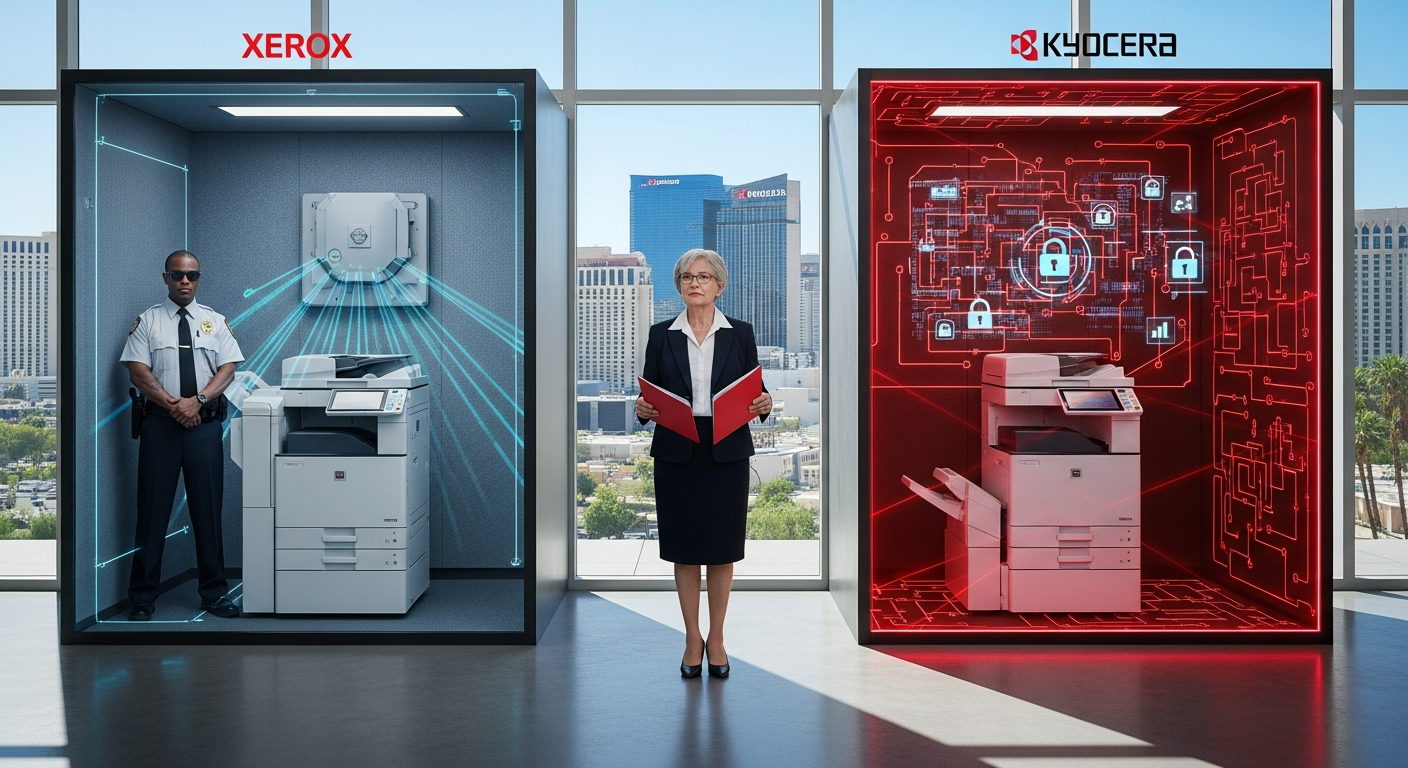
Both Xerox and Kyocera deliver enterprise-grade security suitable for Las Vegas law firms handling confidential client information.
Xerox excels in third-party security certifications and advanced authentication features, while Kyocera offers comparable protection at lower total cost of ownership. Both brands earned identical 4.7 out of 5 ratings from Gartner Peer Insights for managed print services, reflecting strong user satisfaction with security capabilities.
AIS provides copiers and printers across Las Vegas and Southern California with specialized support for legal practices requiring strict document confidentiality.
What security features do Xerox copiers offer for law firm copier choice?
Xerox copiers provide multi-layer security architecture including 256-bit AES encryption for data at rest and in transit, automated firmware verification, and secure boot processes.
Most Xerox multifunction devices include mandatory user authentication, automatic hard drive overwrite, and integration with Active Directory for centralized access control. According to Gartner (https://www.gartner.com), Xerox Managed Print Services maintains a 4.7 out of 5 rating based on 137 user reviews.
Xerox encryption and hard drive security for copier security
Xerox devices use automatic image overwrite technology that erases temporary data after each job completes. The system performs multiple-pass overwriting that meets DOD 5220.22-M standards for data sanitization.
Enterprise Xerox models include self-encrypting hard drives certified to FIPS 140-2 standards. This hardware-based encryption protects stored documents even if someone physically removes the drive.

Xerox authentication methods in Xerox vs Kyocera Las Vegas comparison
Card-based authentication systems allow law firms to issue proximity cards or smart cards for device access. Users must present credentials before the copier accepts print, scan, or copy commands.
Xerox supports mobile device authentication through NFC technology and biometric options. Fingerprint readers prevent unauthorized access to confidential legal documents at the device level.
What makes Kyocera copiers secure for law firm document protection?
Kyocera copiers feature Data Security Kit (E) as standard equipment on most business-class models, providing AES 256-bit encryption and automatic data overwrite after print jobs.
Kyocera devices include secure boot verification, TPM security chips, and department-level access controls with detailed audit trails. Gartner Peer Insights (https://www.gartner.com) rates Kyocera Document Solutions Managed Print Services at 4.7 out of 5 based on 75 reviews.
Kyocera encryption standards for copier security
The Data Security Kit encrypts all data written to the hard drive during normal operations. Kyocera performs automatic overwrite using the device's default settings without requiring manual configuration.
Kyocera's Trusted Platform Module (TPM) stores encryption keys in dedicated hardware separate from the main storage. This prevents key extraction even during sophisticated physical attacks.
Kyocera access control in law firm copier choice decisions
Department codes restrict device access to authorized personnel and track usage by practice area. Las Vegas law firms can assign separate codes for litigation, corporate, and family law departments.
Kyocera supports LDAP and Kerberos authentication for seamless integration with existing Windows networks. Single sign-on capabilities eliminate separate copier passwords while maintaining security audit trails.
How do Xerox and Kyocera compare on document security certifications for Las Vegas law firms?
Xerox holds more third-party security certifications including Common Criteria EAL3+ and FIPS 140-2 validation for cryptographic modules, while Kyocera meets ISO/IEC 15408 security standards.
Both manufacturers comply with HIPAA technical safeguards applicable to law firms handling medical litigation documents.
Xerox typically undergoes more frequent independent security audits, providing additional assurance for firms with strict compliance requirements.
Common Criteria certification in Xerox vs Kyocera Las Vegas evaluation
Xerox devices carry Common Criteria EAL3+ certification for network security and hard drive encryption. This internationally recognized standard validates that security features function as documented.
Kyocera achieves ISO/IEC 15408 compliance through Common Criteria evaluation at EAL2 level. While lower than Xerox's EAL3+ rating, this still represents independent verification of security claims.
Industry-specific compliance for law firm copier choice
Both brands support HIPAA technical safeguards including access controls, audit logs, and encryption. Las Vegas law firms handling personal injury or medical malpractice cases benefit from these healthcare-grade protections.
ABA cybersecurity requirements emphasize reasonable security measures for client confidentiality. Both Xerox and Kyocera provide documented security features supporting attorney ethical obligations under Nevada Rules of Professional Conduct.
What are the cost differences between Xerox and Kyocera copiers for Las Vegas law offices?
Kyocera copiers typically cost 15-25% less for equivalent security features compared to Xerox models, with lower per-page costs for black-and-white printing. A mid-range Kyocera with full security features costs $8,000-$12,000 versus $10,000-$15,000 for comparable Xerox devices. However, Xerox often provides more comprehensive managed print service packages that may reduce total cost of ownership for larger Las Vegas law firms.
Initial purchase price for copier security equipment
Kyocera upfront costs run lower because security features come standard rather than as add-on modules. Las Vegas law firms avoid separate charges for encryption and authentication capabilities.
Xerox sometimes charges for premium security packages on base models. However, enterprise-level Xerox devices include comprehensive security as standard equipment comparable to Kyocera's approach.
Operating costs in Xerox vs Kyocera Las Vegas comparison
Kyocera maintenance costs average $50-$75 per month for business-class devices with security features. Long-life components reduce technician visits and replacement part expenses.
Xerox per-page costs range from $0.01-$0.015 for black-and-white and $0.08-$0.12 for color printing. Kyocera typically runs $0.008-$0.012 for monochrome, offering savings for document-heavy law practices.
Which brand offers better support for Las Vegas law firms requiring copier security?
Xerox provides more extensive local support infrastructure in Las Vegas with dedicated technicians and same-day response for enterprise clients, while Kyocera relies on authorized dealer networks with 24-48 hour typical response times.
Both brands offer remote monitoring and automated supply replenishment. Xerox's managed print services received higher ratings specifically for security configuration support according to Gartner user reviews.
Las Vegas service availability for law firm copier choice
Xerox maintains direct service centers in the Las Vegas metropolitan area with factory-trained technicians. Law firms get priority scheduling for security-related service calls.
Kyocera operates through authorized dealer networks including regional providers serving Nevada. Response times vary based on dealer capacity and location relative to law firm offices.
Security configuration support in copier security implementations
Xerox managed print services include dedicated security assessments and configuration consulting. Technicians help Las Vegas law firms implement user authentication, audit logging, and encryption policies aligned with legal industry requirements.
Kyocera dealers provide basic security setup as part of installation. Advanced configuration for complex authentication scenarios may require additional consulting fees or internal IT resources.
FAQs
Do Xerox vs Kyocera Las Vegas dealers support ABA cybersecurity compliance?
Both brands provide security features supporting ABA Model Rule 1.6(c) requirements for reasonable data protection efforts. Law firms should document copier security configurations as part of overall cybersecurity policies.
Can law firm copiers integrate with existing network security systems?
Yes, both Xerox and Kyocera support Active Directory integration, LDAP authentication, and VLAN segmentation. This allows copiers to operate within established network security architectures.
How often should law firms update copier security firmware?
Manufacturers recommend quarterly security updates at minimum, with immediate patches for critical vulnerabilities. Both Xerox and Kyocera provide automated firmware update notifications.
What happens to document data when law firms dispose of old copiers?
Both brands offer certified hard drive destruction services or complete overwrite programs meeting NIST SP 800-88 guidelines. Las Vegas law firms should obtain certificates of data destruction.
Are cloud-connected copiers secure enough for law firm copier choice?
Modern cloud features from both manufacturers use TLS 1.2+ encryption and support private cloud deployments. Law firms should review cloud service agreements for data residency and security commitments.

Making the right copier security choice for your Las Vegas law firm
Xerox delivers superior third-party certifications and more extensive Las Vegas support infrastructure, making it ideal for large firms with complex compliance requirements. Kyocera provides equivalent practical security at lower cost, fitting mid-size practices prioritizing value.
Both brands meet fundamental document security needs for legal work, with identical 4.7 Gartner ratings validating user satisfaction. Your choice depends on budget, support preferences, and specific certification requirements.
Ready to evaluate copier security for your practice? Talk to an AIS technology advisor for personalized recommendations based on your firm's size, practice areas, and compliance requirements.
